Logitech video collaboration · Sydney and NSW

Logitech room solutions built for meetings that simply work.

Masters Voice Technology provides Logitech video conferencing installation in Sydney for huddle rooms, meeting rooms, boardrooms, training spaces and multi-site workplace environments.

We bring together Logitech Rally Bar systems, Tap controllers, professional displays, room scheduling, network infrastructure, commissioning, user training and ongoing AV support through one accountable project team.

Huddle to large rooms Teams · Zoom · Google Meet Design · Install · Support
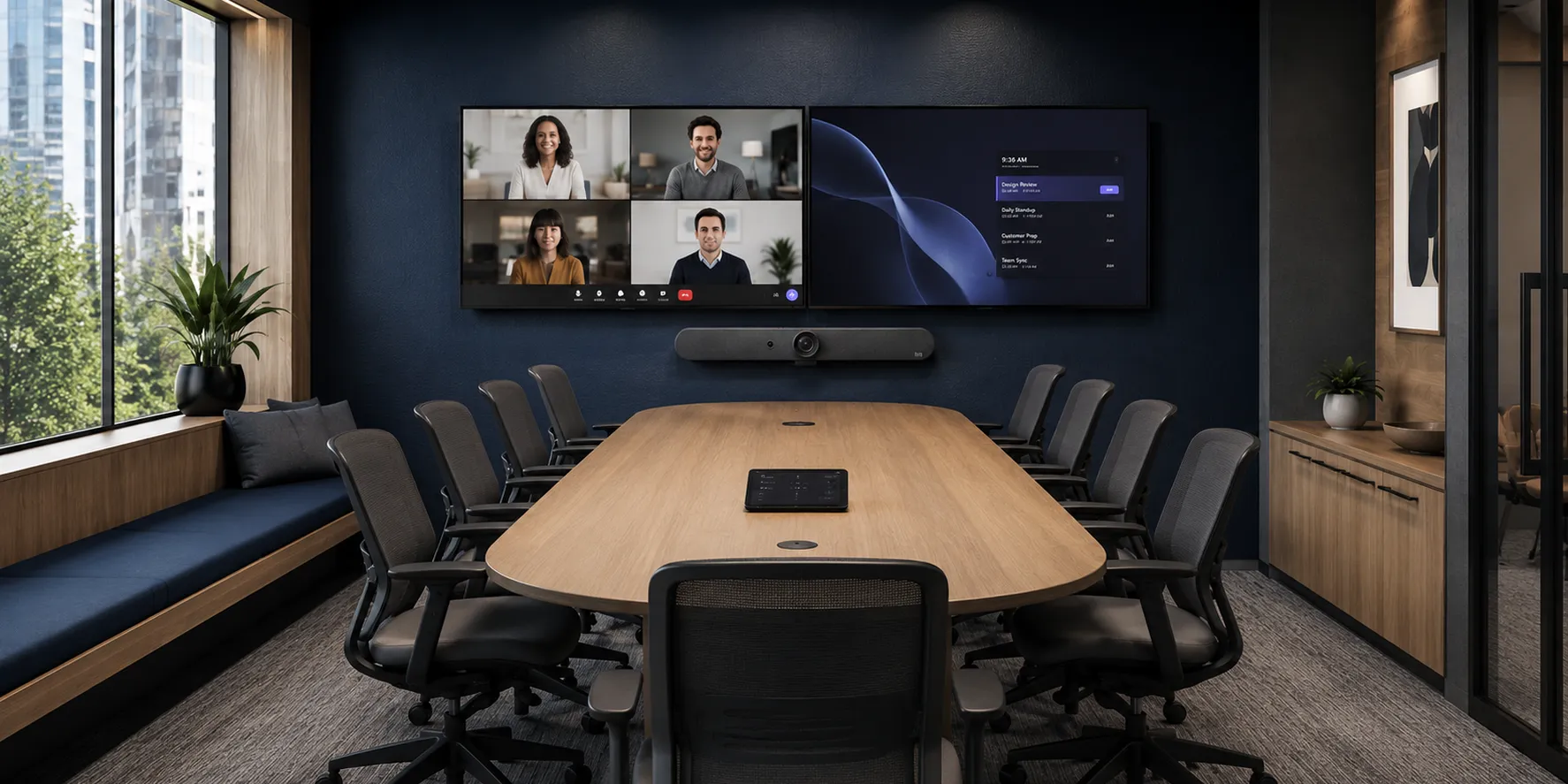
Corporate meeting room with Logitech video conferencing installed by Masters Voice Technology
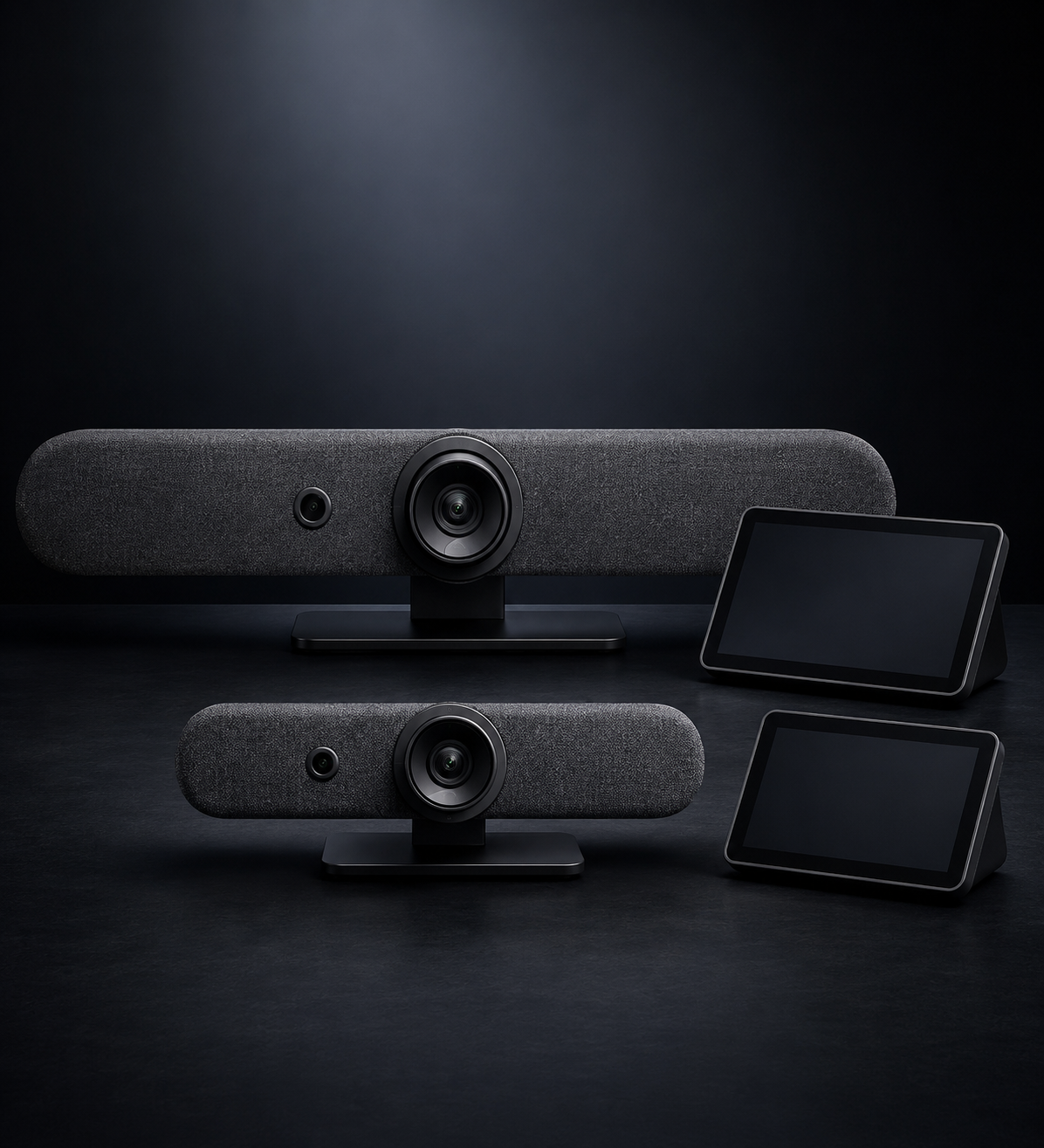
Logitech Rally Bar and Tap IP meeting room solution
Rally Bar + Tap IP Integrated meeting-room workflow
Why organisations choose Logitech

A consistent meeting experience without unnecessary room complexity.

Logitech room systems can provide a clean, familiar video conferencing experience across different room sizes. The best result comes from combining the products with appropriate displays, mounting, acoustics, cabling, networking and ongoing support.

Simpler room operation

Shared room controllers can present scheduled meetings, meeting controls and content-sharing functions through a consistent interface.

Clean all-in-one design

Rally video bars combine camera, microphone and loudspeaker capabilities within a compact front-of-room device, reducing visible equipment and cabling.

Scalable room standards

Organisations can develop related room standards for huddle spaces, meeting rooms and larger collaboration environments rather than designing every room from the beginning.

Intelligent participant framing

Compatible Logitech systems can use automated framing and audio processing to improve how in-room participants are presented to remote attendees.

Flexible platform options

Suitable systems can be configured for Microsoft Teams, Zoom, Google Meet or laptop-based BYOD workflows, subject to current product and platform compatibility.

Remote device visibility

Logitech Sync can assist technology teams with compatible device inventory, configuration, updates and room-health visibility across larger deployments.

Systems by room type

Match the Logitech system to the room—not just the seat count.

Room capacity provides a starting point. Camera distance, table shape, room acoustics, ceiling height, daylight, displays and the collaboration platform should all be reviewed before equipment is selected.

Logitech Rally Bar Huddle and Tap IP
Up to approximately 6 people

Rally Bar Huddle

A compact all-in-one solution for small huddle rooms, focus rooms and smaller collaboration spaces.

  • Single-display room layouts
  • Compact front-of-room installation
  • Appliance, room-PC or laptop workflows
  • Optional Tap IP room controller
Logitech Rally Bar Mini and Tap IP
Up to approximately 12 people

Rally Bar Mini

A practical option for small and medium meeting rooms requiring stronger coverage than a compact huddle-room camera.

  • Single or compatible dual-display layouts
  • Integrated camera, microphones and speakers
  • Optional Rally Mic Pod expansion
  • Suitable for standardised room deployments
Logitech Rally Bar and Tap IP
Up to approximately 20 people

Rally Bar

An all-in-one video bar intended for medium and larger meeting rooms requiring greater camera and audio capability.

  • Medium and larger meeting rooms
  • Compatible dual-display environments
  • Expandable microphone coverage
  • Can integrate with enhanced room audio
Logitech Rally Board 65 interactive collaboration display
Interactive collaboration

Rally Board 65

An integrated 65-inch touchscreen collaboration system for project rooms, creative spaces, open collaboration areas and flexible meeting environments.

  • Integrated 4K touchscreen display
  • Built-in camera, microphones and speakers
  • Wall, credenza or mobile-cart options
  • Android, dedicated PC or BYOD deployment

Room sizes are indicative vendor guidance, not an automatic design rule. Larger boardrooms, divisible rooms and acoustically difficult spaces may require distributed microphones, professional DSP audio, additional cameras or a modular conferencing system.

Extend the meeting experience

Cameras, booking panels, whiteboard capture and remote management.

Logitech deployments can extend beyond the front-of-room video bar. The supporting devices should be selected around the room workflow, furniture, collaboration platform and long-term support requirements.

Logitech Sight tabletop camera coverage in a meeting room
Meeting equity

Logitech Sight

A centre-of-table companion camera that can improve views of participants seated further from the front-of-room camera.

Logitech Tap Scheduler meeting room booking panel
Room scheduling

Tap Scheduler

A purpose-built panel positioned outside the meeting room to display availability and support compatible room-booking workflows.

Logitech Scribe whiteboard camera and installation components
Whiteboard capture

Logitech Scribe

A dedicated whiteboard camera that brings physical drawings, notes and diagrams into compatible video meetings.

Logitech Sync device management interface
Device management

Logitech Sync

A management platform for compatible Logitech room devices, including inventory, configuration, updates and room-health visibility.
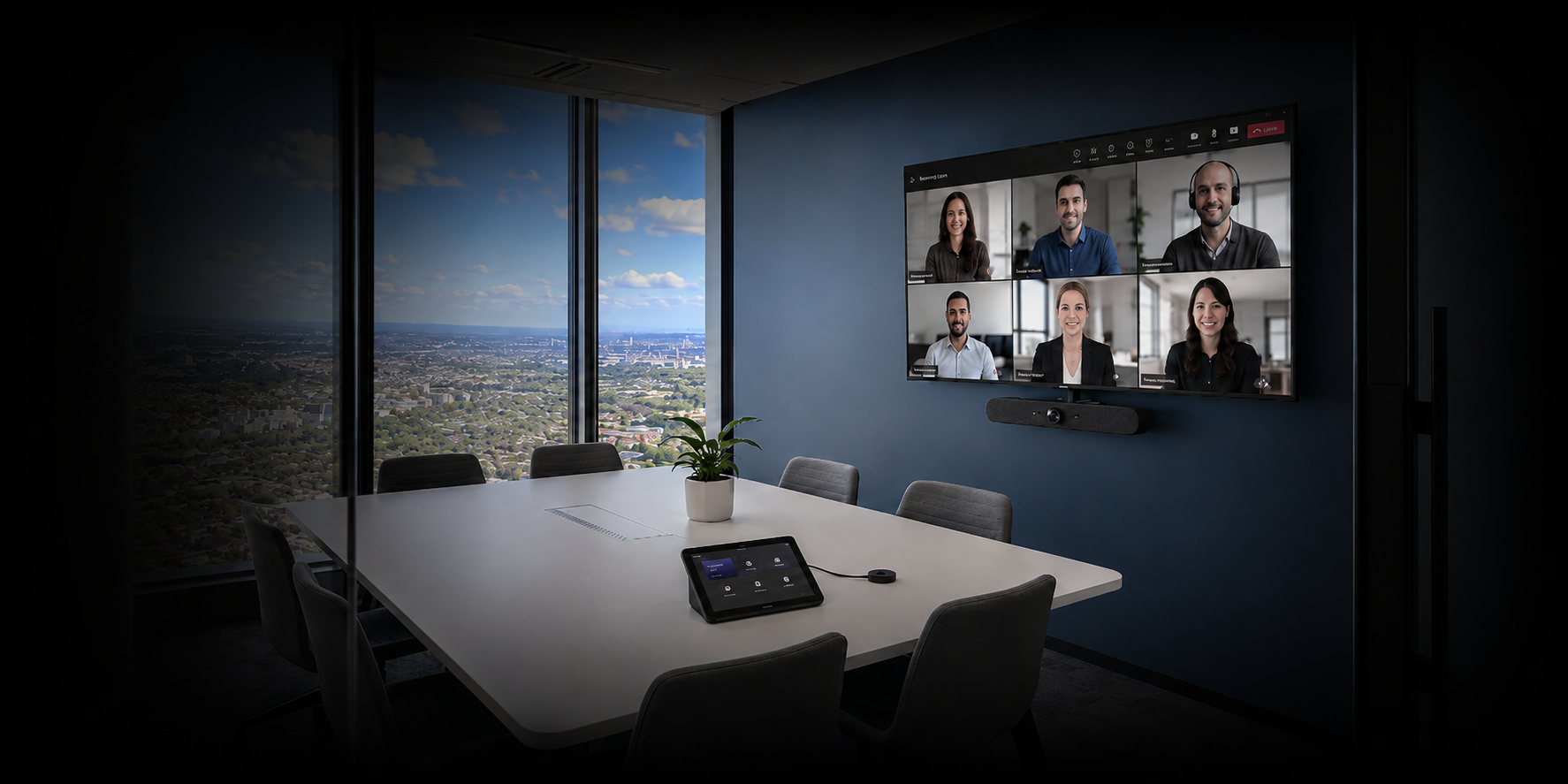
Logitech Rally Bar Mini installed in a Masters Voice Technology meeting room
Professional room integration Displays, camera placement, cabling and user workflow coordinated as one meeting-room system.
The installation advantage

The hardware is only one part of a dependable meeting room.

Masters Voice Technology considers the complete room rather than supplying a video bar in isolation. The installation can include professional AV, electrical, communications, platform configuration, testing and ongoing support.

  • Room assessment covering capacity, layout, acoustics, lighting, camera distance and display visibility.
  • Suitable wall, display, table, riser or equipment mounting with practical cable management.
  • New power, network outlets, structured cabling and equipment pathways where required.
  • Configuration for Microsoft Teams, Zoom, Google Meet or approved BYOD workflows.
  • Integration with commercial displays, wireless presentation, room scheduling and compatible control systems.
  • Live meeting tests, audio checks, camera verification, commissioning and user acceptance testing.
  • User training, quick-start information, documentation and an optional managed support pathway.
Logitech video conferencing room delivered for British American Tobacco Australia
Completed corporate AV project

Logitech meeting rooms and flexible training AV for BAT Australia.

Masters Voice Technology delivered an integrated workplace solution across fixed meeting rooms and divisible training spaces at the Parramatta office.

Logitech Rally Bar, Rally Bar Mini and Tap controllers provide a consistent meeting workflow, while Q-SYS coordinates audio, cameras, displays and automatic room-combine operation across the training environment.

Four connected spaces Meeting rooms and divisible training rooms
Rally Bar family Room-specific video bars selected by space
Logitech Tap A familiar meeting control workflow
Q-SYS integration Audio, cameras, displays and room combining
From assessment to support

A practical pathway to a standardised Logitech room deployment.

The process can support one new meeting room, an existing room upgrade or a standardised multi-site rollout across different room types.

01 · ASSESS

Understand the room

Review room dimensions, users, platform requirements, network, power, furniture, acoustics, lighting and existing equipment.

02 · DESIGN

Select the system

Match the Logitech hardware, displays, microphones, scheduling, content sharing and infrastructure to the required room outcome.

03 · INSTALL

Build and configure

Complete mounting, power, data, cabling and device installation, followed by platform configuration and room-system integration.

04 · SUPPORT

Test, train and maintain

Test live calls, provide user handover and documentation, and establish the appropriate fault-response or managed support plan.

Logitech room system FAQs

Questions about Logitech video conferencing installation.

Which Logitech system is suitable for a small meeting room?
Rally Bar Huddle is intended for huddle and small rooms, while Rally Bar Mini can suit small and medium rooms requiring greater coverage. The final choice should consider camera distance, table layout, display size, acoustics and the required meeting platform.
Can Logitech Rally Bar systems be used with Microsoft Teams Rooms?
Suitable Logitech Rally Bar room solutions can support Microsoft Teams Rooms, subject to the selected deployment mode, current Microsoft certification, licensing and hardware configuration. Masters Voice Technology can coordinate the room AV installation and platform configuration requirements.
Can a Logitech meeting room also support Zoom or Google Meet?
Logitech offers room solutions for leading collaboration platforms, including Microsoft Teams, Zoom and Google Meet. Platform support and available features vary by device, operating mode and current certification, so compatibility should be confirmed during design.
Do you install the displays, power and network cabling?
Yes. Masters Voice Technology can coordinate the commercial displays, equipment mounting, licensed electrical work, structured communications cabling, AV installation, testing and commissioning through one project team.
Can Logitech be integrated with Q-SYS or another AV control system?
Larger meeting rooms, boardrooms and divisible spaces can require additional audio processing, microphones, loudspeakers, cameras or control. Suitable Logitech conferencing hardware can form part of a wider Q-SYS, Crestron, Extron or other professionally designed AV environment.
Do you provide ongoing support for Logitech meeting rooms?
Yes. Support can include user assistance, fault diagnosis, onsite attendance, firmware planning, preventative maintenance, room-health checks, documentation and lifecycle planning. The service level can be matched to the number and operational importance of the rooms.