AV hardware
- Commercial displays or projection
- Video conferencing camera or video bar
- Microphones and loudspeakers
- Room controller or touchscreen
- Wireless and wired presentation
- DSP and acoustic echo cancellation
- Equipment racks and mounting hardware

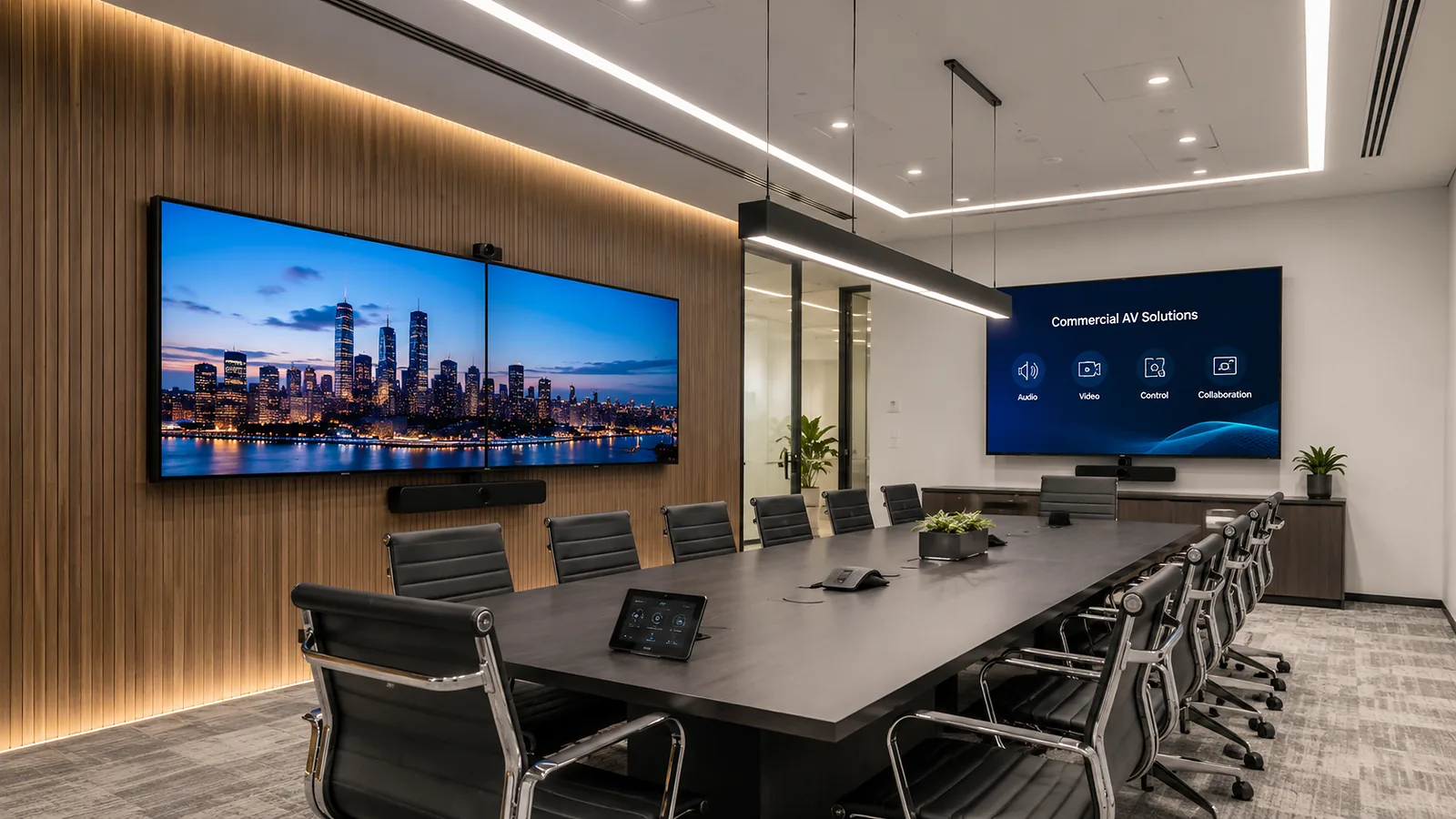
Corporate AV Budget Guide · Sydney 2026
Meeting room AV costs in Sydney typically start around $4,500 for a straightforward BYOD huddle room, with native Teams Rooms commonly starting from about $8,000. Executive boardrooms and divisible training spaces can range from $30,000 to $150,000+. This guide explains equipment, installation, cabling, programming and the factors that change the final project price.
Important: The figures in this guide are planning allowances, not fixed quotations. Room dimensions, platform, infrastructure, equipment availability, building conditions and project timing must be assessed before an accurate price can be provided.
Quick Budget Answer
As a practical starting point, organisations can use the following budget ranges when planning a professional meeting room AV system . Each estimate assumes commercial-grade equipment, professional installation, testing and basic user handover.
| Room type | Typical capacity | Indicative installed budget | Typical solution |
|---|---|---|---|
| Basic BYOD huddle room | 2–6 people | $4,500–$8,000 | Single display, commercial video bar, laptop USB and HDMI connection, wall mounting, basic cabling and configuration. |
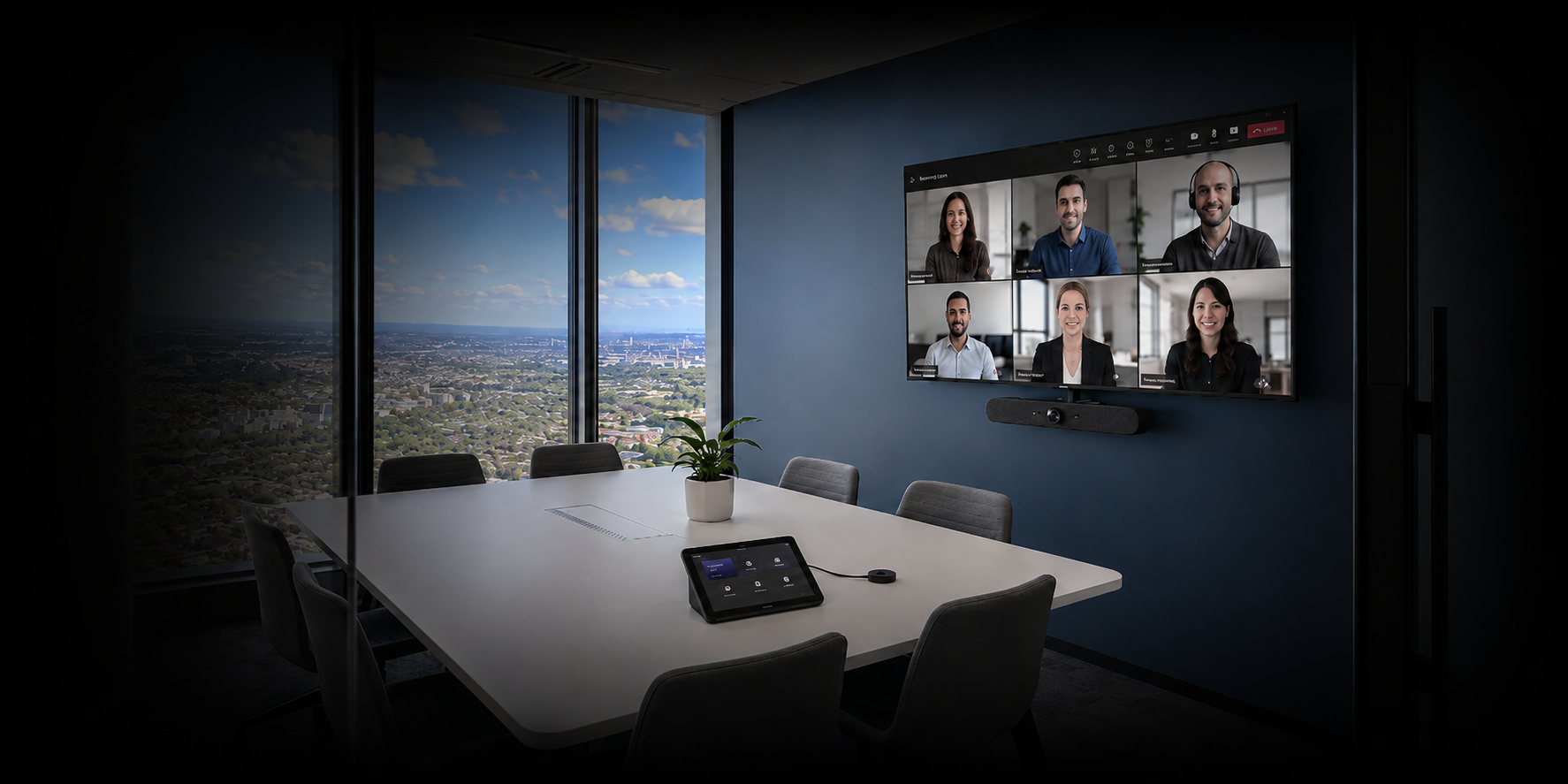
| Small native Teams Room | 4–8 people | $8,000–$15,000 | Commercial display, certified video bar, room controller, one-touch join, mounting, network connection and commissioning. |
| Medium meeting room | 8–14 people | $15,000–$30,000 | Larger or dual displays, professional camera, improved microphone coverage, content sharing, room control and additional infrastructure. |
| Executive boardroom | 10–24 people | $30,000–$65,000 | Dual displays, DSP audio, ceiling microphones, distributed speakers, professional cameras, touchscreen control, programming and detailed commissioning. |
| Divisible training space | 20–80+ people | $60,000–$150,000+ | Multiple displays, cameras, presentation audio, wireless microphones, DSP, room-combine automation, control programming and flexible independent or combined operation. |
These estimates exclude GST. Major building work, furniture, acoustic construction, enterprise network upgrades, licences and ongoing support agreements may be additional unless specifically included. For a site-specific budget, see our Boardroom AV Sydney solutions or request a consultation.
Scope guidance reviewed 8 October 2026. Match the room's meeting workflow and listed inclusions before using a range. Then identify retained equipment, new power and data work, access conditions and any extra functionality. These broad allowances do not replace a current equipment schedule and itemised site quotation.
Keep four amounts visible when comparing proposals: equipment; installation and commissioning; infrastructure and building work; and recurring licences and support. State GST, exclusions, provisional items and the quotation's validity period separately.
Scope Before Equipment
A useful quotation should cover the complete working room, not only a camera and display. Masters Voice Technology coordinates commercial AV integration, electrical infrastructure and structured communications cabling through one project-delivery model.
Illustrative scope example
Use this example to request comparable quotes. It is a planning scenario, not a completed client project or a priced equipment package.
One suitable commercial display, a certified room system and controller, mounting and an agreed content-sharing connection. Confirm camera and audio coverage against the actual room.
Installation, cable termination, device configuration, IT coordination, commissioning, documentation and user handover. State whether removal of old equipment and after-hours work are included.
Confirm display power, network access, cable routes and wall support. Price any missing works separately and identify who supplies and configures the network connection.
List the room licence, optional booking-panel service and agreed AV support separately from the installation. Compare annual totals, inclusions and renewal terms.
For a room that matches the small native Teams Room scope above, use the existing $8,000–$15,000 ex-GST allowance only as an initial planning range. Confirm the final amount after the room assessment. First decide Teams Rooms or BYOD; use the standardisation guide when planning several rooms.
Complete Project Scope
Equipment-only pricing can appear attractive because it excludes much of the work required to turn the products into a reliable room. These items should be checked before comparing quotations.
Coordinating audio visual installation, electrical work and communications cabling through one team can reduce gaps between the AV design and its supporting infrastructure.
Whole-of-Life Budget
The installation cost is only one part of the room's lifecycle. Software licensing, management, maintenance and future replacement should be considered before the project is approved.
Checked 8 October 2026: Teams Rooms Basic has no additional licence charge for up to 25 eligible certified room systems per organisation. Teams Rooms Pro is listed at AU$59.90 per room/month, paid yearly, excluding GST. Confirm the required features and final licence with your Microsoft administrator or licensing partner.
A room-booking panel normally requires the scheduling device, mounting, PoE network connection, calendar integration, configuration and testing. Additional workplace-management software may have separate subscription costs. Teams Rooms Basic does not license Teams Panels; confirm the correct panel or room licence for the proposed setup.
Support may include help desk access, remote diagnostics, preventative maintenance, firmware management, onsite response, user assistance, asset records and system-health reporting.
Learn why managed AV support is becoming essential for Sydney workplaces .
Procurement Options
Some organisations prefer to purchase the complete system as a capital project. Others want installation, support and future refresh included within a predictable operating-cost model.
Contact Our Team
Tell us about your organisation, site, existing technology and project requirements. Our team can assist with commercial audio visual design, installation, electrical and communications works, system upgrades, maintenance and managed support.
Project Enquiry
Use our project enquiry form to share your requirements and optional supporting files.
Prefer to speak with us? Call 1300 804 320 or email our team.