

“What has impressed us most is their reliability, communication and technical expertise.”
What we do
Digital Signage Solutions Sydney
Experience beyond installation
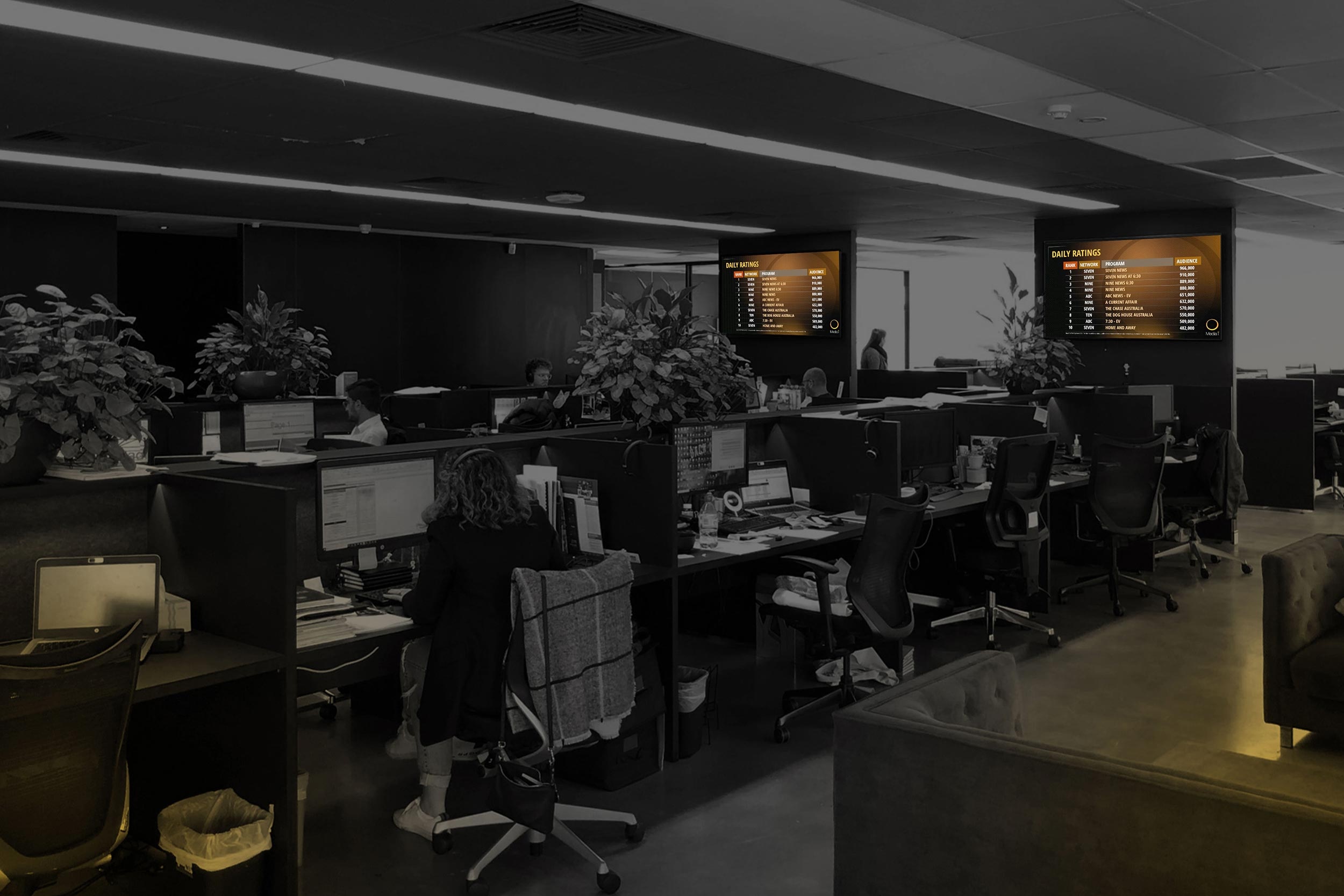
Supporting MediaI's national screen network.
Masters Voice provides technical support for MediaI's distributed signage environment, including Broadsign player troubleshooting, remote investigation, coordinated onsite service and reporting.
250+screens supported
70+agency locations
Documented service outcome: MediaI has one coordinated technical support pathway covering remote investigation, onsite escalation and service reporting. This gives the network a consistent process for handling faults across locations.
Explore the MediaI case study →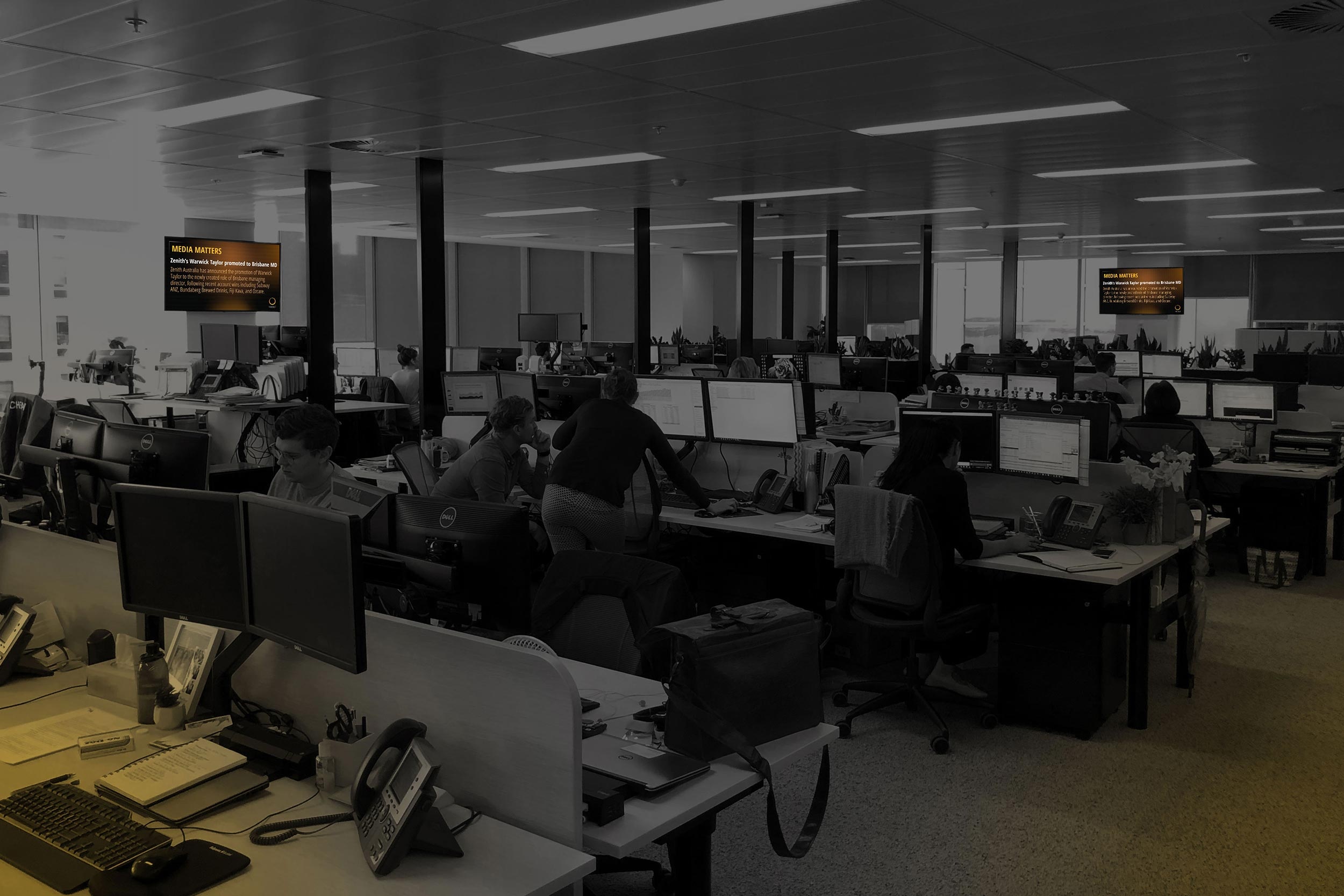
Customer voices · Google reviews
What our signage client says.
Danielle Harris-Walker describes Media i’s experience with our national digital signage installation and support service.
Excerpts from Google reviews. Original wording retained. Read the complete reviews and current ratings on Google.
The message is only the beginning
Make every screen useful.
A menu that changes for lunch. A reception screen that welcomes visitors. A campaign delivered across every location. Start with your audience, then choose the display and content workflow.
We bring displays, playback, content management, power and data together, with installation across Sydney and NSW and national support where agreed.
01Create & approve
Prepare readable content and agree who can publish it.
02Schedule & deliver
Send the right playlist to the right screen or site group.
03Play & display
A built-in or external player presents content on the screen.
04Monitor & maintain
Check system health and provide a clear path for faults.
Explore your setting
Different spaces need different solutions.
Open a use case to explore the hardware, content and practical design decisions. These are starting configurations; the final specification follows a site and workflow assessment.
01Workplace & receptionKeep teams informed and welcome visitors.
A suitable starting solution
A commercial display in reception or staff areas, with an integrated player or dedicated media player and a centrally managed playlist.
What goes on screen
Welcome messages, company news, visitor information and approved dashboards.
Design it properly
Set ownership for each screen. Use large text and short messages; keep confidential data off public-facing screens.
Workplace AV →02Retail & shop windowsMake the offer clear before people walk past.
A suitable starting solution
An indoor commercial display for the sales floor, or a purpose-built high-brightness window display selected after a daylight assessment.
What goes on screen
Promotions, product stories, launches and store-specific offers.
Design it properly
Assess sunlight, reflections, heat, portrait orientation and service access. A normal indoor panel is not automatically suitable for a sunny window.
Plan power and data →03Digital menu boardsChange the menu without replacing the board.
A suitable starting solution
One or more commercial displays with scheduled menu templates; use compatible players and synchronised playback where content spans screens.
What goes on screen
Breakfast and lunch menus, specials, pricing and availability.
Design it properly
Agree who approves prices and allergens. POS integration is a separately scoped connection, not a standard feature of every signage package.
Venue AV solutions →04Schools & campusesPut the right notice in the right place.
A suitable starting solution
Reception and common-area displays grouped by building or audience, with authorised staff access and reusable templates.
What goes on screen
Daily notices, achievements, event information and visitor directions.
Design it properly
Schedule around the school day and protect student information. Signage can supplement communication but does not replace required emergency systems.
Education technology →05Healthcare & public spacesHelp people find their next step.
A suitable starting solution
Commercial waiting-area screens or accessible touch kiosks, with content or wayfinding software matched to the task.
What goes on screen
Service information, queue information and building directories.
Design it properly
Check readability, mounting height, accessible interaction, privacy and data integration. Live queue displays require an agreed connection to the source system.
Public-sector capability →06Hospitality & venuesChange the atmosphere with the occasion.
A suitable starting solution
Commercial promotional screens, coordinated menu displays or a video wall; integrate live video separately where needed.
What goes on screen
Functions, entertainment, venue information and scheduled promotions.
Design it properly
Specify how staff switch between signage and live sources. Content rights, display control and audio behaviour need their own plan.
Explore AV over IP →07Multi-site & advertising networksPublish centrally. Support every location.
A suitable starting solution
Standardised displays and players, screen groups, permissions, schedules and a platform suited to campaign operations.
What goes on screen
National campaigns, local variations and time-sensitive messaging.
Design it properly
Define proof-of-play needs, offline behaviour, connectivity, access permissions and technical escalation before rollout.
See MediaI network support →Found a use case that fits?
Let’s plan the right solution for your site.
Tell us what you want to show, where the screens will go and how many locations you need.
Understand the product choices
Choose the screen and player around the job.
Professional LCD displays
For reception, menus and promotions. Match brightness, orientation, operating hours and warranty to the location.
Examples include Samsung QMC and LG UH5Q families, with selected 500-nit models. Final specifications depend on the installation.
Window and outdoor screens
Window displays need brightness and cooling suited to sunlight. Outdoor screens also need weather protection and suitable installation engineering.
A daylight and exposure assessment determines the right product.
LED and LCD video walls
Direct-view LED creates a modular canvas; LCD walls combine multiple panels. Viewing distance, pixel pitch or bezels, light levels and service access shape the choice.
Include processing, mounting structure and correctly sized content in the scope.
Built-in signage players
System-on-chip displays run compatible signage apps inside the screen. Examples include Samsung Tizen and LG webOS Signage.
Confirm the CMS subscription, supported media and remote-management functions.
Dedicated media players
An external player, such as a suitable BrightSign model, runs playback software and connects to the display. It can standardise a mixed screen fleet.
Choose for resolution, HTML content, synchronisation and connectivity; capabilities vary by model.
Touchscreens and kiosks
For directories, product discovery and visitor information. Specify the display, enclosure, application and business-system connections together.
Plan accessible reach, simple navigation, session reset, cleaning and offline behaviour.
Commercial display or ordinary TV? Check the actual specification. Operating hours, portrait approval, brightness, warranty terms, scheduling and remote-control functions matter more than the badge. The lowest purchase price may leave a higher support burden.
A manageable content workflow
Choose how people publish—not just how screens play.
The right platform fits your screen estate, staff permissions and update process. A small menu board and an advertising network do not need the same operating model.
Display-led simplicity
Samsung VXT combines cloud content management with supported device controls. LG webOS displays can run compatible LG or partner solutions. Check supported models, software versions and licence inclusions.
Dedicated player flexibility
BrightSign hardware can form the playback layer with a compatible authoring or CMS solution. Specify the complete player-and-software combination, including who manages devices and who publishes content.
Network and campaign control
Broadsign supports rules-based scheduling and proof-of-play reporting for network operations. Define campaign workflows and reporting needs before choosing the architecture.
For the detailed comparison—including ScreenCloud, Appspace, Yodeck and Xibo—read our digital signage platforms and CMS guide. Product availability, integration support and licences are confirmed during scoping.
Design · Install · Support
Plan the whole installation, including the handover.
Define the screen's purpose
Review sightlines, daylight, content, operating hours, accessibility, wall construction, power and connectivity. Identify content owners and any business-system dependencies.
Coordinate the infrastructure
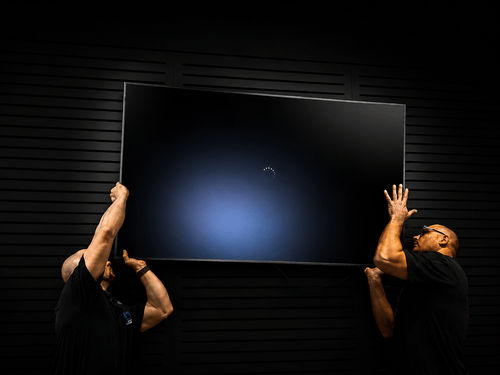
Supply the agreed displays and players, install suitable mounts, coordinate electrical work and communications cabling, and configure the content platform with client IT.
Test everyday operation
Check schedules, orientation, readability, startup after power loss, offline fallback where supported, remote access and an actual content update. Hand over settings, licences, asset records and staff guidance.
Keep content ownership clear.
Agree who creates, approves and publishes content; who pays for licences; who manages credentials; and who responds to faults. Creative production, data integrations, content updates and ongoing technical service are separately defined in the proposal.
Explore AV support and maintenance →Budget for the system's life
Allow for displays, players, mounting, access equipment, installation, subscriptions, content preparation, network connectivity and replacement planning. We can discuss staged rollouts and TechFlow360 service options around the agreed scope.
What is changing
Smarter content. More considered screen choices.
AI-assisted creative tools
New platform tools can speed up content production. Keep human approval for prices, claims and brand presentation, and test the result on the actual display.
Spatial and immersive displays
Emerging glasses-free 3D signage, including Samsung's announced Australian Spatial Signage range, opens new creative options. Assess the viewing zone and content investment before using it for a campaign.
Operational visibility
A connected player is not proof that the screen is visible or the message is useful. Define which device states can be monitored, how faults are escalated and how content effectiveness will be assessed.
Digital signage questions
Before you choose your system.
What digital signage platforms can you support?
We assess the platform around your screens, publishing workflow and support needs. Options can include Broadsign, Samsung VXT, compatible LG webOS signage applications and dedicated BrightSign players with suitable software. Existing MagicINFO installations can be assessed for ongoing support or migration. Hardware compatibility, licences, content responsibilities and remote-management access are confirmed in the proposal.
What is included in a digital signage installation?
An agreed scope can include commercial displays, players, mounts, electrical and data work, CMS setup, scheduling, playback testing, documentation and staff training. Creative content, subscriptions, integrations and ongoing updates are itemised separately so ownership is clear.
Do I need a media player as well as a screen?
Some commercial screens have a built-in system-on-chip player that can run a compatible signage app. A dedicated player can provide a consistent playback platform across different displays or support more demanding layouts. The CMS, media formats, orientation and support requirements determine the architecture.
Can we reuse our existing screens?
Often, subject to assessment. We check the display condition, brightness, inputs, supported operating hours, mounting, orientation and remote-control options. A compatible external player may allow reuse, but it cannot turn an unsuitable display into a daylight-readable or outdoor-rated product.
Can digital signage keep playing if the internet fails?
Many configurations can play previously downloaded content locally. Live web pages, streams, feeds and new updates may need connectivity. We confirm cache behaviour, fallback content and recovery through a practical network-disconnection test.
How much does a signage solution cost?
Cost depends on screen quantity and size, brightness, mounts, access, players, power and cabling, software licences, content work and support. A reception screen has a different scope from a window display, multi-screen menu or national network. Send site photos and an outline for an itemised proposal.
Can one person update screens across several sites?
Yes, with a suitable content platform and permissions. Central teams can publish shared content while local users manage approved screens or templates. User roles, approvals and licence requirements should be agreed before rollout.
Do you create content and connect business systems?
Content templates, creative production, data feeds, POS, room-booking and other integrations can be considered as separate scope items. We confirm the source systems, access, refresh behaviour and responsibility for keeping information accurate.
Do you provide ongoing support?
Masters Voice can scope help desk assistance, remote diagnostics, onsite service and lifecycle planning. Remote visibility depends on the platform, hardware and authorised network access. Content publishing responsibilities, service hours and response targets are defined in the agreement.
Explore the connected services
Take the next step with the right guide.
Start with your audience
What should your screens do?
Tell us the location, screen count, intended content, operating hours and who will update it. Site photos and a floor plan help us recommend a practical starting point.
Discuss your digital signage project →Call 1300 804 320Technical references: Samsung VXT · LG signage software · BrightSign players · Broadsign Control · Samsung Spatial Signage announcement. Reviewed October 2026. Final products and compatibility are confirmed in your proposal.