Bring cameras, audio, displays and simple meeting controls together. Masters Voice Technology designs and installs Yealink meeting room solutions for huddle spaces, boardrooms and collaborative workplaces across Sydney and NSW.
Choose the meeting experience before the equipment.
A successful VC room starts with the people using it: how they join calls, share content and hear colleagues at the far end. We assess seating, sightlines, acoustics, lighting and your IT environment before selecting a Yealink configuration.
Dedicated Teams or Zoom room
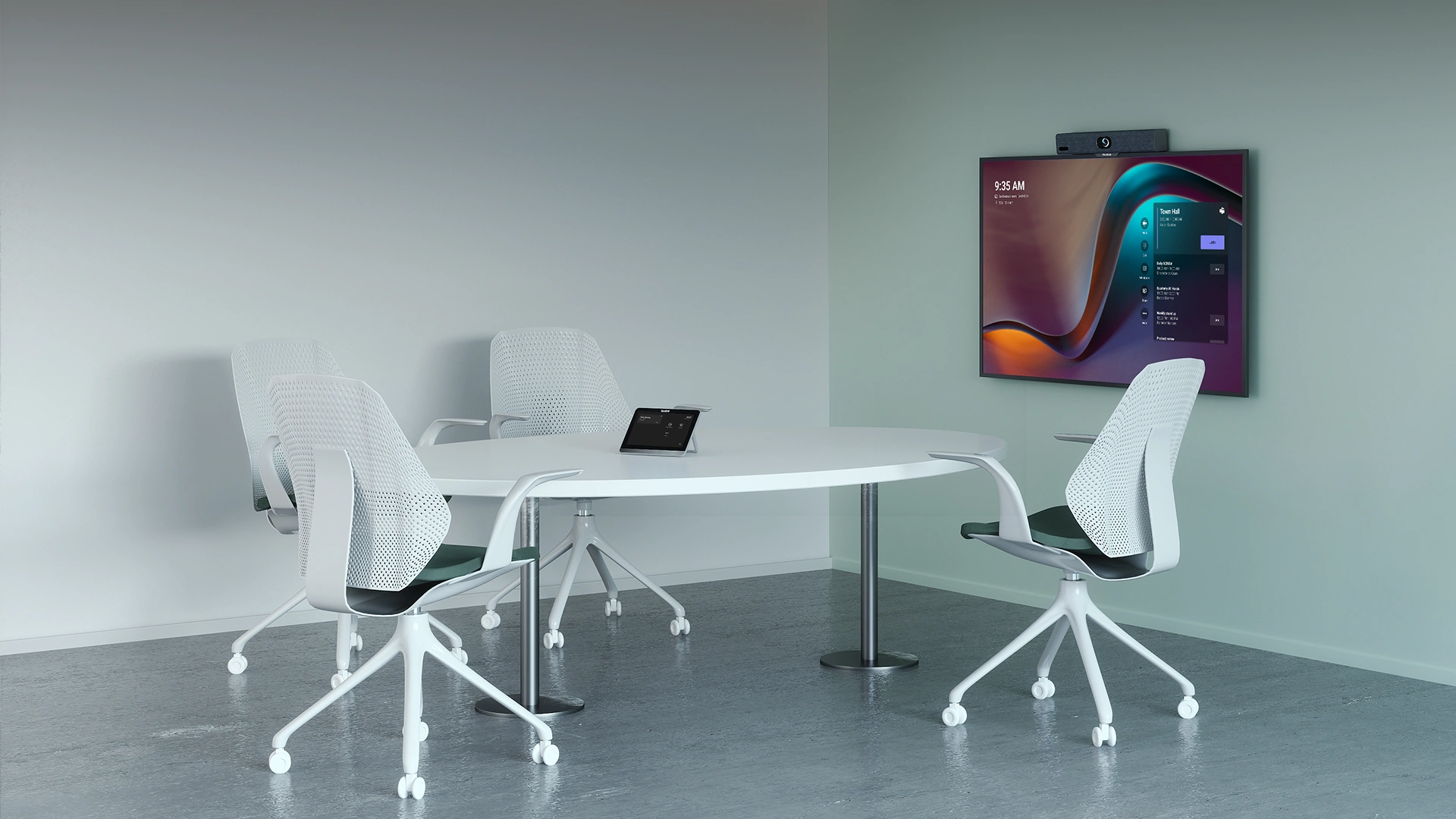
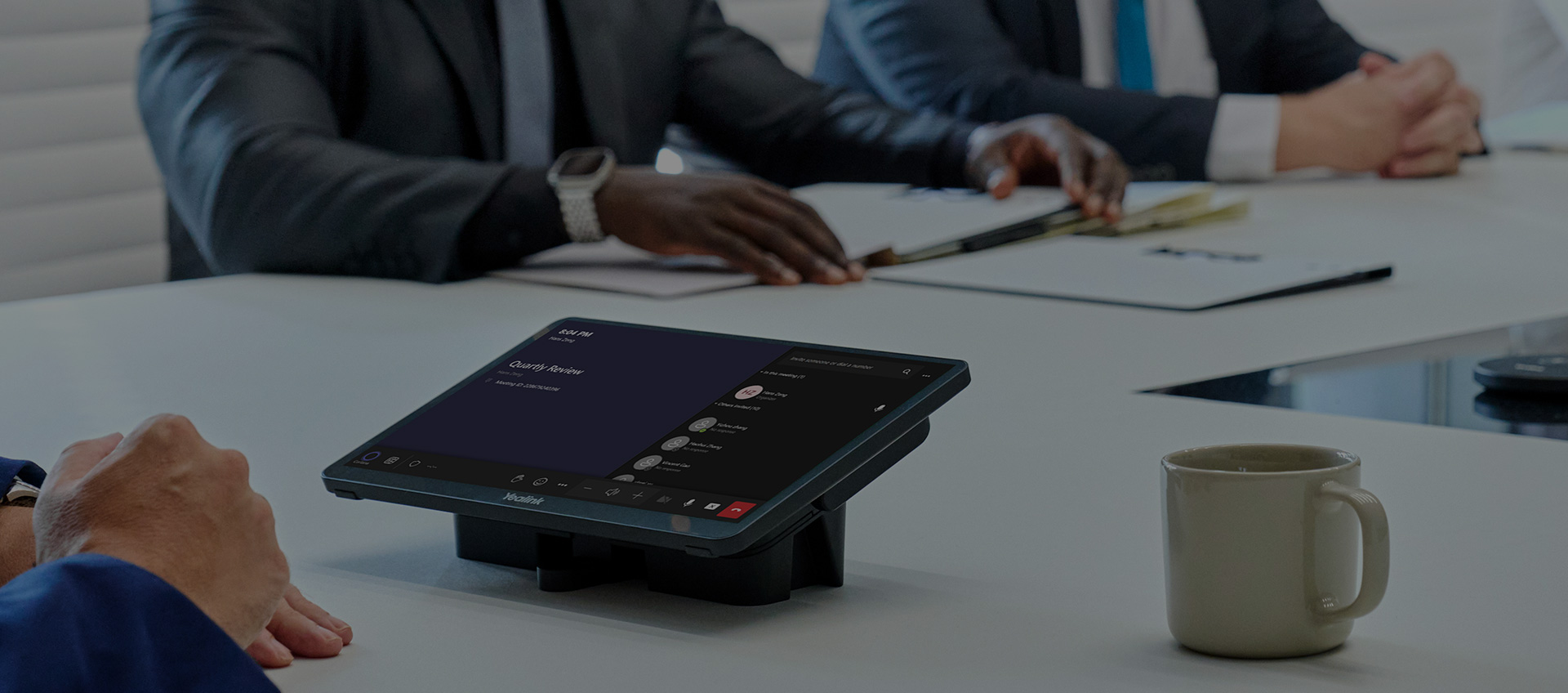
A room system keeps the meeting experience ready at the table. Choose the appropriate MeetingBar, MVC or collaboration display configuration, with the required platform account and licence.
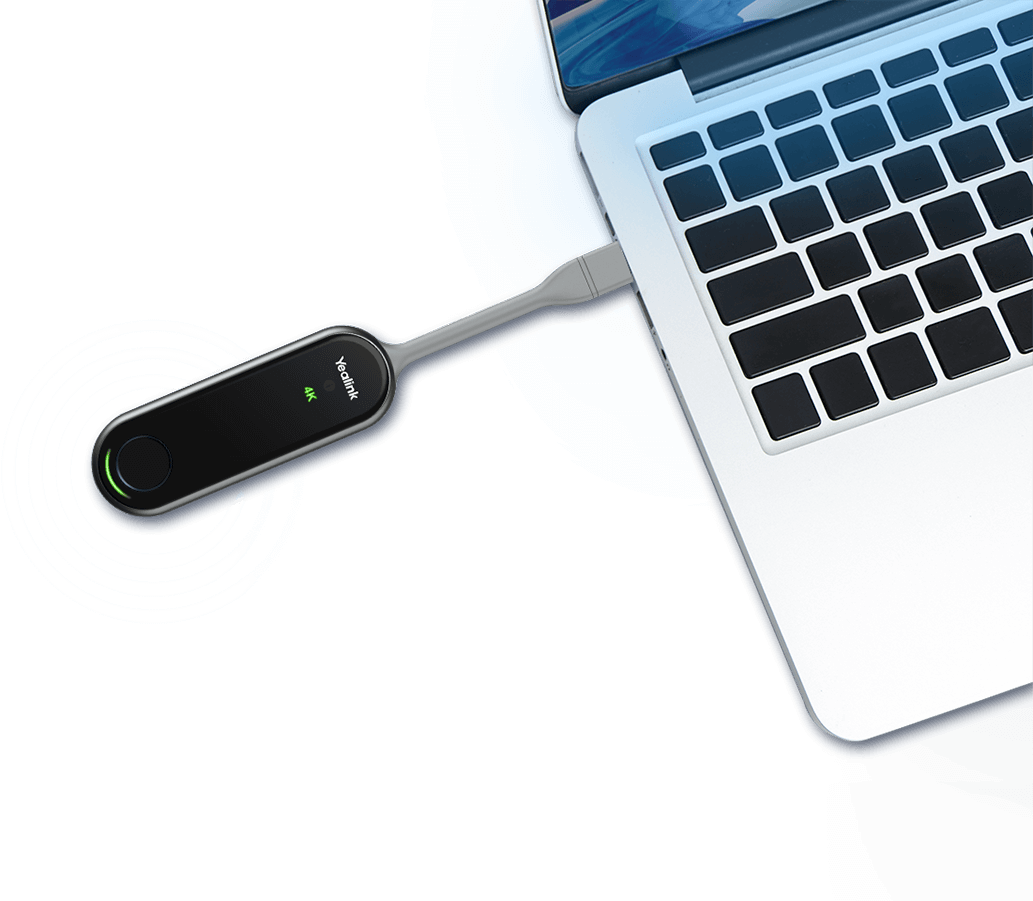
Users run the call from their laptop and connect to compatible room audio and video. This suits flexible workplaces where visitors use different meeting platforms.
Close seating, easy connections and readable content
Small to medium meeting room
MeetingBar or MVC kit
Camera coverage and speech pickup at every seat
Large boardroom
Modular MVC system and planned room audio
Long-table views, microphone coverage and display sizing
Workshop or training space
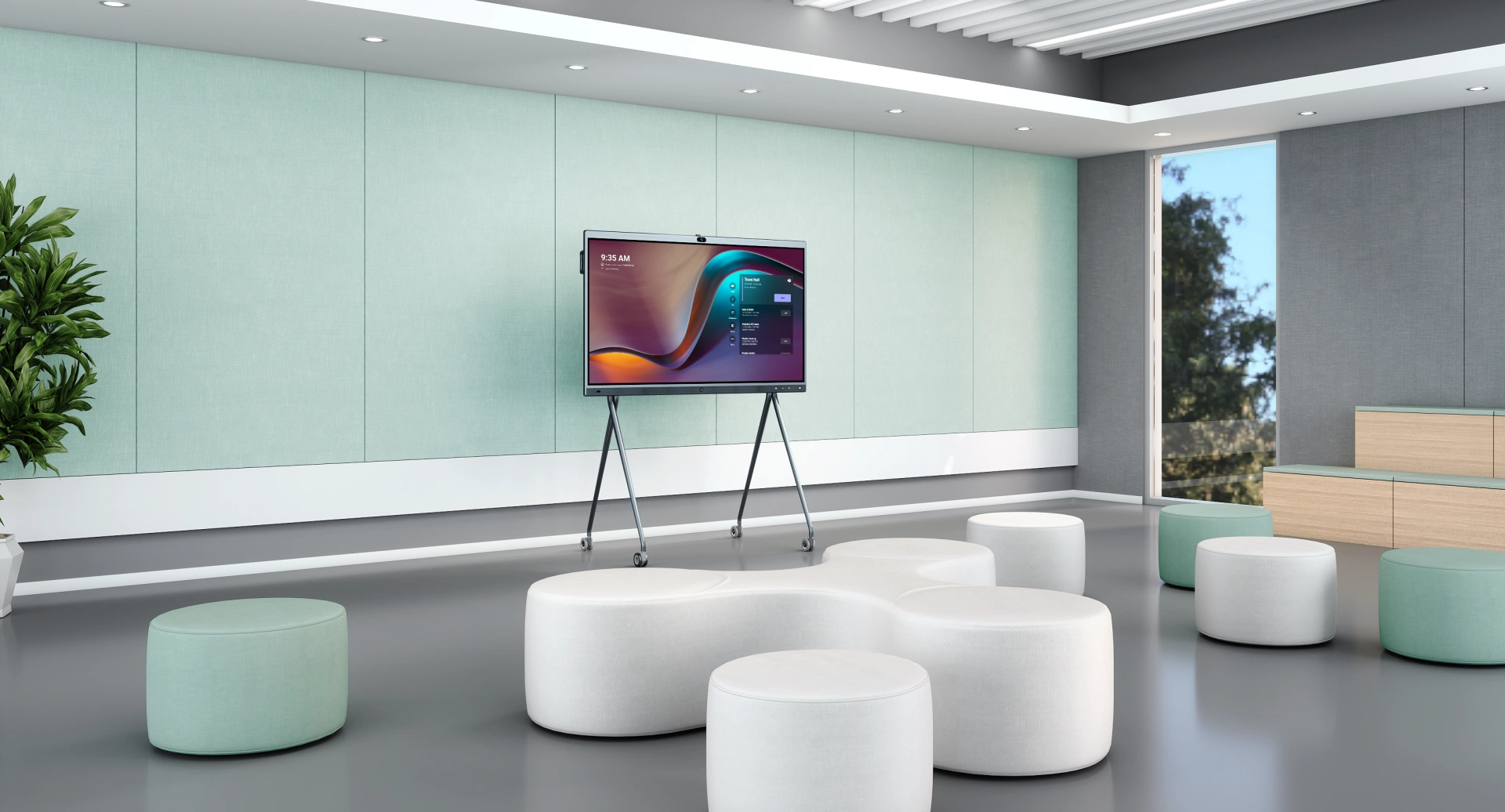
MeetingBoard or an integrated multi-camera design
Whiteboarding, presenters and flexible layouts
Room capacity alone does not determine the equipment. A long narrow room may need a different camera and microphone layout from a square room with the same number of seats.
Why Yealink
Advantages for everyday meetings.
A simpler start
A consistent room interface helps staff start meetings, adjust volume and share content without learning a different arrangement in every room.
Better remote participation
Supported framing and tracking features can make participants easier to follow. Camera placement and commissioning help the technology work with your seating layout.
Audio that fits the space
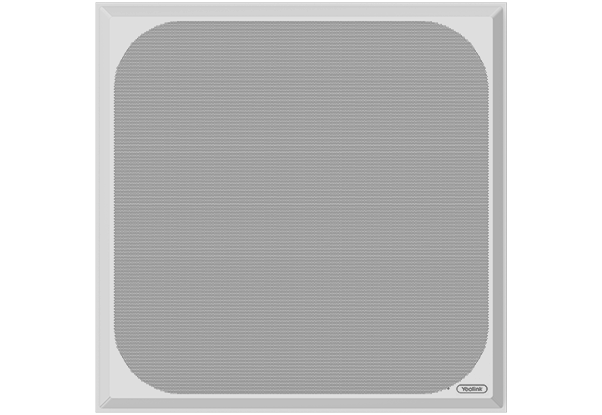
Choose integrated, table or ceiling audio around how people speak and move. Good microphone coverage reduces the need for people to repeat themselves.
A path from one room to many
A documented room standard makes future rollouts easier to plan. Agreed equipment, configuration and support responsibilities help IT maintain a consistent experience.
We compare the complete installed solution: hardware, display, cabling, licences, commissioning and ongoing support. The right choice depends on your room and operating requirements.
Yealink VC room product guide
Build a complete room, component by component.
This guide covers the main room product families and supporting equipment in Yealink’s catalogue. We confirm regional availability, lifecycle status and the exact compatible bundle when preparing your proposal.
Simplify video meetings with Yealink MeetingBar systems, combining cameras, microphones and speakers in one compact unit. The A25 suits focus and huddle rooms, the A40 small meeting rooms and the A50 medium-sized spaces.
Masters Voice matches the system to your room layout and preferred Microsoft Teams Rooms or Zoom Rooms platform, specifying a compatible touch controller and confirming Australian bundle inclusions before supply.
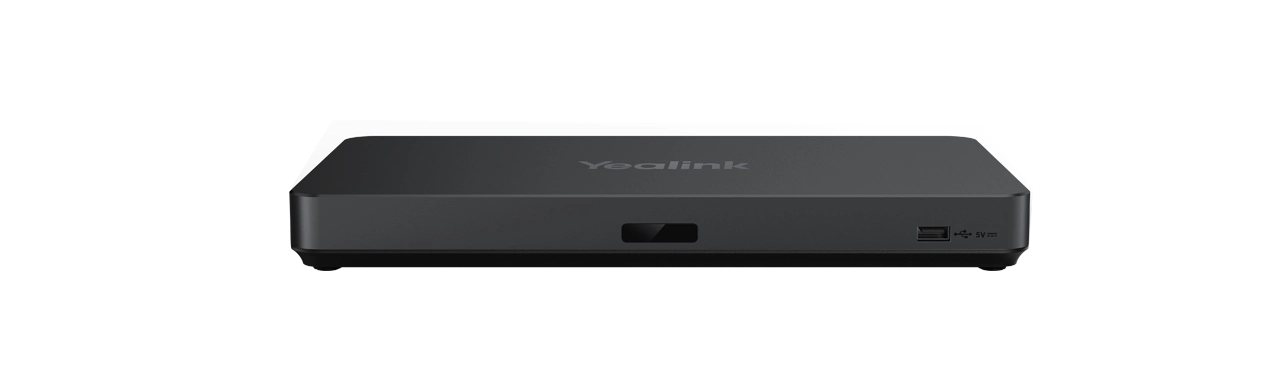
MVC S40, S50, S60, S80, S90 and S98 provide a path from small meeting spaces to larger boardrooms. The chosen bundle determines the camera, MCore compute, MTouch console and expansion hardware.
Useful where IT prefers a Windows Teams Rooms deployment and the room needs separate components.
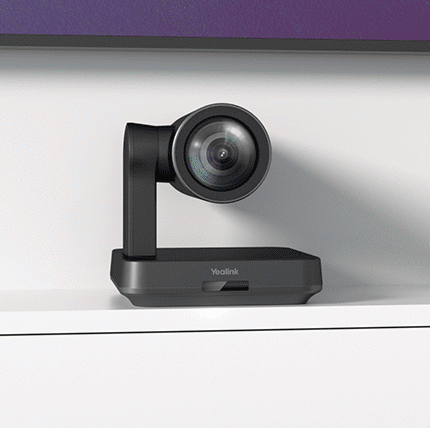
SmartVision 40, 60 and 80, UVC86, UVC85-BYOD, UVC40 E2 and UVC34 offer different camera positions and room coverage. MTower is a companion camera for supported combinations.
Select framing and tracking for your actual seating plan. SmartVision 80’s multi-stream IntelliFrame requires a supported Yealink Teams Rooms on Windows solution.
MTouch Plus, its extension options and CTP25 provide controls for compatible room systems. MCore kits and supported OPS modules supply compute where required.
Use the controller specified for the selected platform and room kit; panels are not interchangeable across every system.
Complete the room with suitable displays, mounts, stands, cable extensions and power. Yealink’s catalogue includes MeetingDisplay and dedicated mounting accessories.
Include device management, update ownership, user training and support in the project scope—not just the visible hardware.
Microsoft certifies specific room systems and peripherals. Its current list includes Yealink MVC S40/S50/S80/S90/S98 C5U configurations, UVC86 and SmartVision cameras, and specified ceiling audio kits. Certification should be checked against the exact system being supplied.
Intelligent framing, participant recognition and other advanced functions depend on the hardware, supported software, Teams settings and applicable licensing. A USB camera alone does not create a complete native Teams Room.
Yealink installation and support across Sydney & NSW.
1. Assess and specify
Review the room layout, meeting platforms, existing displays and network readiness. Define camera views, microphone coverage, content sharing and the equipment schedule.
2. Install and integrate
Coordinate mounts, cabling, power, displays and connectivity. Align room accounts, security settings and device management with your IT team.
3. Test real meeting scenarios
Check calls from the room and the remote end, audio at each seating position, camera framing, presentation sharing and supported laptop connections. Hand over user guidance and system documentation.
4. Plan ongoing support
Agree responsibility for updates, remote assistance and service visits. Review support options through AV support and maintenance as part of the room’s maintenance plan.
What information is needed for a Yealink meeting room quote?
Send room dimensions, seat count, photos, a floor plan and details of existing displays, equipment, power and data points. Identify your preferred meeting platform, content-sharing needs, guest and laptop meeting workflows, room-booking requirements and installation timing. These details help define the assessment and proposal scope.
Which Yealink system is right for our meeting room?
The choice depends on room dimensions, seating, acoustics, your meeting platform and the way people share content. A site assessment establishes whether a video bar, modular MVC system or collaboration display is the best starting point.
Can a Yealink room work with Microsoft Teams and Zoom?
Yealink offers products and configurations for both platforms. Native room mode, guest meeting access and laptop-based calls are different workflows; we confirm which are supported by your selected system.
Do we need a Microsoft Teams Rooms licence?
A native Teams Room needs an appropriate Teams Rooms licence and room account. Requirements differ from a BYOD room where the user runs a meeting on their laptop. We define the licensing and account responsibilities with your IT team.
Can we reuse our displays and cabling?
Often some equipment can be retained, subject to condition, connectivity, resolution, cable distance and supported operation. We assess it before confirming the scope.
Does every Yealink camera include the same AI features?
No. Framing, tracking, multi-camera views and participant features vary by model and supported software configuration. We specify the functions needed for your room and check the current compatibility information.
How much does a Yealink room installation cost?
A useful quote includes the complete room: equipment, mounting, power and data, installation, configuration, testing and support. Send your room dimensions, photos, number of seats and preferred meeting platform for a scoped proposal.
Your next meeting room
Let’s design a Yealink room that works for your team.
Send us your room photos, dimensions and meeting requirements. We’ll help define the equipment, installation and support scope for your Sydney or NSW workplace.