
Assistive listening · Sydney & NSW
Hearing augmentation installation.
Bring the sound closer.
Help people follow speech with a listening system designed around the room, the audio source and the people who use it.
Masters Voice Technology assesses, integrates, installs and tests hearing augmentation for commercial and public spaces—from service counters to hearing rooms and venues.
01 / Start with the listener
Clearer access to speech.
More than turning up the speakers.
Distance, reverberation and background noise can make amplified speech difficult to follow. Hearing augmentation provides a dedicated audio pathway through a compatible hearing device or receiver. Good microphone capture remains essential.
A more direct listening pathway
Where will people listen?
Define service positions, seating, standing areas and adjacent rooms. Review construction, noise, sightlines and available cable pathways.
How will they receive audio?
Consider telecoil and Auracast compatibility, venue receivers, headphones or neckloops. Include visitors without compatible personal devices.
Can they find and use it?
Plan signage, instructions, receiver availability, charging and staff assistance as part of the installation.
02 / Choose a suitable system
Five approaches.
One goal: better access to audio.
The appropriate technology depends on user compatibility, room conditions and the project brief. We assess options with the project team rather than assume every venue needs the same system.
PRODUCT SPOTLIGHT / WILLIAMS AV
Explore the equipment.
Choose around the listener.
These Williams AV product examples show how the listening approaches above translate into an installation. We help assess the room, audio integration and visitor experience before defining the equipment schedule.
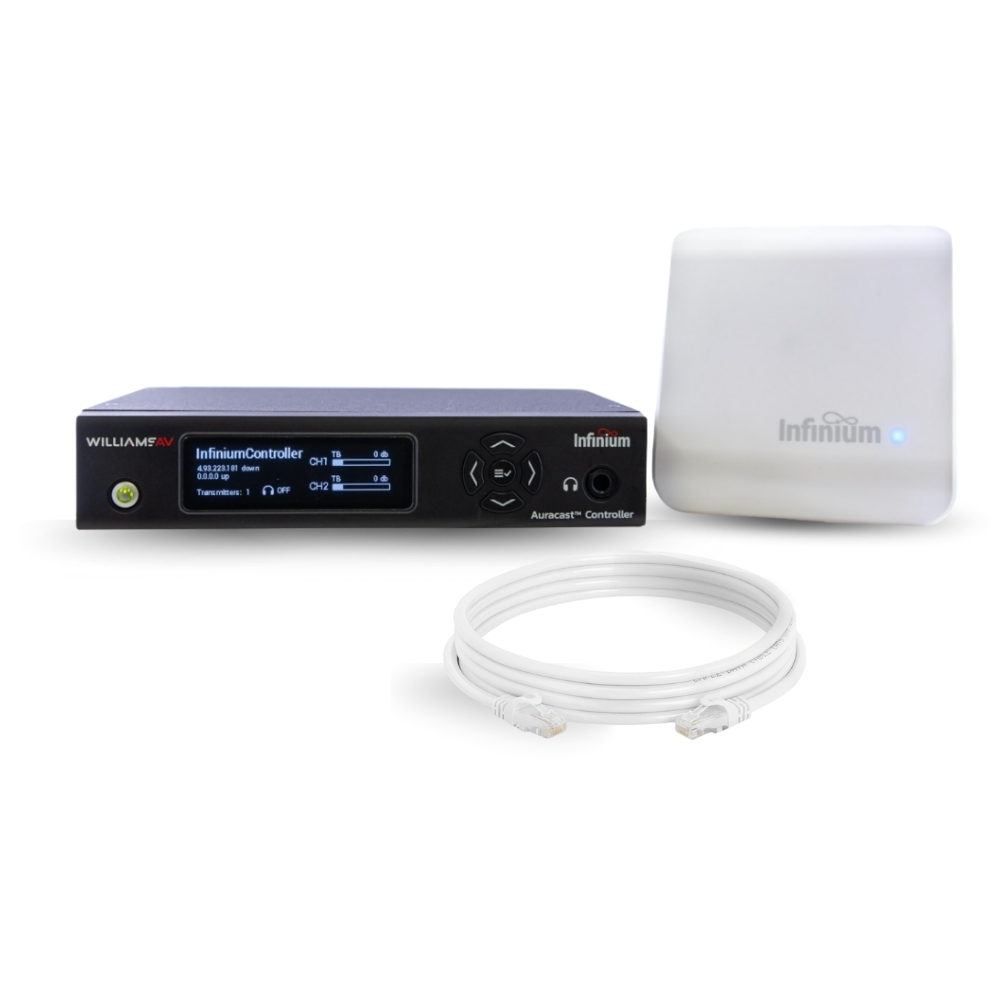
Auracast™ broadcast
Infinium BA-CT1
A controller and remote transmitter with Dante integration, delivering broadcast audio to compatible Auracast devices or dedicated receivers.
Consider for: Lecture spaces, worship venues and public facilities planning a new listening pathway.
Plan for: Confirm actual hearing-device compatibility, transmitter placement and receiver provision.
Manufacturer product details ↗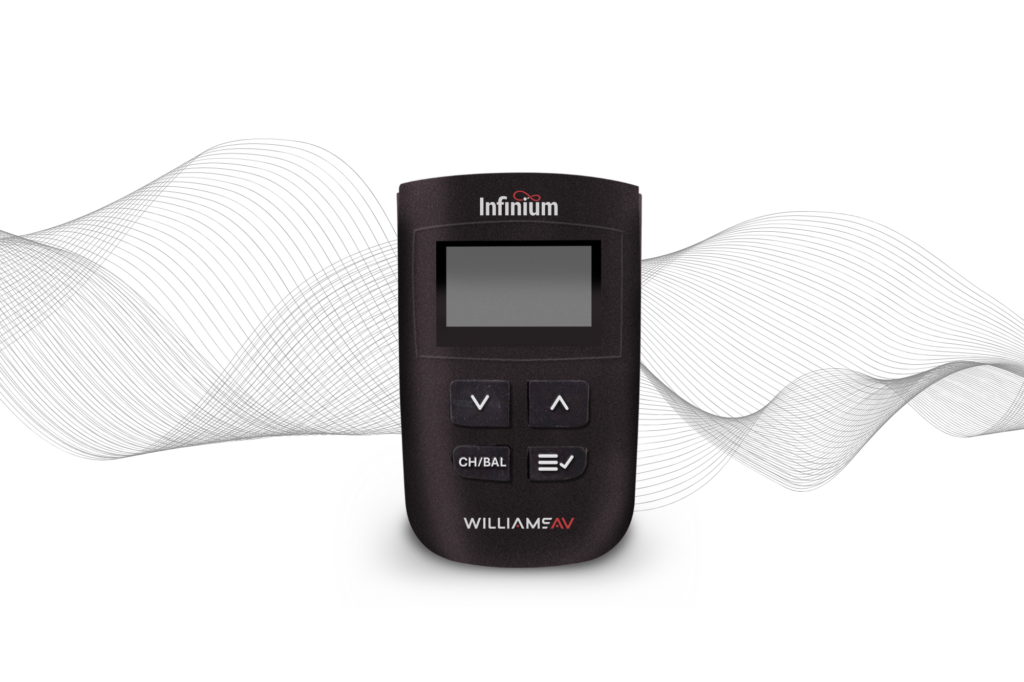
Dedicated Auracast receiver
Infinium BA R1
A handheld listening option for visitors without a compatible personal Auracast device. The receiver provides a display, volume and balance controls, and headphone or neckloop connection.
Consider for: Venues providing loan receivers alongside direct-to-device listening.
Plan for: Include suitable accessories, charging, storage and a clear collection point.
Manufacturer product details ↗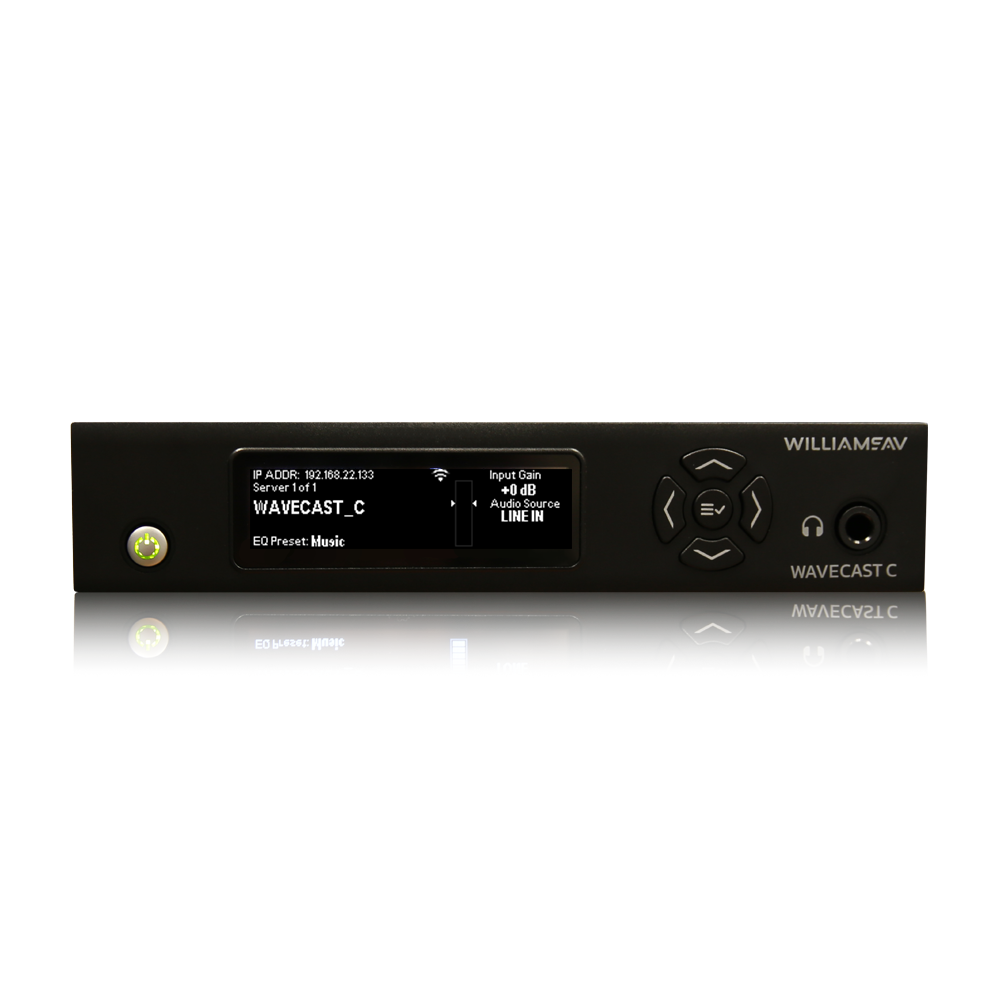
Wi-Fi audio · Dante option
WaveCAST C
Streams live audio over the venue network to the WaveCAST app or compatible Wi-Fi receivers. The WF T5CD model shown includes Dante; WF T5C is the non-Dante alternative.
Consider for: Presentation spaces and venues with a managed wireless network.
Plan for: Survey Wi-Fi performance, listener onboarding and latency. Provide access for visitors without a suitable phone.
Manufacturer product details ↗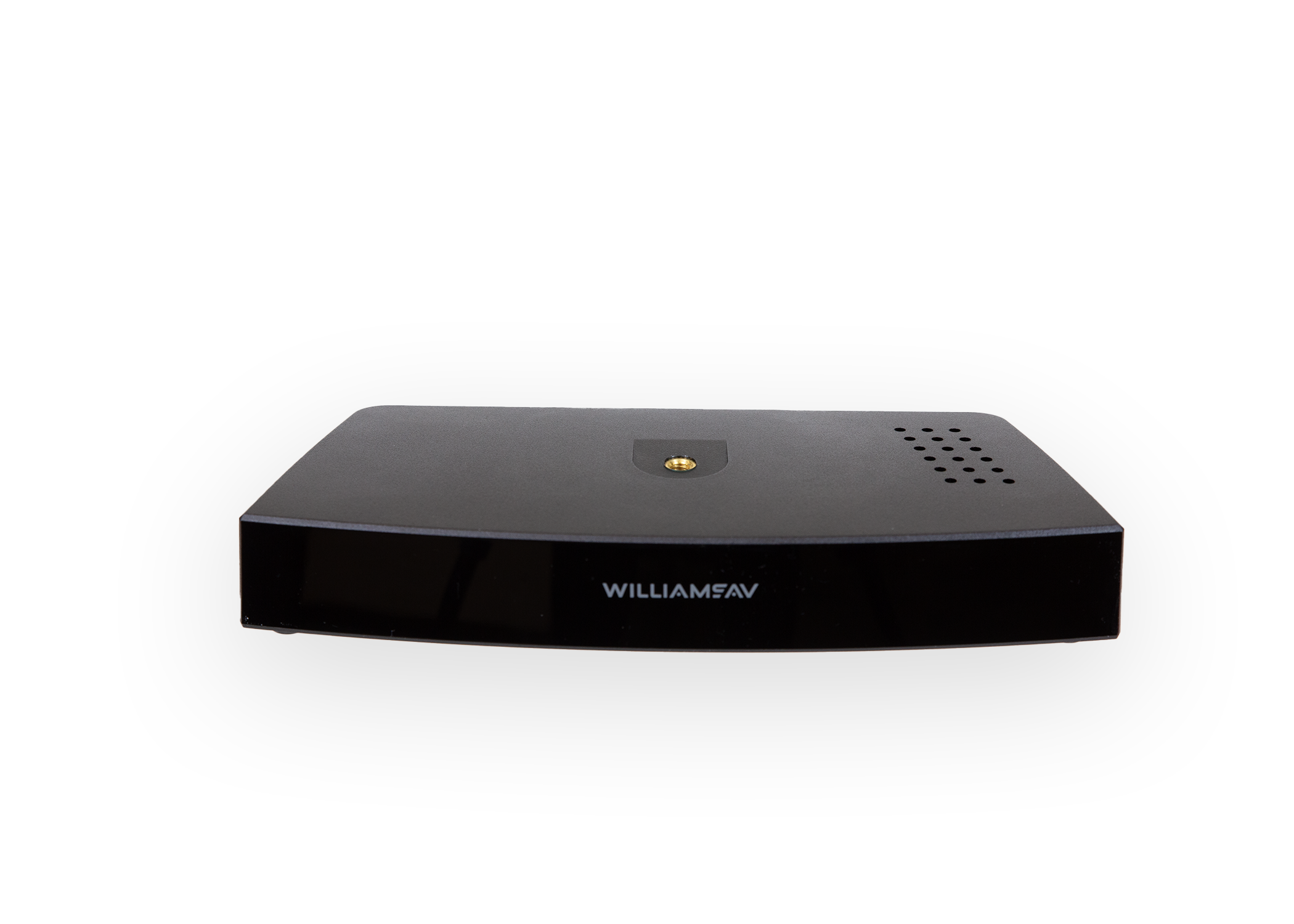
Two-channel infrared
SoundPlus IR T3
Combines an infrared modulator and emitter in one unit, with two audio channels and RS-232 control for room-system integration.
Consider for: Hearing rooms, meeting spaces and other enclosed rooms where a contained optical signal is useful.
Plan for: Assess sightlines, lighting, obstructions and compatible receivers. Verify coverage in the actual room.
Manufacturer product details ↗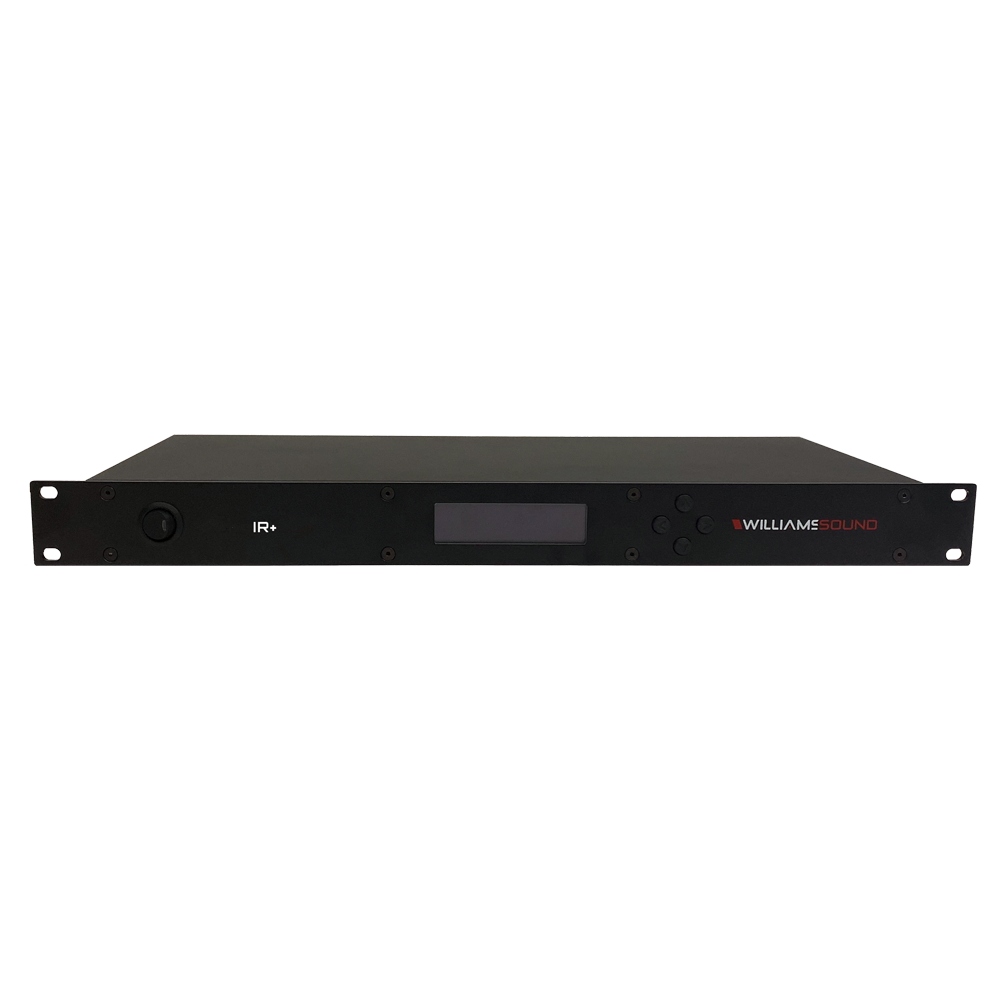
Distributed infrared
IR+ Control Center
The IR M1 supports up to four remote emitters for more complex layouts. The range includes a Dante variant and supports a network-based Wi-Fi listening option.
Consider for: Auditoria or rooms with wings, balconies and areas that a single emitter may not reach.
Plan for: Design emitter positions and cable paths. Review access and privacy separately for any Wi-Fi listening feed.
Manufacturer product details ↗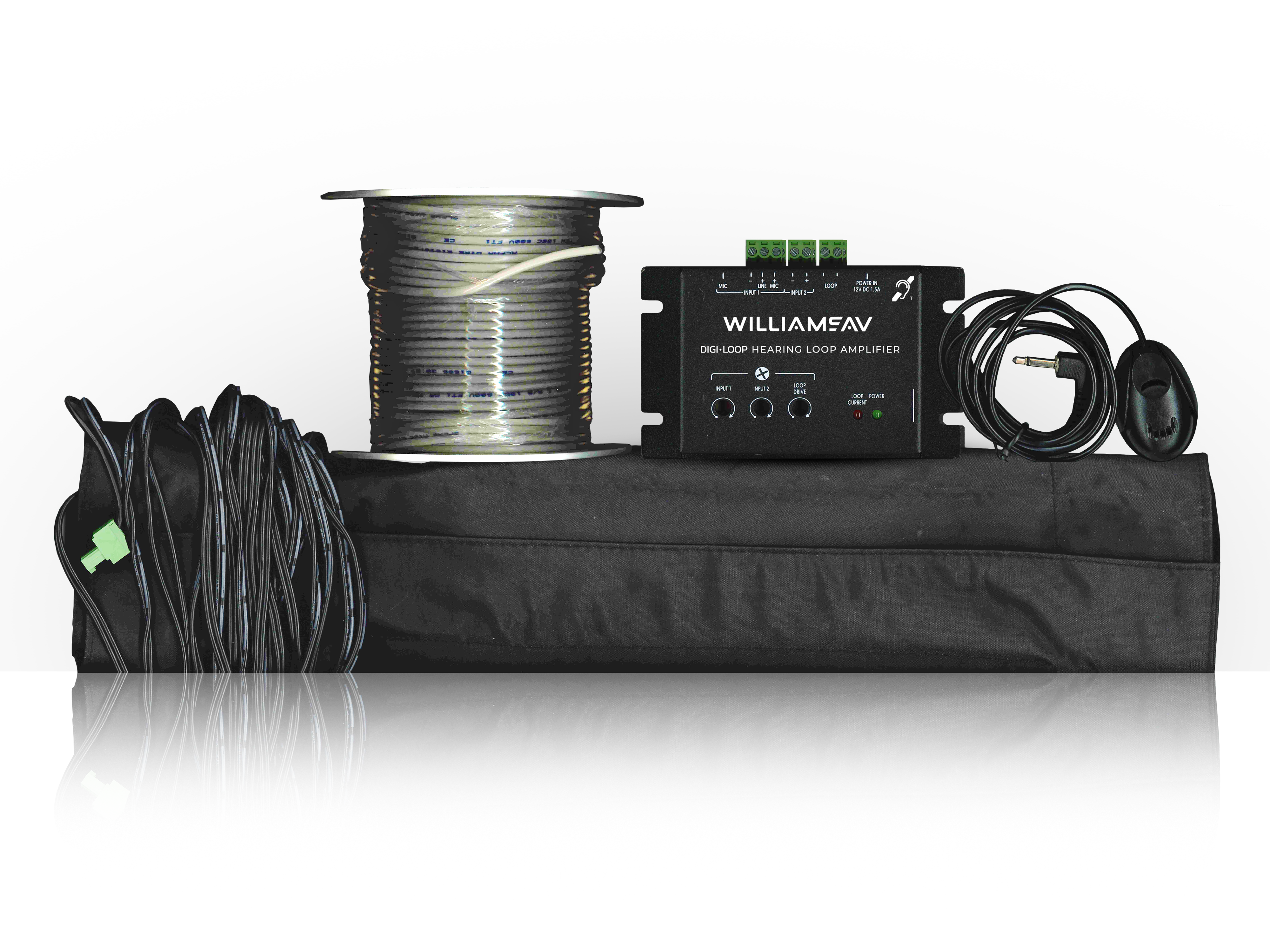
Counter induction loop
Digi-Loop DL 102 SY1
A fixed counter-loop package with a boundary microphone, loop pad and wire, intended for users with compatible telecoil hearing aids or cochlear implants.
Consider for: Reception desks, ticket counters and customer-service positions.
Plan for: Assess the listening position, counter construction, microphone pickup and magnetic interference.
Manufacturer product details ↗03 / Spaces we can assess
From a one-to-one conversation
to a room full of people.
Reception & service counters
Consider a defined listening position, microphone placement and clear instructions. A local counter loop can be assessed for ticket desks, reception points and customer-service areas.
Courts, tribunals & council facilities
Assess the approved audio feed, room boundaries and listening coverage. Receiver management and privacy need to fit the room’s operating procedures.
Explore courtroom and tribunal AV ↗Schools & training spaces
Consider speech and presentation audio, changing seating layouts and visitor access. The listening system should be coordinated with the room’s teaching technology.
Explore education AV ↗Worship, community & event venues
Review the listening area, microphone sources and existing sound system. Make the service visible to visitors and straightforward for staff or volunteers to support.
Explore supporting PA systems ↗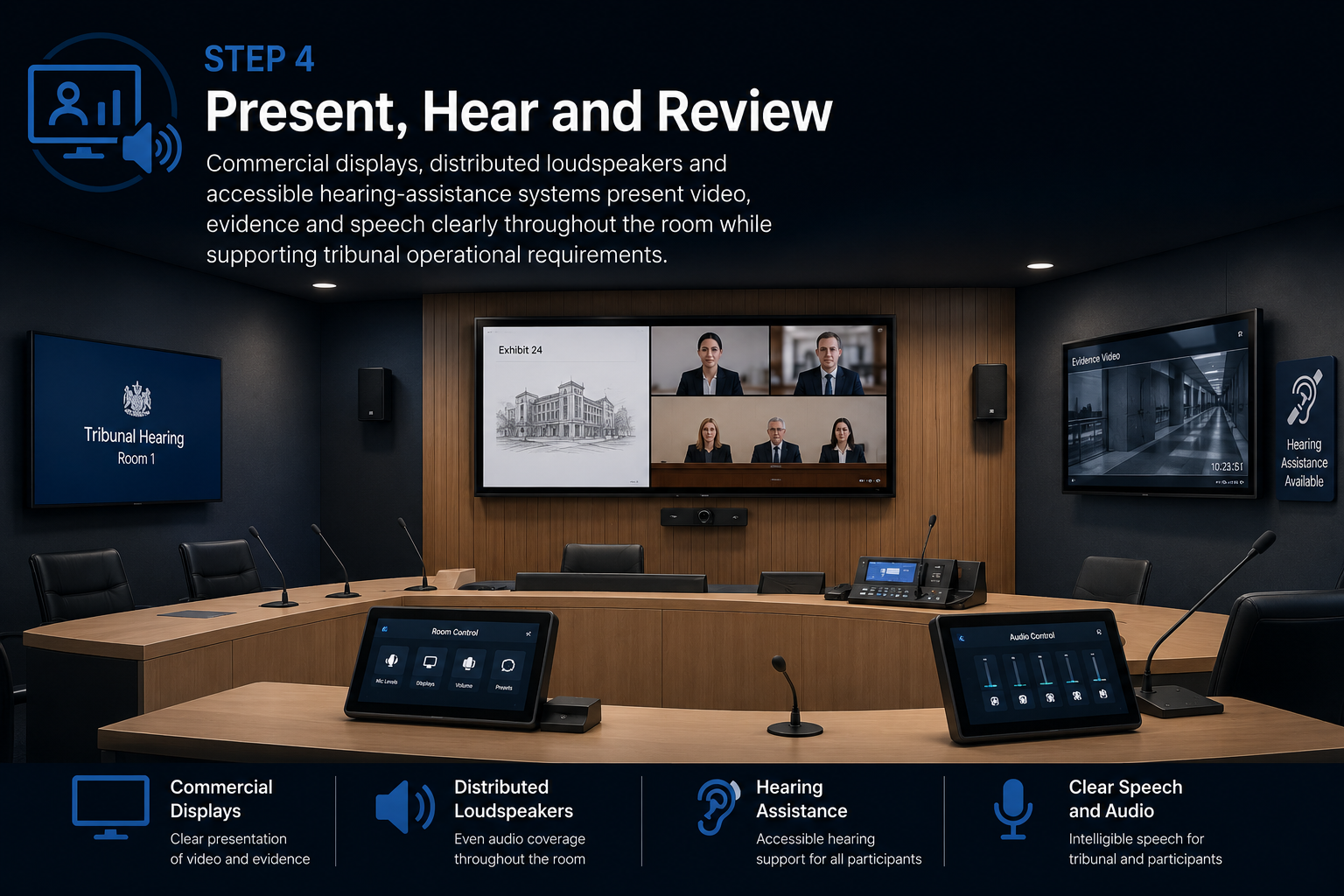
04 / Relevant project experience
Hearing assistance built into the room.
At NCAT Civic Tower in Sydney, Masters Voice Technology delivered four hearing-room AV systems that included infrared hearing assistance alongside microphones, conferencing and evidence presentation.
The project demonstrates why the listening pathway needs to be integrated with the room’s audio routing and operating workflow.
View the NCAT project ↗05 / Our installation approach
Assessment to handover.
A scope you can review.
Survey the environment
Review user needs, the listening area, existing AV, room construction and access. For loop proposals, investigate magnetic noise and metal effects.
Design and install
Agree technology, coverage, audio feeds, cable routes and equipment locations. Coordinate the work with AV, electrical and building trades.
Test the completed system
For loops, measure magnetic noise, field strength and frequency response at agreed positions and assess spill. For receiver-based systems, verify coverage and listening operation.
Support everyday use
Provide agreed test records, settings, instructions and staff familiarisation. Include signage and the arrangements for receivers, batteries and chargers.
06 / Existing installations
Already have a system?
Find out how it is performing.
A system can be switched on yet still provide a poor listening experience. We can assess existing hearing augmentation, investigate faults and define an upgrade or remediation scope.
- Check source audio, routing and system settings.
- Investigate reported dead spots or interference.
- Review coverage after furniture or building changes.
- Check receivers, accessories, charging and instructions.
- Agree periodic checks and staff responsibilities.
Planning resource
Need the background before the brief?
Our existing guide explains hearing loops, Australian project-planning considerations and questions for the design team. This service page helps you take the next step toward assessment and installation.
Read the hearing-loop systems guide ↗07 / Installation questions
What to know before getting a quote.
Is hearing augmentation the same as a PA system?
No. A PA distributes sound through room loudspeakers. Hearing augmentation provides a dedicated listening pathway for compatible devices or receivers. The two can share an audio source, but require coordinated design and testing.
Will a hearing loop work with every hearing aid?
No. Direct reception requires a compatible, enabled telecoil. Plan an appropriate receiver option for people who cannot connect directly and make the available listening methods clear to visitors.
Can Auracast replace an existing loop?
Only after assessing the users, equipment compatibility and project requirements. A combined approach may retain access for telecoil users while introducing broadcast audio. Do not assume all Bluetooth hearing aids can receive Auracast.
Can you connect the system to our existing AV?
Often, subject to inspection. We assess available audio outputs, microphones, processing and controls, then define the connection and level settings. The source must include the speech and programme material the listener needs.
How much does installation cost?
The listening area, technology, room construction, cable access, existing AV and receiver requirements affect cost. A counter system and a multi-room installation have very different scopes. Send a floor plan and brief so we can identify the next assessment step.
What information should we provide?
Share the site address, room use, floor plans, seating or counter positions, existing audio equipment, known user needs, project requirements and timing. For an existing system, include any test reports and a description of the problem.
Hearing augmentation · Sydney & NSW
Make listening access part of the plan.
Tell us about your space, existing system and project requirements. We’ll help define a practical assessment, installation or upgrade scope.
Ampetronic hearing loopsLoop commissioningListening-system optionsAuracast and Auri
