
HyFlex classroom technology for connected learning.
Design and installation of hybrid-flexible classrooms that connect teachers, students and learning content across physical and remote environments.
Hybrid learning needs more than a camera at the front of the room.
A successful HyFlex classroom lets remote students hear the room, see the right person, view teaching content and participate naturally — without asking the teacher to become an AV technician.
Masters Voice Technology integrates cameras, microphones, DSP audio, displays, interactive technology, presentation and video conferencing into one practical teaching system.
Hybrid + Flexible.
The term HyFlex combines “hybrid” and “flexible”. The teaching model is associated with Dr Brian Beatty at San Francisco State University and was in use by 2006. Its central idea is that students can participate through different learning modes while working toward equivalent learning outcomes.
Learner choice
Students can participate through the mode appropriate to their situation.
Equivalency
Different participation paths should support equivalent learning opportunities.
Reusability
Resources created in one mode can support students participating in another.
Accessibility
Students need practical access to the technology and learning environment.
Installing a camera does not automatically make a classroom HyFlex. The AV system has to support interaction between the physical and remote learning environments.
One classroom. Multiple ways to participate.
Teacher + students
Teacher mic · ceiling mics · PTZ cameras · document camera · laptops
Q-SYS DSP & control
AEC · automixing · camera control · USB bridging · Dante · room control
Teams / Zoom / Webex
Dedicated room system or BYOD / BYOM conferencing
Local + remote students
Displays · projection · loudspeakers · remote participants · recording
HyFlex classroom schematic & bill of materials
A practical reference design for a medium classroom supporting in-room and remote students, presenter tracking, beamforming microphones, dual displays and BYOD.
System schematic
Sample bill of materials
Medium classroom • indicative design| Qty | Category | Example | Purpose |
|---|---|---|---|
| 1 | DSP / control core | Q-SYS Core Nano | AEC, DSP, USB audio and room control |
| 1 | Touch controller | Q-SYS TSC-G3 7" | Simple lecturer room control |
| 2 | Commercial displays | 75–86" + 65–75" 4K | Teaching content and remote participants |
| 1 | Presenter camera | Q-SYS NC-12x80 or equivalent | Presenter tracking / PTZ coverage |
| 1 | Audience camera | Wide-angle USB/IP camera | Student seating coverage |
| 2 | Ceiling array microphones | Audio-Technica ATND1061DAN | Lecturer and student voice pickup |
| 4 | Ceiling speakers | Q-SYS AD-C6T or equivalent | Far-end speech and program audio |
| 1 | Network amplifier | Dante 2–4 channel amplifier | Drives classroom loudspeakers |
| 1 | Wireless microphones | MIPRO / Shure dual channel | Lecturer handheld / headset option |
| 1 | Room PC | Windows mini PC | Teams / Zoom / Webex application |
| 1 | BYOD interface | USB-C dock / extender | Laptop uses room camera, microphones and speakers |
| 1 | Wireless presentation | ClickShare / InstaShow | Wireless content sharing |
| 1 | Managed network switch | 16–24 port PoE+ | Q-SYS, Dante, cameras and touch panel |
| 1 | Rack + UPS | 12–18RU commercial rack | Equipment housing and power protection |
| 1 | Programming & commissioning | Masters Voice Technology | DSP tuning, camera presets, UI, testing and training |
The anatomy of a HyFlex classroom.
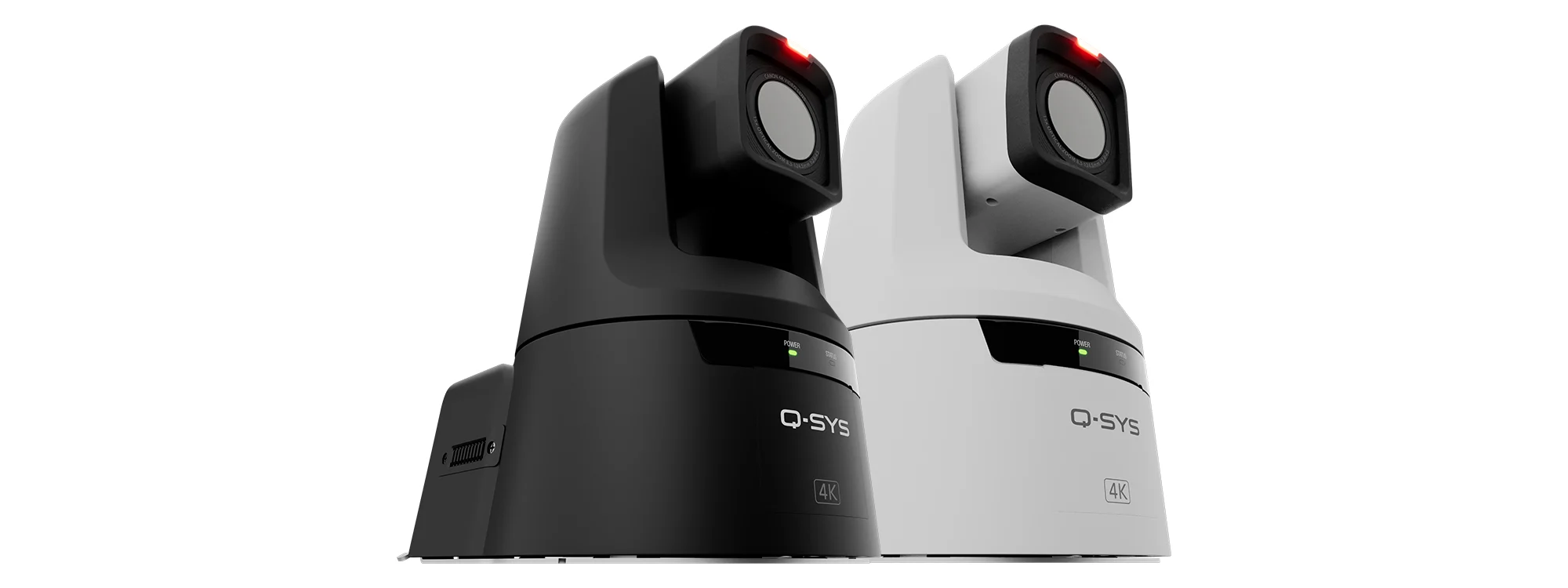
Teacher tracking
PTZ or intelligent cameras can frame the teacher, recall presets and follow movement around the teaching area.
Student view
A second camera can show classroom discussion, student questions and group interaction to remote participants.
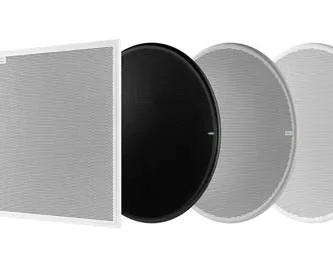
Classroom microphones
Ceiling arrays, beamforming microphones, wireless teacher mics and audience microphones capture the whole learning space.
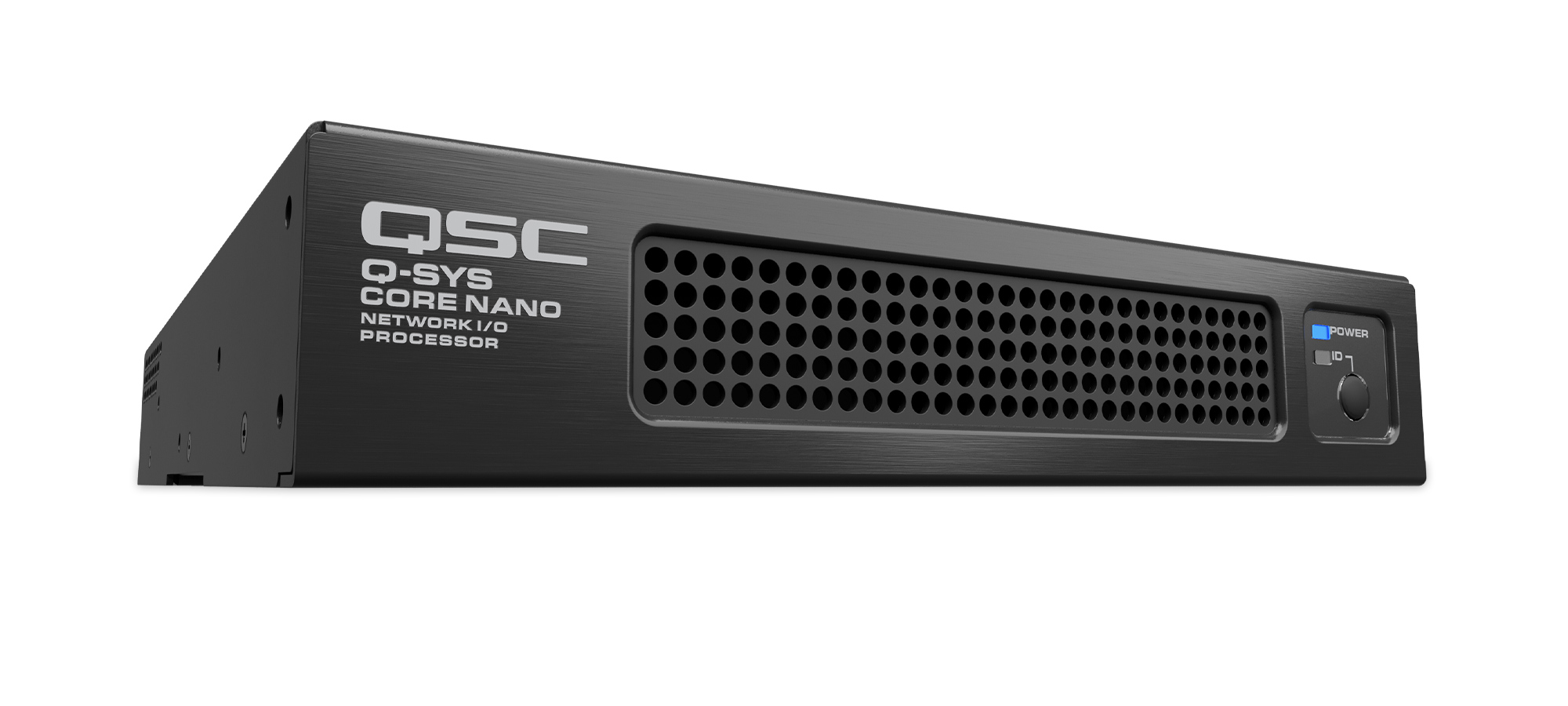
DSP + AEC
Professional DSP manages acoustic echo cancellation, automixing, EQ, USB audio and routing between local and remote participants.
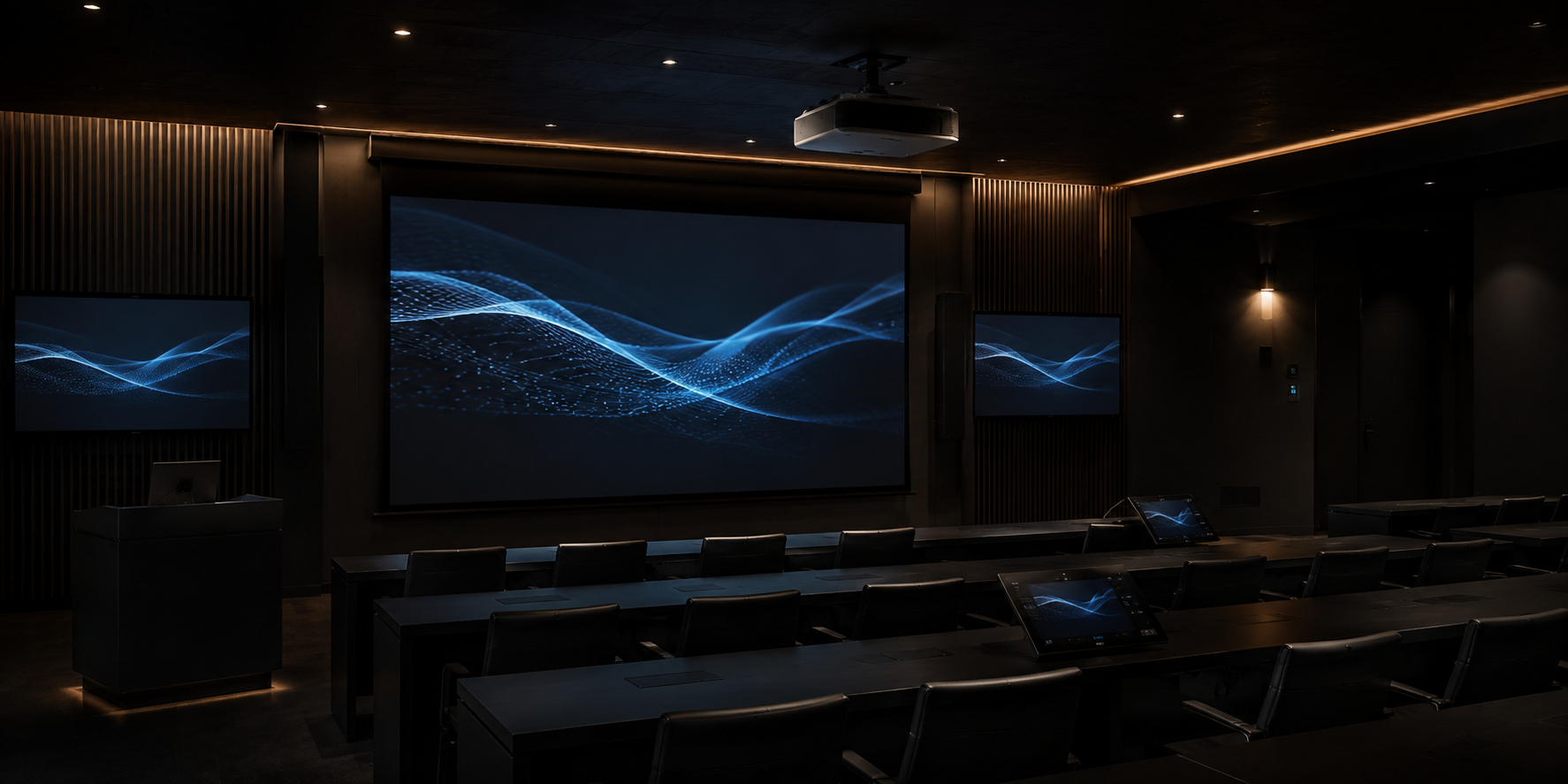
Displays + projection
Interactive panels, dual displays, laser projection and confidence monitors keep content and remote participants visible.
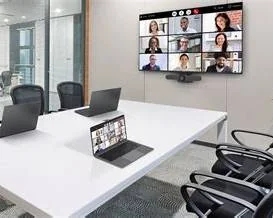
Presentation
USB-C, HDMI, AirPlay, Miracast and commercial wireless presentation systems give teachers flexible ways to share content.
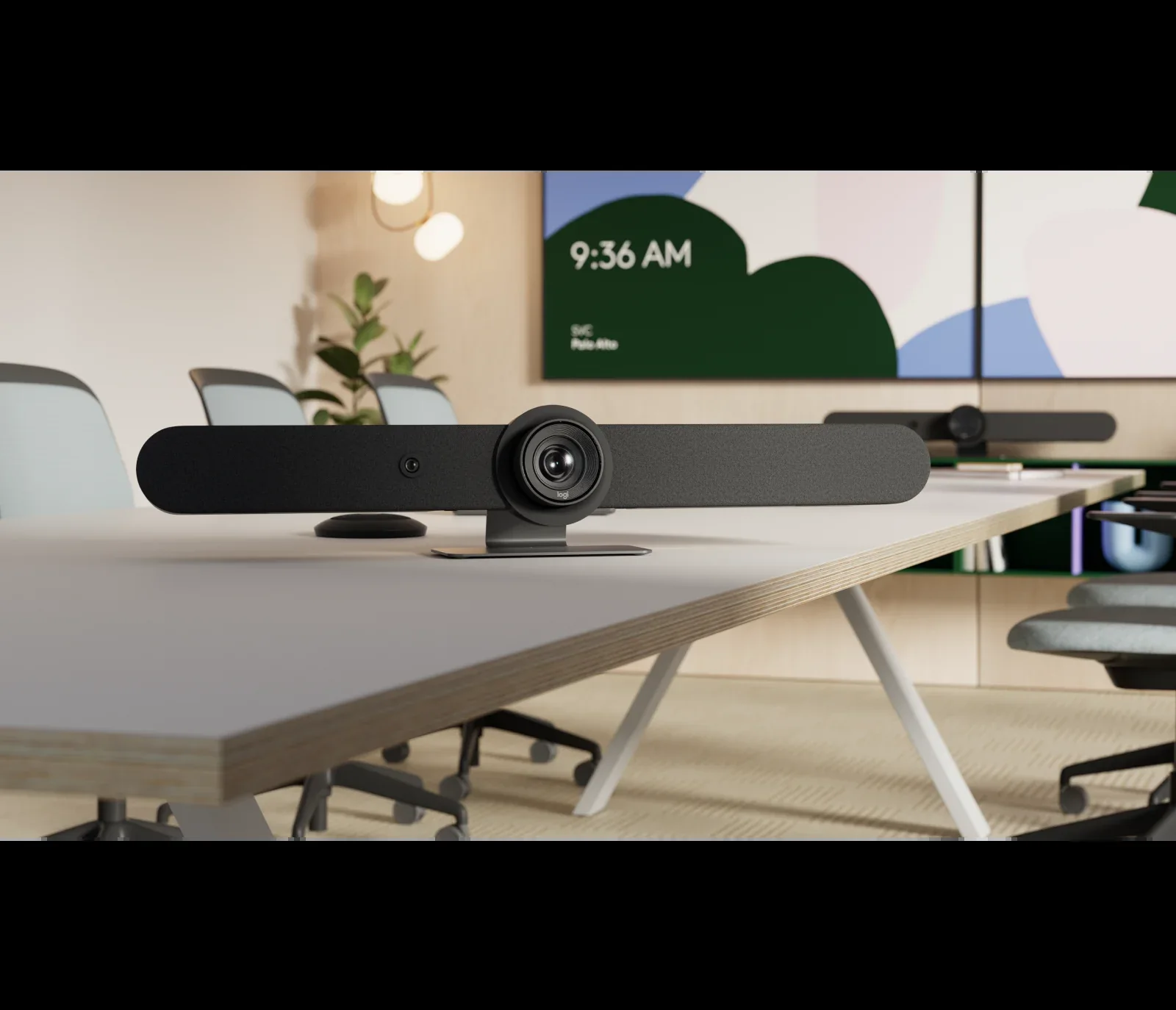
Video conferencing
Dedicated Microsoft Teams Rooms, Zoom Rooms or BYOM designs connect the room to the institution's chosen collaboration platform.
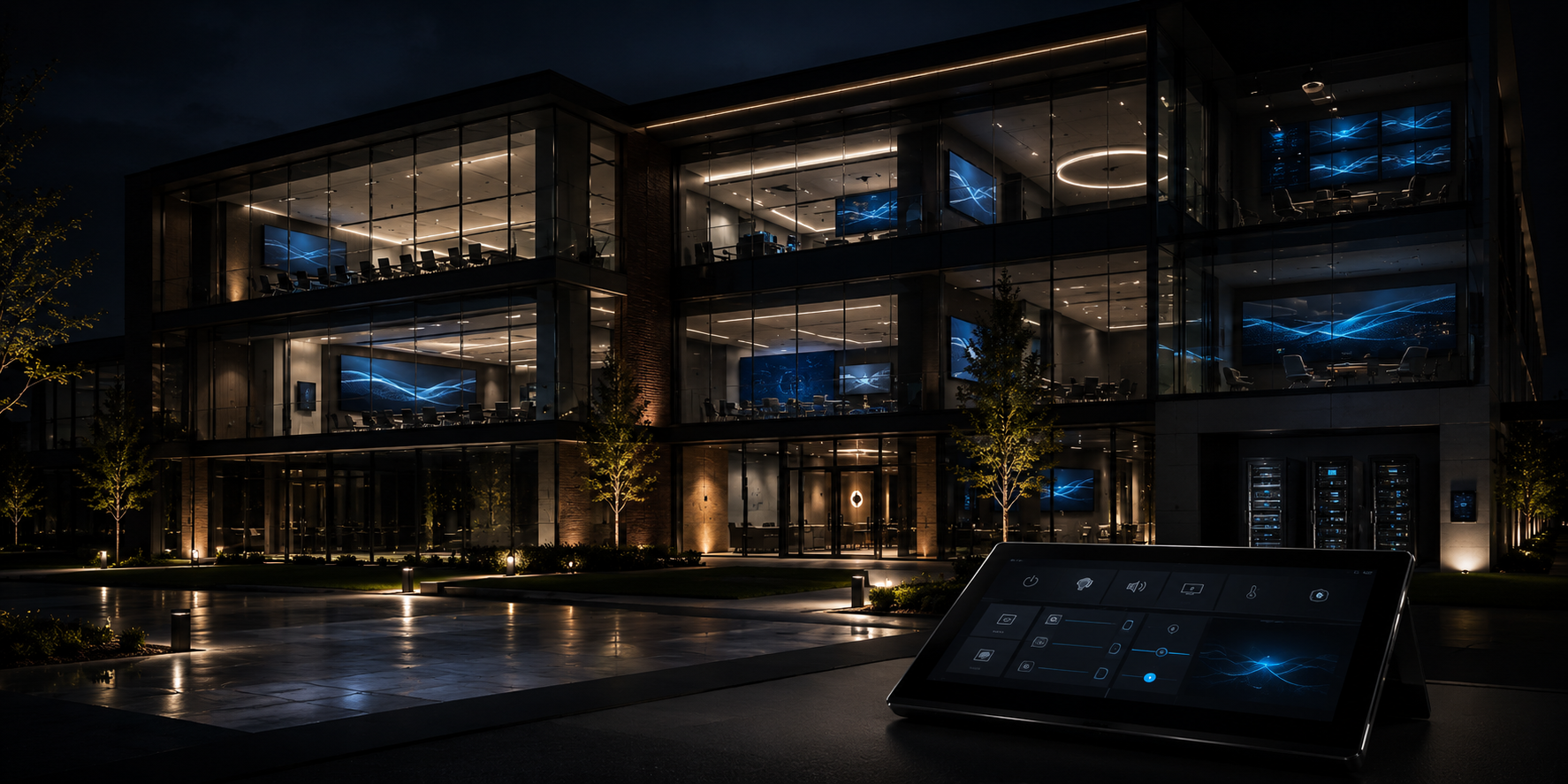
Simple control
Touch panels can reduce a complex room to practical modes such as Start Class, Hybrid Class, Discussion and End Class.
Right-size the technology to the teaching space.
Small HyFlex classroom
Interactive display · intelligent video bar or PTZ camera · integrated or external microphones · USB-C · wireless presentation · Teams or Zoom.
Medium HyFlex classroom
Dual displays or projection · teacher and student cameras · ceiling microphone array · wireless teacher microphone · DSP with AEC · touchscreen control.
Lecture room / theatre
Multiple PTZ cameras · automatic camera switching · multiple microphone zones · Dante · AV over IP · lecture capture · assistive listening.
Students can tolerate an imperfect camera angle. They struggle when they cannot hear.
Classroom audio is fundamental to the remote learning experience. Laptop microphones rarely capture a whole room effectively.
We design microphone coverage, loudspeakers and DSP together so the teacher, student questions and remote participants remain clear while acoustic echo cancellation prevents room audio returning into the call.
One teaching experience across multiple rooms.
For schools, universities and training organisations, a standard HyFlex design can reduce support complexity while allowing the technology to scale with room size.
HyFlex does not always mean starting again.
Existing displays, projectors, loudspeakers, microphones, network infrastructure and cabling may be reusable. We can assess the room and develop a staged upgrade path around teaching requirements and budget.
Request a classroom AV assessment →Build the complete education technology environment.
HyFlex classroom FAQs.
What does HyFlex mean?
HyFlex is short for Hybrid-Flexible. It describes a learning model where students may have choices around physical, live remote or asynchronous participation.
Who created the term HyFlex?
The HyFlex teaching model is associated with Dr Brian Beatty at San Francisco State University, with the term in use by 2006.
Is HyFlex the same as hybrid learning?
Not exactly. Hybrid learning combines online and face-to-face learning. HyFlex places additional emphasis on learner choice between participation modes.
Can Q-SYS be used for HyFlex?
Yes. Q-SYS can integrate DSP, AEC, cameras, USB conferencing, networked audio, control and monitoring into one classroom platform.
Can a HyFlex classroom use Microsoft Teams?
Yes. A room can use a dedicated Teams Room or allow the teacher to connect a laptop to the installed room AV.
Can existing classrooms be upgraded?
Often, yes. Existing AV and cabling can be assessed and retained where practical, reducing cost and disruption.
Design the room around the way you teach.
Tell us about the room, student numbers, teaching style, remote-learning platform and existing technology. We can develop a practical HyFlex AV design covering cameras, microphones, classroom audio, conferencing, control, electrical and communications infrastructure.
Request a consultation