Automated school bells
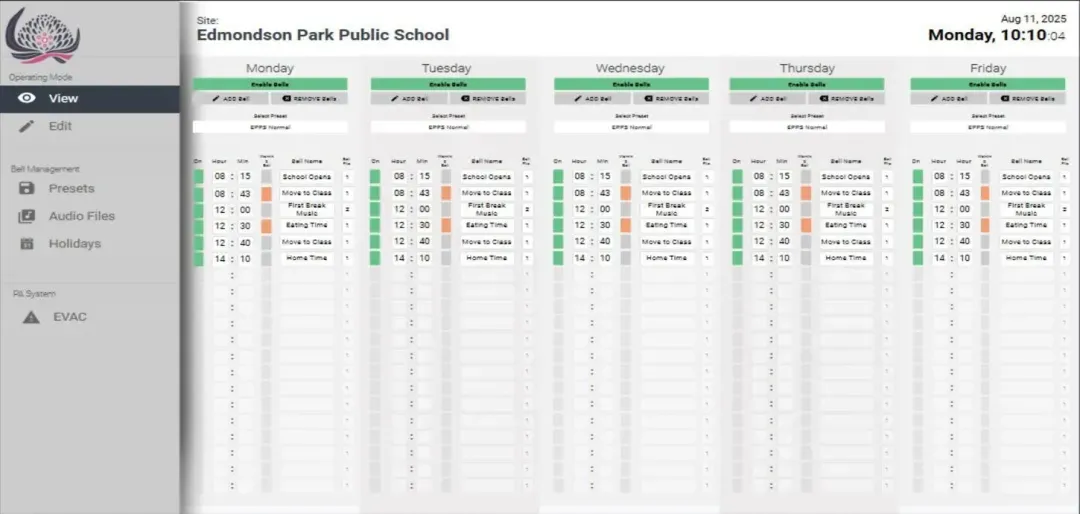
Timetables that reflect the school day.
Program lesson changes, breaks and agreed bell audio around the school’s timetable. Confirm timing, destinations and a practical way for authorised staff to manage routine changes.
Clear announcements. Bells that follow your timetable. Controls your staff can use. We design, install and support school PA, bell and paging systems across Sydney and NSW.
The bell marks a lesson change. An announcement reaches the right building. Staff can see which timetable is active. A good school communication system makes these everyday tasks straightforward.
Masters Voice Technology assesses, designs, installs and supports school PA, bell and paging systems across Sydney and NSW. We bring schedules, announcement controls, amplification and campus coverage into a coordinated service scope.
Whether you need a fault investigated, a bell controller upgraded or a wider campus redevelopment, we begin with how the school operates and what the existing infrastructure can support.
Select the capabilities your school needs. The equipment, functions and support inclusions are defined after reviewing the site and operating requirements.

Timetables that reflect the school day.
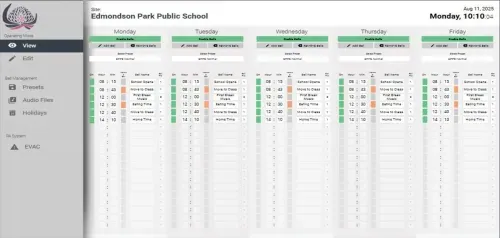
Program lesson changes, breaks and agreed bell audio around the school’s timetable. Confirm timing, destinations and a practical way for authorised staff to manage routine changes.

The right message, clearly delivered.
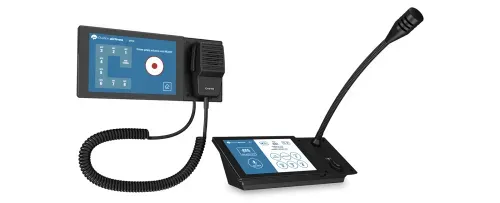
Provide a paging microphone or suitable control interface for administration staff. Set clear zone names, sensible levels and the agreed announcement workflow.

Reach a building, a group of areas or the campus.
Map classrooms, administration, halls and outdoor areas into practical zones. Check the routing so every routine announcement does not need to go everywhere.

A plan for days that run differently.
Scope alternate timetables, holiday exceptions, pupil-free days and examination-area isolation. Make the active preset and return to normal operation clear.

Design for where people need to hear.
Review loudspeakers, amplifier capacity, cable condition and the listening environment. Aim for intelligible speech and appropriate coverage rather than simply increasing volume.

Connect school activities with the wider system.
Assess microphone, music and hall-audio feeds where integration is useful. Agree which sources can reach which zones and how they interact with routine paging.

Approved messages and deliberate activation.
Define authorised activation, destinations and priority behaviour around the school’s procedures. Assess dedicated alert equipment or interfaces where the brief requires them.

An interface that follows the school’s language.
Present everyday tasks with recognisable labels and clear feedback. Hand over instructions for schedules, paging, zone selection and escalation when something goes wrong.

Keep the system documented and supported.
Agree periodic functional checks and fault handling. Remote diagnostics and monitoring can assist compatible systems with approved access and the appropriate service scope.
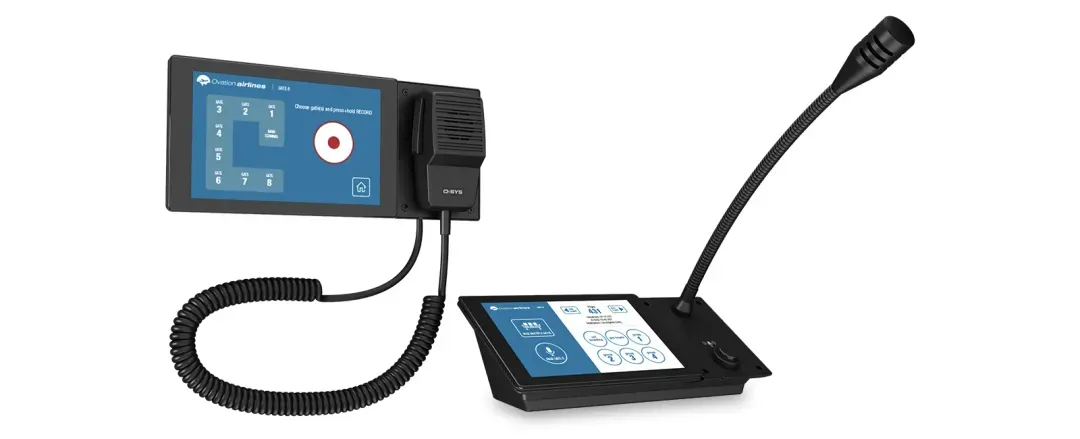
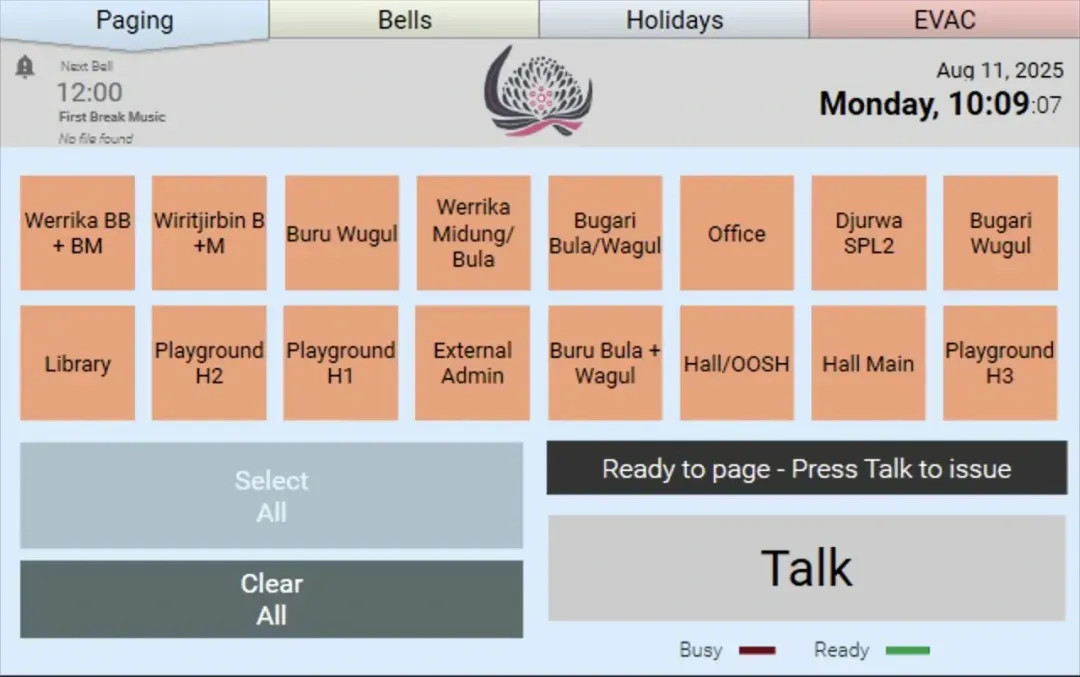
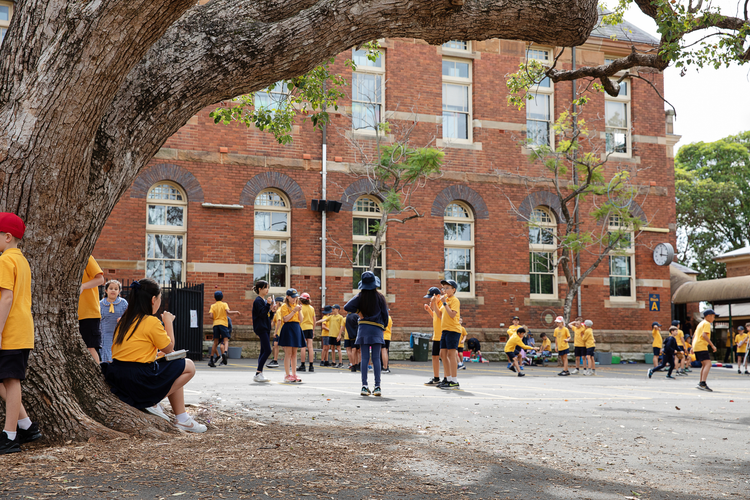
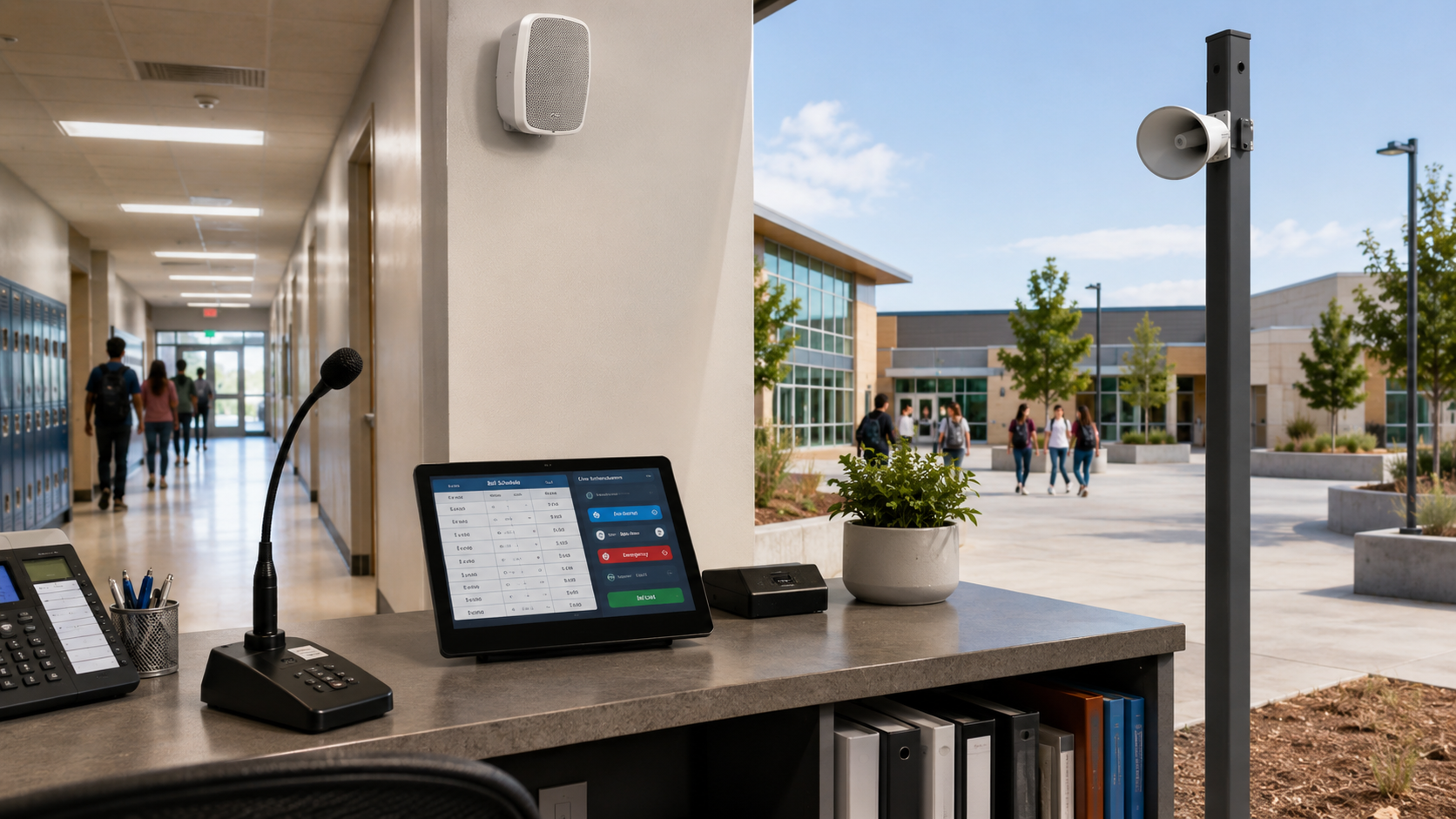
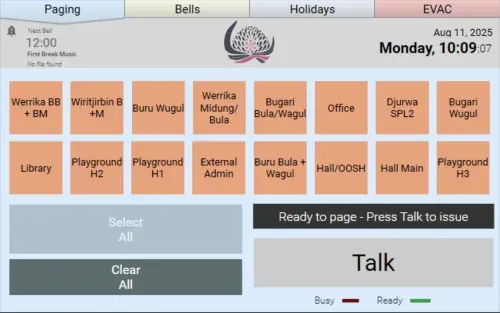
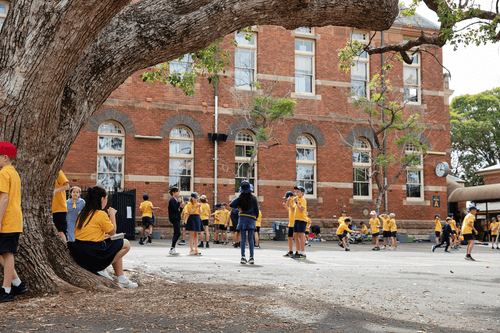
Campus photographs, product imagery and illustrative service scenes are used throughout. Q-SYS screens are examples of existing MVT interface designs; functions are configured for each project.
Choose a starting approach below. We will help define the assessment and scope before equipment is selected.
A useful fit: missed bells, unclear announcements, silent buildings or recurring system faults.
A useful fit: difficult timetable changes, unclear zone controls or a controller reaching the end of its useful life.
A useful fit: ageing equipment, new buildings, inconsistent coverage or a wider infrastructure renewal.
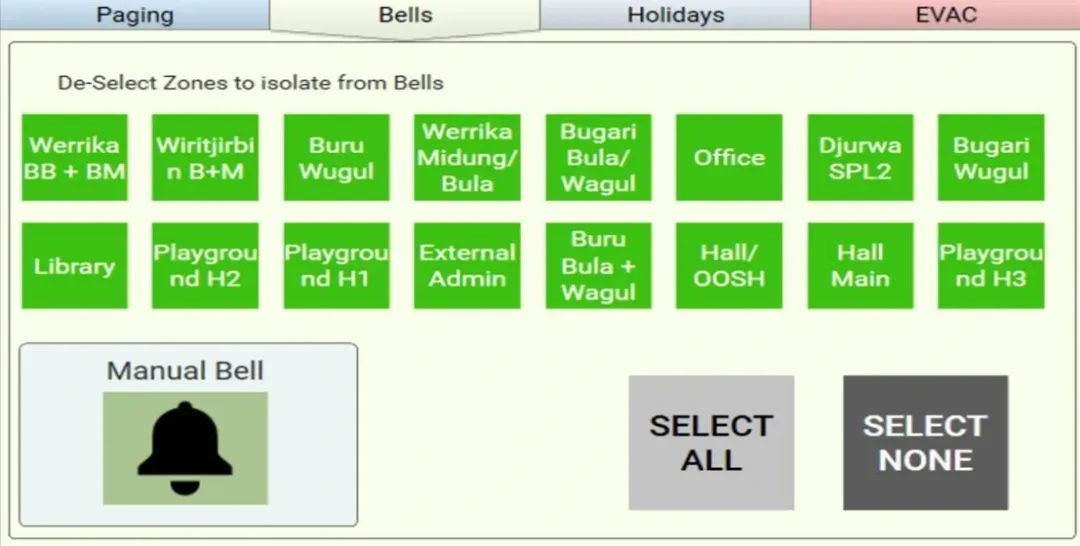
A useful zone plan follows buildings, activities and staff tasks. Select an example to see how routine audio could be directed around a campus.
Example: normal bells reach the agreed learning, administration, outdoor and hall zones.
This is a planning illustration, not a live school control. Actual zones, message priorities and isolation behaviour are agreed and tested for your campus. Two-way intercom is a separate requirement from one-way paging.
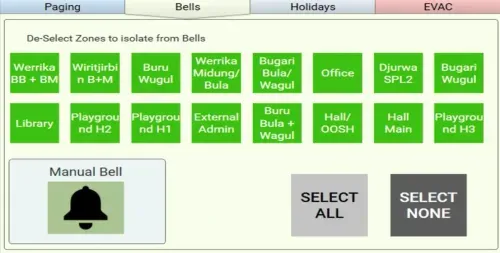
The right interface gives authorised staff a clear view of everyday tasks without exposing the technical configuration behind the system.
We agree the labels, permissions and confirmation steps with your team. Training should include routine changes, checking the active state and knowing who to contact for assistance.

Example MVT interface. School names, zones and functions vary by project.
Check speaker placement, room acoustics and usable announcement levels. Test the areas where staff and students actually listen.
Consider distance, activity noise, weather exposure and sound reaching neighbouring properties when choosing and aiming loudspeakers.
Review amplifier loading, cable condition and zone assignments. A new timer cannot correct every fault elsewhere in the audio path.
We agree the coverage brief and verify the nominated listening areas during commissioning. Where measured performance criteria are required, they are defined in the project scope.
Emergency and priority-message functions need to reflect the school’s approved procedures. We work through the required messages, who can activate them, where they need to be heard and how routine audio should respond.
Dedicated alert equipment, interfaces, backup arrangements and any specialist approval requirements are defined separately in the brief. Everyday PA functionality does not establish the suitability of every emergency-warning application.

Q-SYS can bring programmed audio routing, schedules, staff interfaces and priorities into a coordinated platform. Our dedicated page covers Q-SYS-specific architecture and interface examples.
Explore Q-SYS school bell systems
Dante can distribute audio between compatible processing and amplification devices. Network design, switching, access and responsibilities are coordinated with the school’s IT team.
Explore Dante audio networking
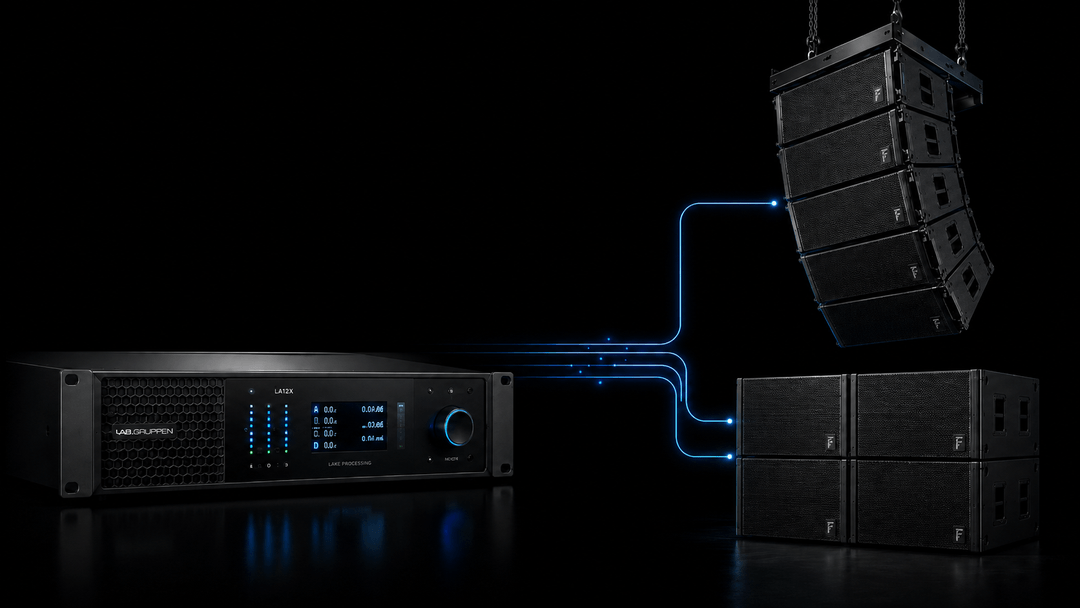
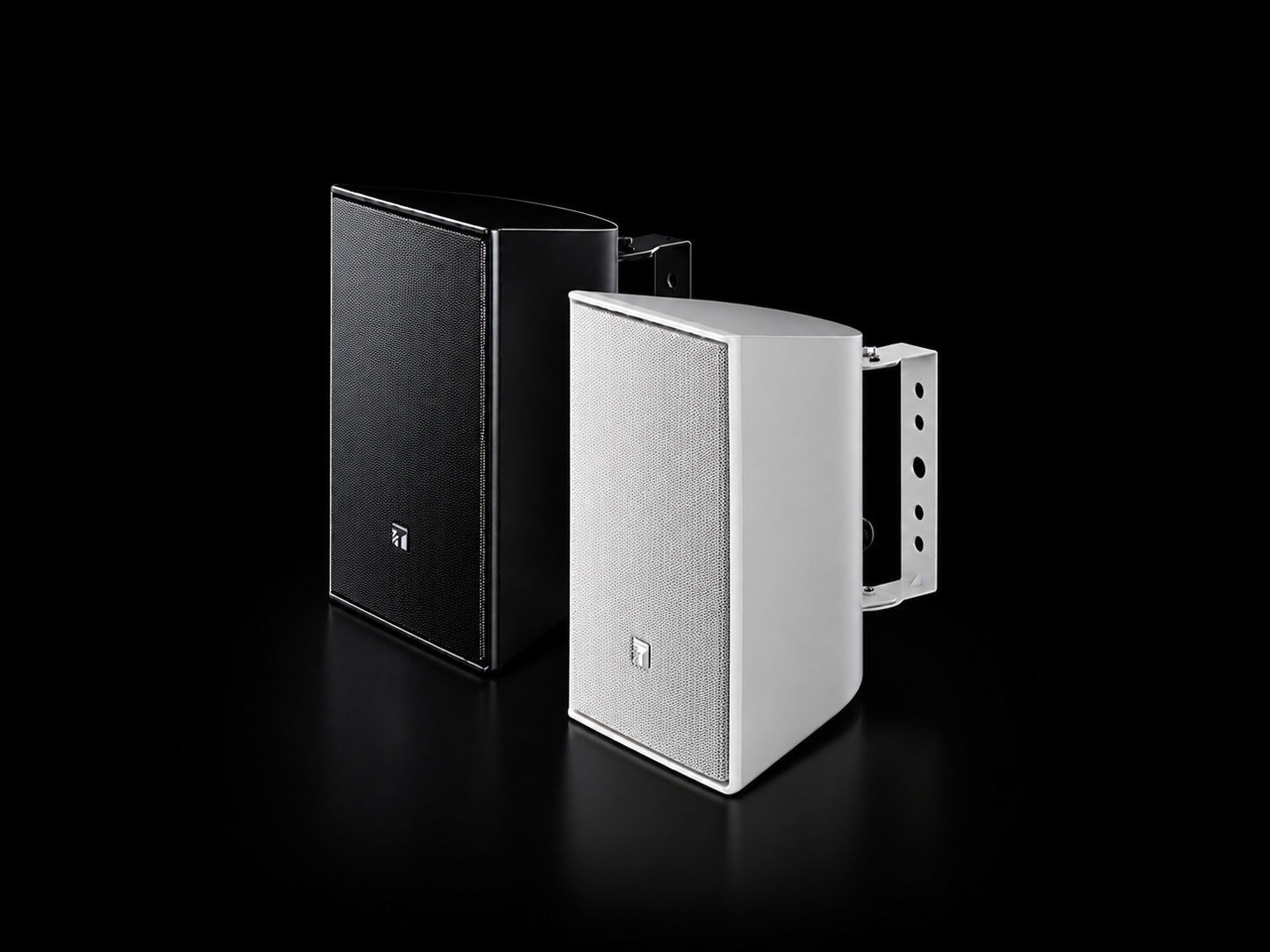
Equipment is selected for the required zones, loads and listening environment. Our Leichhardt project combines Lab Gruppen amplification with TOA loudspeakers.
See the Leichhardt system
Where the brief calls for it, dedicated equipment can provide approved message and activation workflows. Our Merrylands East project uses AARC-EVAC with outdoor loudspeakers and visual warning equipment.
Explore alert-system servicesThe final equipment and integration scope depend on your campus and requirements. Monitoring, licences and third-party compatibility are confirmed during design.

A campus PA and bell redevelopment brought together automated scheduling, targeted paging, Q-SYS control and Dante audio distribution. The project restored everyday communication across the required school areas.
Explore the Leichhardt case study
A dedicated AARC-EVAC project combined recorded alert messages, authorised controls, eight outdoor horn loudspeakers and visual warning equipment around the school’s nominated communication requirements.
Explore the Merrylands East case studyProject-specific outcomes and equipment are described in each case study. Your school’s requirements are assessed individually.
Review campus plans, existing equipment, faults, schedules and staff workflows.
Agree zone coverage, interfaces, permissions and the intended operating behaviour.
Coordinate equipment, cabling, power and network access in agreed work windows.
Test schedules, zone routing, audio coverage and approved priority functions.
Provide operating guidance, records, staff training and a support path.
Where the school needs to remain operational, agree staging, outages and temporary communication arrangements before equipment is disconnected. Holiday work and term-time access are planned around the project and school calendar.
Commissioning follows the agreed brief. A useful test plan covers the everyday schedule and announcement paths as well as the nominated special functions.
Discuss school PA commissioning ↗Scope periodic schedule checks, functional paging tests, equipment inspections and defect reporting. Agree access windows and who approves configuration changes.
Include timetable ownership and staff refresher training when personnel or school routines change.
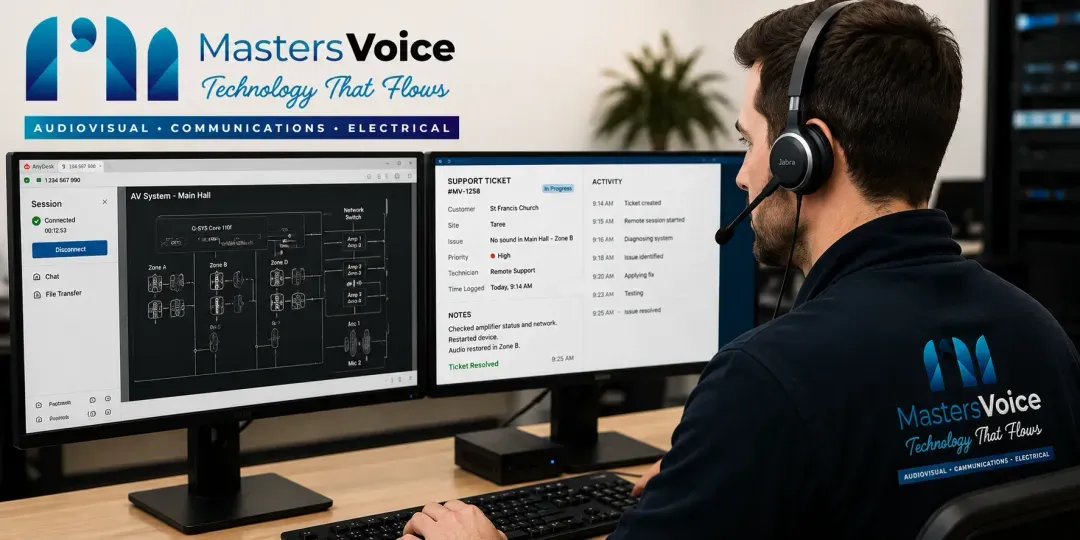
Compatible systems can support remote diagnostics and selected health monitoring, subject to authorised access, connectivity and the chosen platform services.
Onsite coverage, support hours, parts and response expectations are agreed for your school.
Keep the communication project connected to the wider infrastructure without turning it into a full school AV redesign.
Discuss delivery and support in Sydney, Campbelltown and South Western Sydney, or the Mid North Coast. Access, travel and service coverage are scoped to the site.
Select a question to see the answer.
Yes, where the existing equipment is suitable. We assess speaker coverage, cable condition, amplifiers, controls and available documentation. The proposal identifies what can be retained, what needs replacement and how the new scheduling or paging functions will connect.
Bells are scheduled audio events. Paging sends live or recorded announcements to selected areas. The PA system provides the audio processing, amplification and loudspeakers that make those sounds audible. A coordinated design considers all three together.
Routine changes can be included in the authorised staff interface. We agree which presets and settings staff can manage, how changes are saved and how the system returns to normal operation. Deeper programming and protected functions remain controlled.
Yes, subject to the installed infrastructure and design. We map the required destinations and check whether existing speaker circuits or networked equipment can support them. New zones may require cabling, amplification or speaker changes.
Exam-area isolation, holiday exceptions and alternate schedules can be scoped into the system. We agree which zones are affected and what announcements must remain available, then test the chosen behaviour with authorised school staff.
Not necessarily. Unclear announcements may involve speakers, placement, cable faults, amplification, microphone use or acoustics. An assessment should trace the full signal path and test coverage, rather than assume the timer is the cause.
Priority messages and approved alert interfaces can be designed around the school’s requirements. We agree message wording, activation permissions, destinations, override behaviour and testing with the school. Any dedicated emergency warning requirements, approvals and specialist interfaces need to be identified separately in the project brief.
Internet and local-network dependencies vary by architecture. Locally scheduled processing can reduce reliance on a cloud connection, while remote access and monitoring need suitable connectivity. We document the agreed behaviour for network or power interruptions and any backup arrangements.
Installation, cutover and planned maintenance can be scheduled around school operations and agreed access windows. We confirm lead times, site access, outages and any temporary communication arrangements before works begin.
Yes. We design and program Q-SYS-based school bell and paging systems, including suitable routing, schedules and staff controls. Our dedicated Q-SYS School Bell Systems page covers platform-specific interfaces, architecture and project examples. Explore the Q-SYS school guide ↗
Yes. The agreed handover can include operating instructions, configuration records and practical staff training. Maintenance, remote assistance, onsite coverage and response expectations are defined in the support scope. Explore AV support ↗
A campus plan, known equipment details, bell timetables, current faults and the areas that need coverage are useful. Include the staff tasks, priority-message requirements and preferred work windows. We can help identify missing information during the assessment.
Send your campus plan, timetable, current problems and preferred work windows. We will help define an assessment and the right scope for bells, paging and PA.
Call 1300 804 320 or use our project enquiry form.