Service category

Meeting Room AV Sydney

Meet clearly. Share easily. Start on time. Meeting room AV design, installation and support across Sydney and NSW, with one team for AV, electrical and communications.

Request a consultation →
What we do
Meeting Room AV Sydney

Project experience · Parramatta

One workplace. Multiple room formats.

At British American Tobacco Australia, the workplace AV project brought together a ten-seat dual-display meeting room, a compact six-seat room and two adjoining training rooms.

Logitech conferencing provided a familiar meeting-room workflow, while Q-SYS coordinated the training spaces in independent and combined modes. The project shows why a workplace standard needs room-specific engineering.

View the BAT Australia case study →
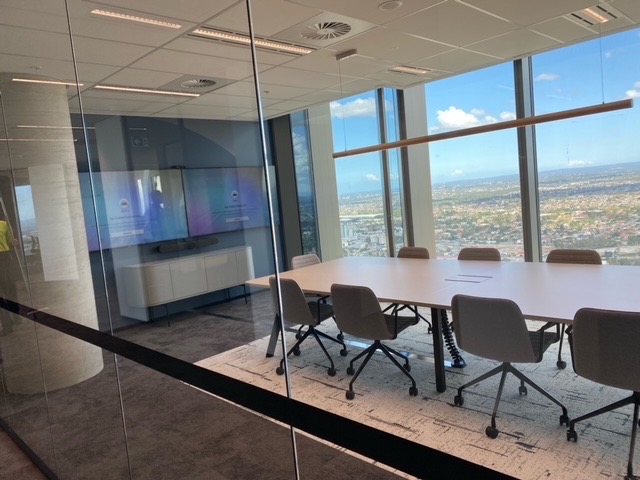
Completed dual-display meeting room at BAT Australia Parramatta
British American Tobacco Australia · Completed meeting-room installation

A complete room, designed together

Better meetings begin with the room.

A camera and screen are only part of the experience. People need to hear clearly, see participants and content, connect without confusion and get help when something goes wrong.

Everyone heard

Microphones, loudspeakers and acoustic echo cancellation selected for the seating layout and room acoustics.

Everyone included

Camera views and readable displays planned for people in the room and participants joining remotely.

One familiar workflow

Conferencing, presentation and controls arranged around what staff and visitors actually need to do.

Explore the room types

Different spaces. A consistent meeting experience.

Browse five room formats. Seat counts are indicative; room depth, furniture, acoustics and platform requirements determine the final design. The huddle, small-room, training and combined-room images illustrate typical layouts. The larger-room image shows a completed BAT Australia meeting room.

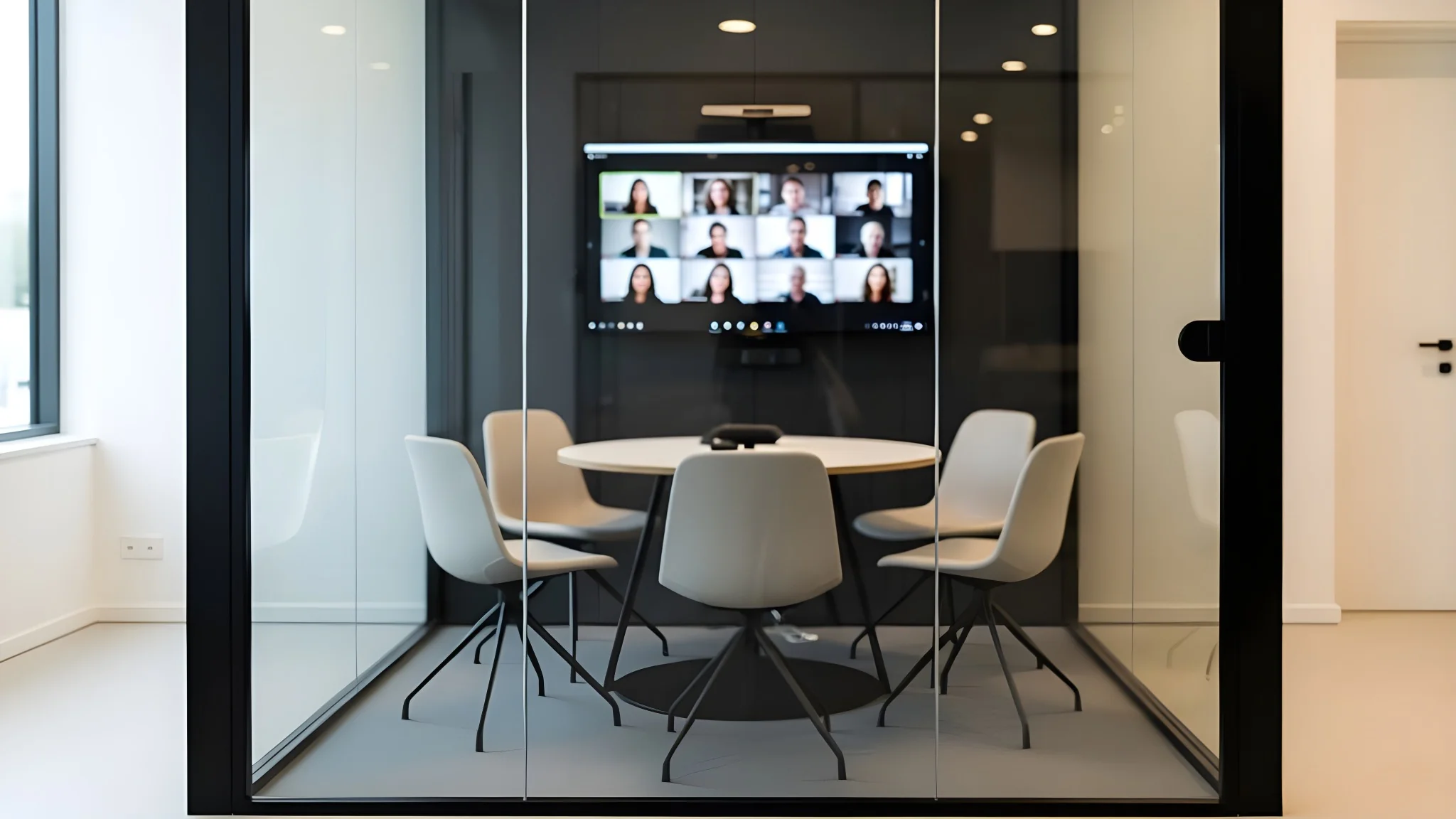
Illustrative huddle room with display and video conferencing

Huddle rooms · 2–4 people · indicative

Quick conversations. A complete room experience.

A compact display and video bar can suit small rooms when everyone sits within camera and microphone coverage. Plan a simple guest connection and position the camera at a natural viewing height.

Wide camera view · Clear speech · Easy connection

Explore Logitech huddle-room solutions →
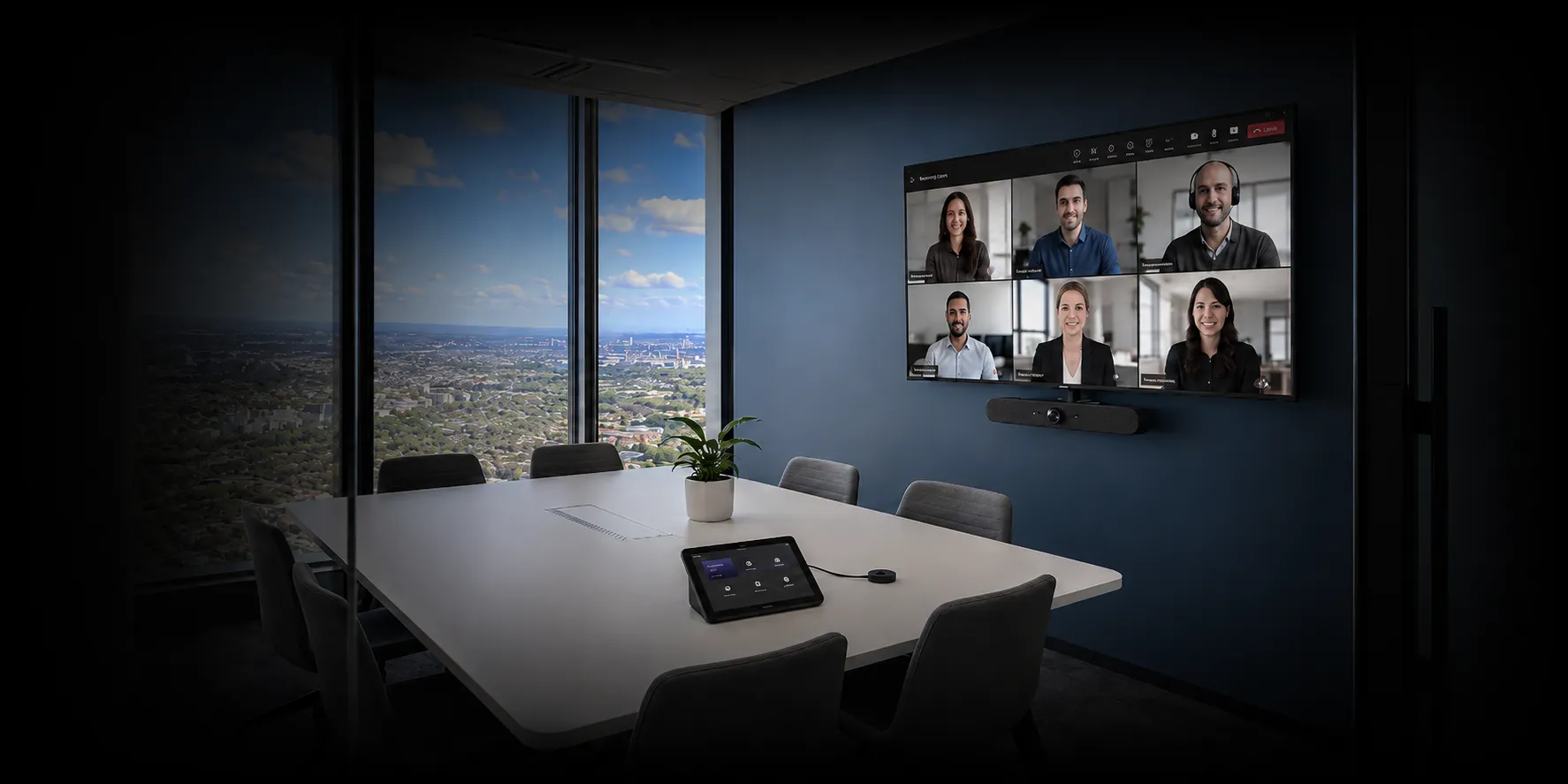
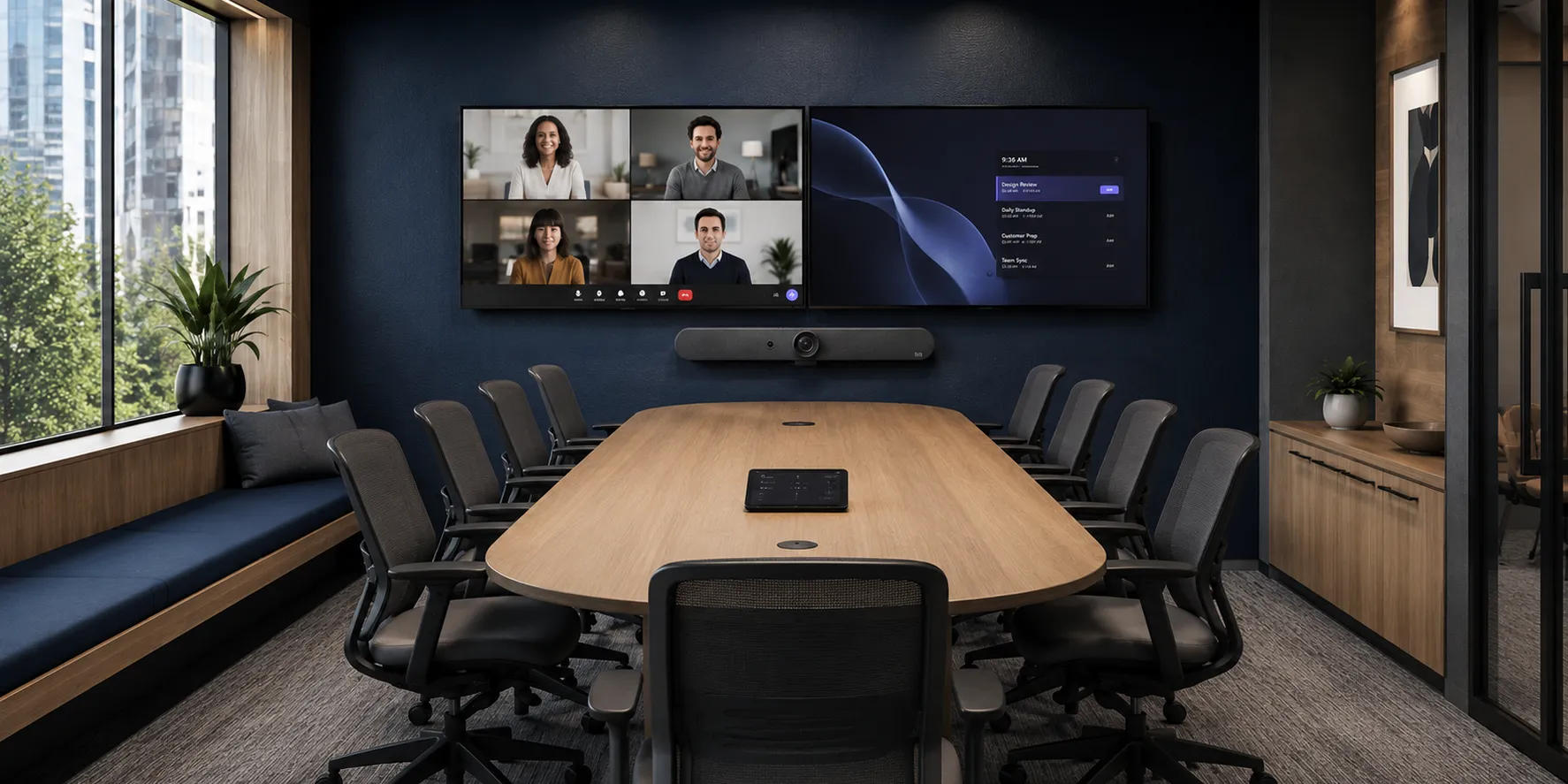
Illustrative six-seat meeting room with Logitech video conferencing

Small meeting rooms · 5–8 people · indicative

Every seat should be part of the meeting.

Choose the display around viewing distance and content, then check microphone coverage at the furthest chair. Dedicated room conferencing or a laptop-led BYOD system can suit this format.

Readable content · Seat coverage · Teams or BYOD

Explore Yealink meeting-room solutions →
Completed ten-seat dual-display meeting room at BAT Australia

Boardrooms & larger meeting rooms · Layout matters more than seat count

Make longer tables work for remote participants.

Longer rooms may need additional microphones, professional DSP, more than one camera and dual displays. Explore the specialist boardroom page for executive-room audio, camera and control design.

Audio coverage · Camera views · Integrated control

Explore boardroom AV design →
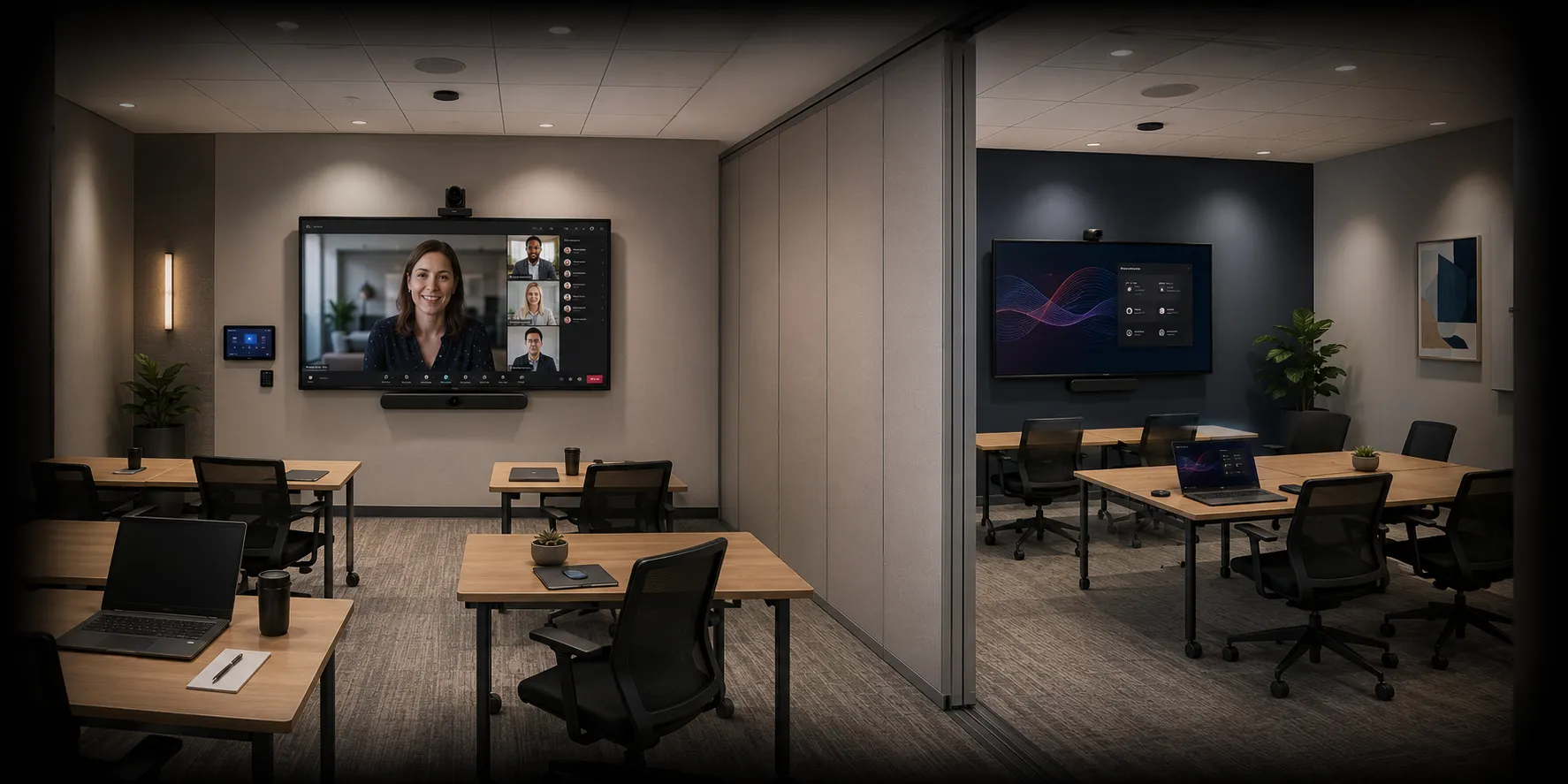
Illustrative training-room AV layout

Training & presentation rooms · Presenter-led sessions

Capture the presenter and the discussion.

Plan separately for presenter audio, audience questions, shared content and remote attendees. Movable furniture and different teaching layouts can call for distributed audio and flexible camera views.

Presenter audio · Audience pickup · Flexible layouts

Explore hybrid training-room AV →
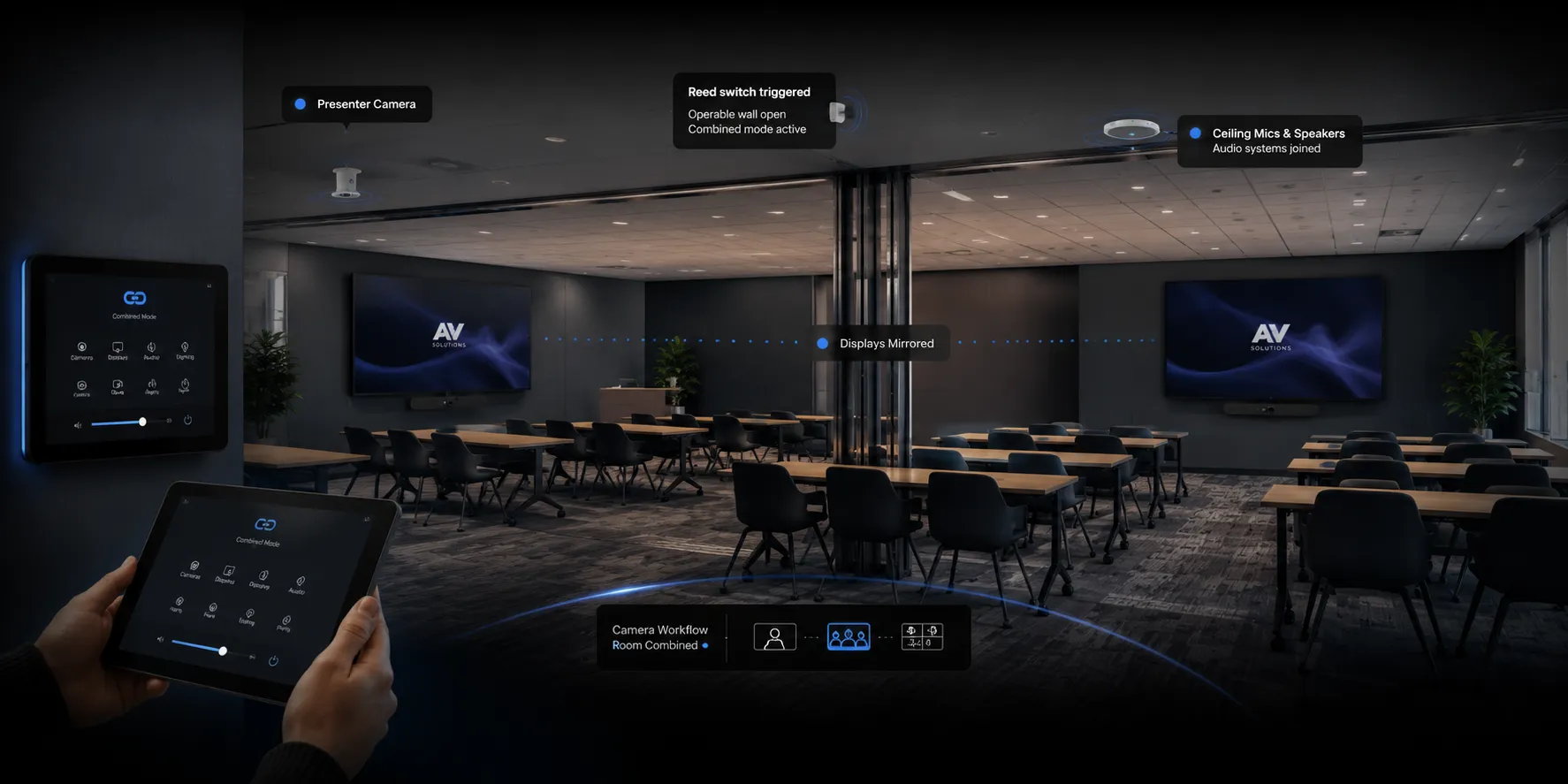
Illustrative combined training-room AV layout

Divisible & multipurpose rooms · Independent and combined operation

Two rooms. One coordinated experience.

When an operable wall opens, the AV needs an agreed combined-room mode. Design audio routing, presentation, microphones, cameras and controls for both configurations, then test each mode at handover.

Room-combine control · Zoned audio · Coordinated displays

View the divisible-room case study →

Read the divisible meeting room AV planning guide →

Choose the workflow first

Dedicated room system or bring your own device?

Start with your organisation’s meeting platform, visitor requirements and IT policies. Then select compatible equipment, controllers, connections and licences around that workflow.

ApproachHow meetings runWhat to confirm
Microsoft Teams RoomsA dedicated room system joins scheduled Teams meetings through a room controller.Room account and licence, certified hardware, client IT setup, guest meeting access and content sharing. Compare video conferencing platforms ↗ Explore Teams Rooms →
Zoom RoomsA dedicated room system provides a Zoom-based meeting and presentation workflow.Zoom Rooms licensing, compatible devices, calendar integration, management and guest-platform requirements.
BYOD conferencingThe user’s laptop runs the meeting and connects to the room’s camera, audio and display.Laptop compatibility, USB and display connections, charging, cable reach and guest instructions.
Dedicated system with BYOD optionStaff use the room platform; a supported laptop connection provides an alternative workflow.Supported switching or USB extension, how users change modes and which room devices are available in each mode.

Joining a guest meeting, sharing a laptop screen and using the room’s camera and audio from a laptop are different functions. We confirm each required workflow during design. Read our Teams Rooms versus BYOD guide for a deeper comparison.

Meeting room AV system design

Plan every connection, every seat and every handover.

Displays & content

Screen size, mounting height, viewing distance and single or dual displays chosen around participants and the detail they need to read.

Microphones & audio

Voice pickup, loudspeaker coverage and echo cancellation assessed together. Glass, hard surfaces and background noise influence the design.

Cameras & sightlines

Camera placement and coverage planned for the seating arrangement, with presenter or additional views where the workflow requires them.

Presentation & BYOD

USB-C, HDMI or wireless sharing specified around staff and visitors. Cable lengths, device compatibility and user instructions are agreed.

Control & scheduling

Room operation can coordinate conferencing, source selection, volume and displays. Booking panels and room-combine control are scoped where needed.

Power, data & IT

Mounting, cable pathways, power and network outlets coordinated early. Network access, security policies and platform accounts are agreed with client IT.

Modern meeting room technology

Choose useful features. Prove them in your room.

A polished product demonstration is a starting point. The better question is what remote participants will hear and see when your team uses the room.

Camera framing that helps

Group framing, active-speaker views and individual participant views can make hybrid conversations easier to follow. Availability varies by device, firmware and meeting platform. Test people at the end of the table, overlapping discussion and movement before choosing a camera mode.

Explore camera options →

Clear speech before AI

Meeting transcripts and recaps depend on usable speech capture. Microphone coverage, background noise and reverberation deserve attention before AI features. Acoustic echo cancellation manages conferencing echo; a reflective room may also need acoustic treatment.

Read the room-design guide →

Recognition with an agreed policy

Automatic framing and identifying a person by name are different capabilities. Where voice or face recognition is required, confirm supported hardware, licensing, tenant policies and user enrolment with IT. Agree the organisation’s privacy settings and transcription workflow before deployment.

Explore Teams room planning →

Planning references: Microsoft room planning, Teams people recognition and Logitech camera framing. Feature support is checked for the proposed system.

Design · Install · Support

One accountable team, from assessment to everyday use.

Masters Voice Technology combines AV, electrical and communications capability across Sydney and NSW. We define the room’s behaviour before installation and commission the agreed workflows before handover.

01 · Assess & design

Agree the room standard

Review layouts, existing equipment, acoustics, platform needs and budget. Define inclusions, retained equipment, licensing and client responsibilities.

02 · Install & commission

Test real meetings

Install and configure the agreed system. Check remote speech, camera views, content sharing, guest connections and each operating mode.

03 · Train & support

Keep the room usable

Provide operating guidance, documentation and staff training. Agree maintenance, service contacts and response targets for ongoing support.

Planning a refurbishment? We can assess which displays, mounts, cabling and other equipment remain suitable. For a wider office fit-out, explore our commercial AV installation services. For an operating room estate, explore AV support and maintenance.

What a successful handover should demonstrate

Agree the acceptance checks in the project scope and run them with a remote participant, using your normal meeting accounts and representative laptops.

  • Speech is understandable from every intended seat, with the room’s air conditioning operating.
  • Camera views include the intended seating positions and respond appropriately to discussion.
  • Presentation text is readable from the furthest seat and reaches remote attendees as required.
  • Staff and guest connection workflows work on the agreed devices, including switching back to normal room operation.
  • Divisible rooms work independently and in combined mode, with the correct audio, cameras and displays.
  • Users receive operating instructions, an equipment record and a clear support contact.

Prepare a meeting-room project brief

Bring these details to the first room assessment so the proposal can cover the complete installation:

  • Space: floor plan, room dimensions, seating layout and photos of the display wall and table.
  • Meetings: main platform, regular guest platforms, presentation sources and any laptop BYOD requirement.
  • Existing equipment: displays, cameras, audio, controls and cabling you would like assessed for reuse.
  • IT ownership: contact for room accounts, licences, network access and device management.
  • Delivery: target date, access restrictions, budget allowance and planned building work.
  • Handover: the meeting workflows to test, staff training and ongoing support requirements.

For several rooms or sites, use our meeting-room standardisation guide to define repeatable room profiles and acceptance checks.

Budget around the whole room

Allow for equipment, mounting, cabling, programming, commissioning and training, alongside any network work, platform licences and service agreement. An itemised scope makes it easier to compare proposals and stage upgrades across multiple rooms. Read our meeting room AV cost guide for budget-planning detail.

Customer voices · Google reviews

A project team you can feel confident in.

A Google reviewer’s perspective on working with Masters Voice Technology across multiple projects.

Read our reviews on Google ↗
Illustrative meeting room with video conferencing displays

Meeting room AV · Illustrative image

review

★★★★★

“I was involved with Masters Voice Tech in a couple of projects. Their efficiency ,precision and power of delivery is second to none.”

Koorosh Moghaddam

Project delivery · Google reviewer

Explore completed projects →

Excerpts from Google reviews. Original wording retained. Read the complete reviews and current ratings on Google.

Meeting room AV FAQs

Questions before you build or upgrade.

What is meeting room AV?

Meeting room AV brings together displays, cameras, microphones, loudspeakers, presentation connections and controls so people in the room and online can meet and share content. A complete installation also considers acoustics, power, data, platform configuration and ongoing support.

How much does a meeting room AV installation cost?

Cost depends on room size and acoustics, conferencing platform, display count, microphone and camera coverage, cabling access, controls and support requirements. A compact room with a suitable video bar has a different scope from a boardroom with ceiling audio or divisible-room control. Send photos, a floor plan and your budget for an itemised proposal.

Should we choose Teams Rooms, Zoom Rooms or BYOD?

Choose around the meetings your organisation hosts and how visitors use the room. A dedicated room system supports a calendar-led workflow on the chosen platform. BYOD uses a laptop to run the meeting with compatible room camera, audio and display connections. Guest-platform joining, content sharing and laptop takeover are separate capabilities that must be confirmed for the proposed system.

How do you choose equipment for different room sizes?

We assess room dimensions, seating, viewing distance, acoustics, camera sightlines and meeting workflows. Participant count is a starting point rather than a product-sizing rule. Deep rooms, glass surfaces and movable furniture can change the design even when two rooms have the same number of seats.

Can we retain our existing displays or equipment?

Yes, where the equipment is suitable and supportable. We review resolution, inputs, mounting, cabling, operating condition and compatibility before confirming what can be retained. The proposal identifies retained equipment and any limitations.

Can you standardise meeting rooms across multiple sites?

Yes. We can define room types, common user workflows, equipment standards and commissioning checks for repeatable deployment. Room-specific changes may still be needed for geometry, acoustics and infrastructure.

Do you handle electrical and data cabling?

Masters Voice Technology combines AV integration with electrical and communications capability. The agreed scope can include display power, data outlets, AV cabling, mounting and cable management, coordinated with the client’s IT team and building requirements.

What ongoing support is available?

Support can include help desk assistance, remote diagnostics where supported, preventative maintenance, onsite service and lifecycle planning through TechFlow360. Monitoring capability, service hours, response targets, subscriptions and client IT responsibilities are defined in the support agreement.

What should we send for a meeting room AV quote?

Send the site location, room dimensions, seat count, photographs or floor plans, preferred meeting platforms, existing equipment, presentation needs, budget and timeframe. Include any security or network restrictions so they can be considered before equipment is selected.

Do AI cameras and meeting transcripts work in every room?

No. Camera framing, individual video views, transcription and people recognition are separate features with different device, platform, licensing and policy requirements. Clear speech capture and suitable camera sightlines still matter. We confirm the requested functions for the proposed system and test them in the room with client IT.

Does a video bar fix echo in a glass meeting room?

A video bar can provide conferencing echo cancellation and noise processing, but it does not change the room’s physical acoustics. Glass, hard walls and reflective surfaces can still reduce speech clarity. Assess microphone placement, background noise and reverberation together; acoustic treatment may be needed alongside AV equipment.

Start with your room

Build a better meeting experience.

Tell us where the room is, who uses it and what needs to work better. Share a floor plan or photographs, your preferred platforms, budget and timeframe so we can shape the next step.