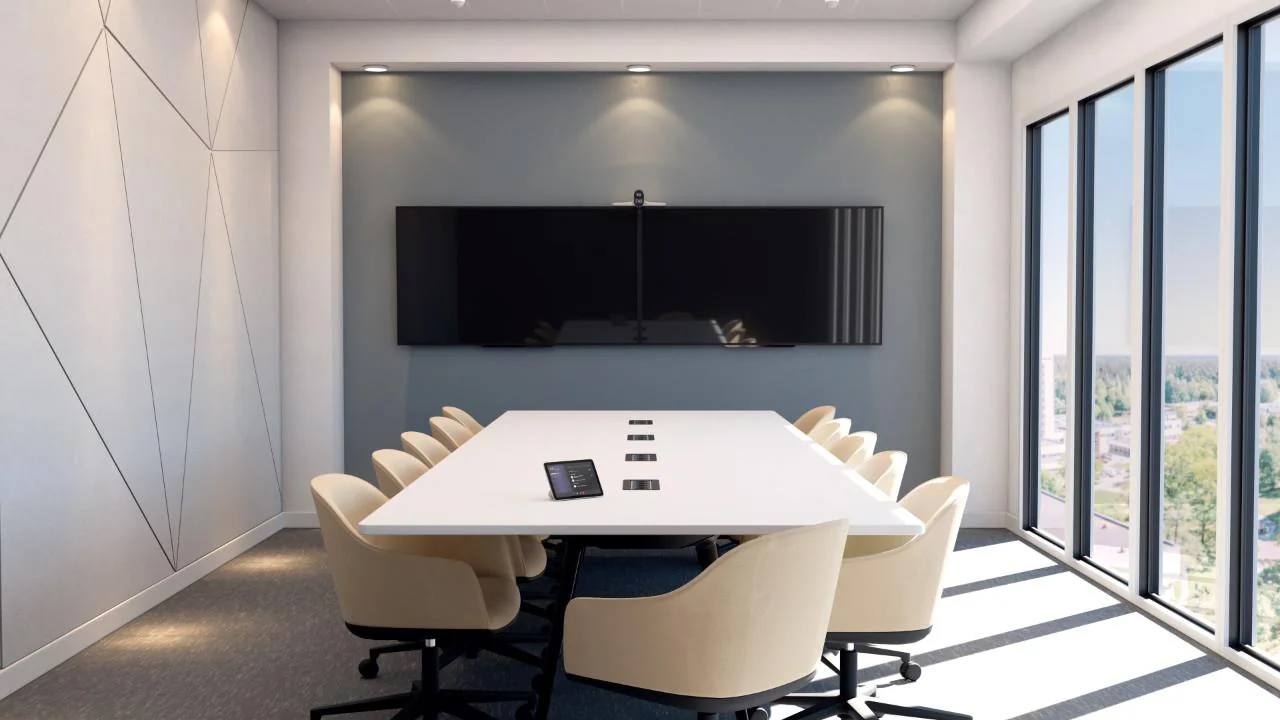
Front-of-room displays
Single or dual displays provide clear views of remote participants, presentation content, large gallery layouts and meeting information.

Masters Voice Technology designs, installs and supports Microsoft Teams Rooms for Sydney workplaces, boardrooms, training spaces and collaboration environments.
Create a consistent meeting-room experience with one-touch join, intelligent cameras, clear room audio, wireless content sharing, room scheduling and dependable ongoing AV support.
A Microsoft Teams Room is a dedicated meeting-room system that uses certified hardware, a shared room account and the Teams interface to make hybrid meetings easier to join, see and hear.
Instead of relying on an employee’s laptop, cable adapters and personal settings, the room itself becomes the Teams participant. A touchscreen console shows the calendar and gives users a simple one-touch option to join scheduled meetings.
The system can combine displays, cameras, microphones, loudspeakers, content sharing, room booking and control into one consistent experience across every room in your workplace.
It is a strong option for organisations standardised on Microsoft 365 that want more reliable meetings and better support for in-room and remote participants.
See our BAT Australia meeting-room installation for a completed workplace example, and use the meeting room AV cost guide to prepare an initial budget.
A great Teams Room is designed around the people in the room, the people joining remotely and the way the room is actually used.
Single or dual displays provide clear views of remote participants, presentation content, large gallery layouts and meeting information.
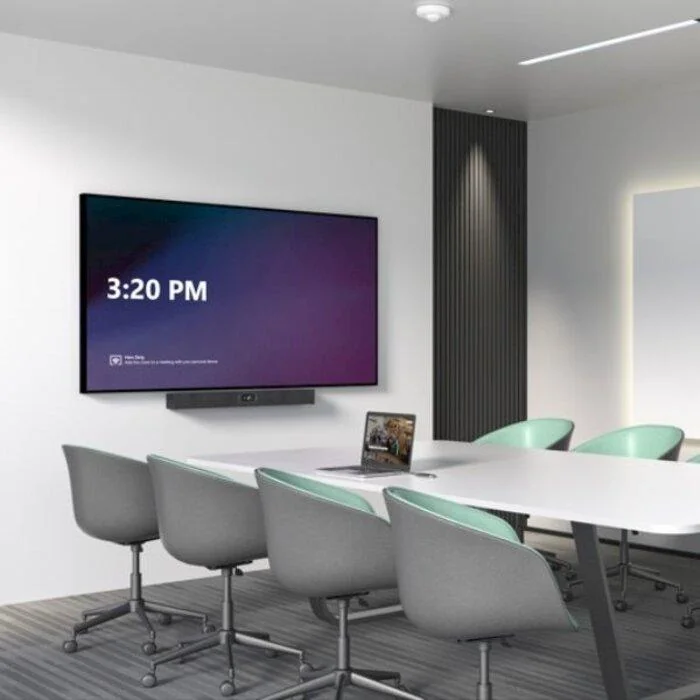
Auto-framing, speaker tracking and AI camera options help remote participants see people properly rather than watching an empty room.
A table console provides one-touch join, camera controls and meeting management, while HDMI, USB-C or wireless sharing supports content.
The right solution depends on room dimensions, seat count, acoustics, display viewing distance, room layout and the type of collaboration expected in the space.
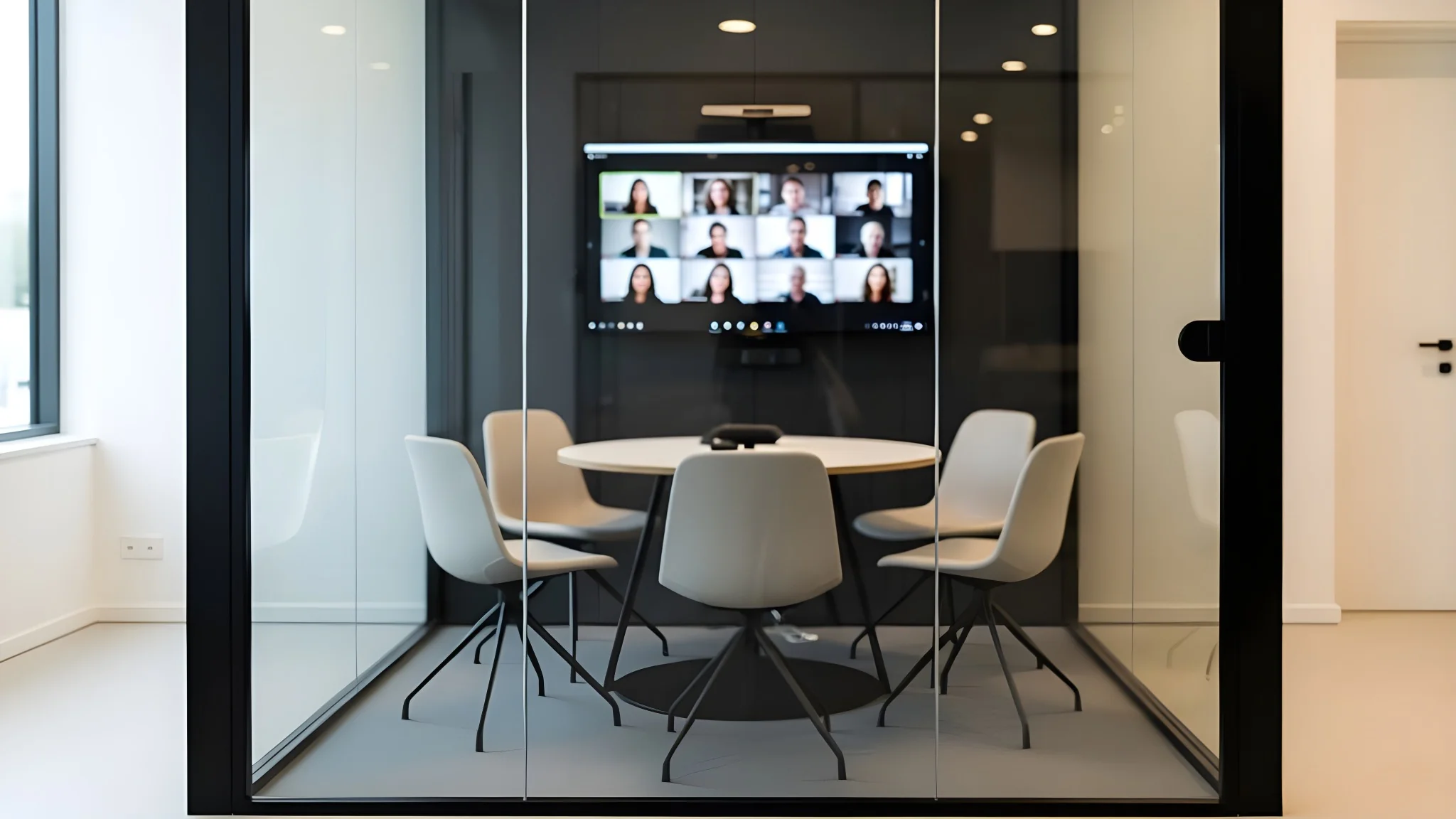 2–5 people
Compact rooms typically use an all-in-one video bar, one display and a touch controller for simple, reliable daily meetings.
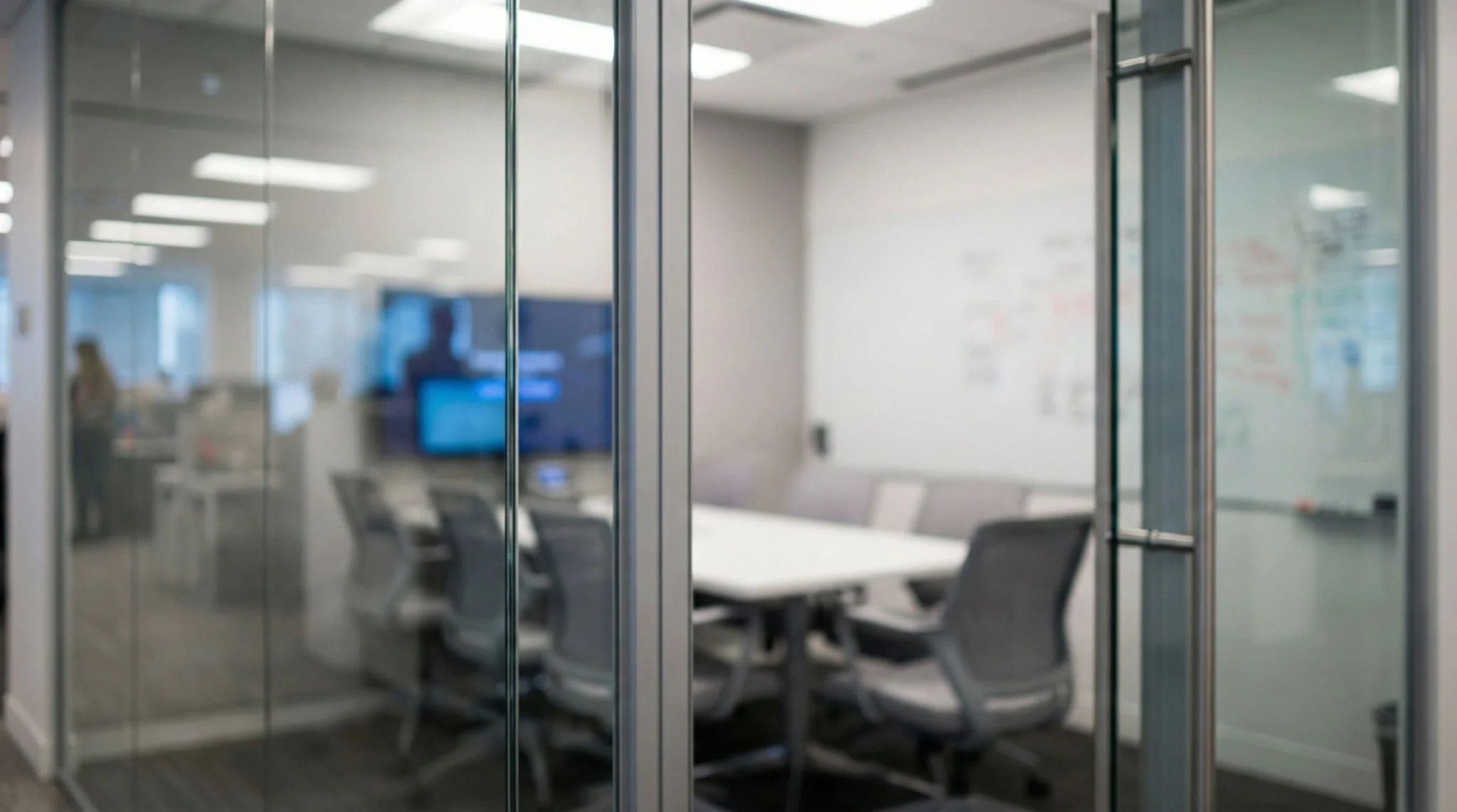 6–10 people
Medium rooms often require wider camera coverage, stronger audio pickup, dual displays and easy content sharing from the table.
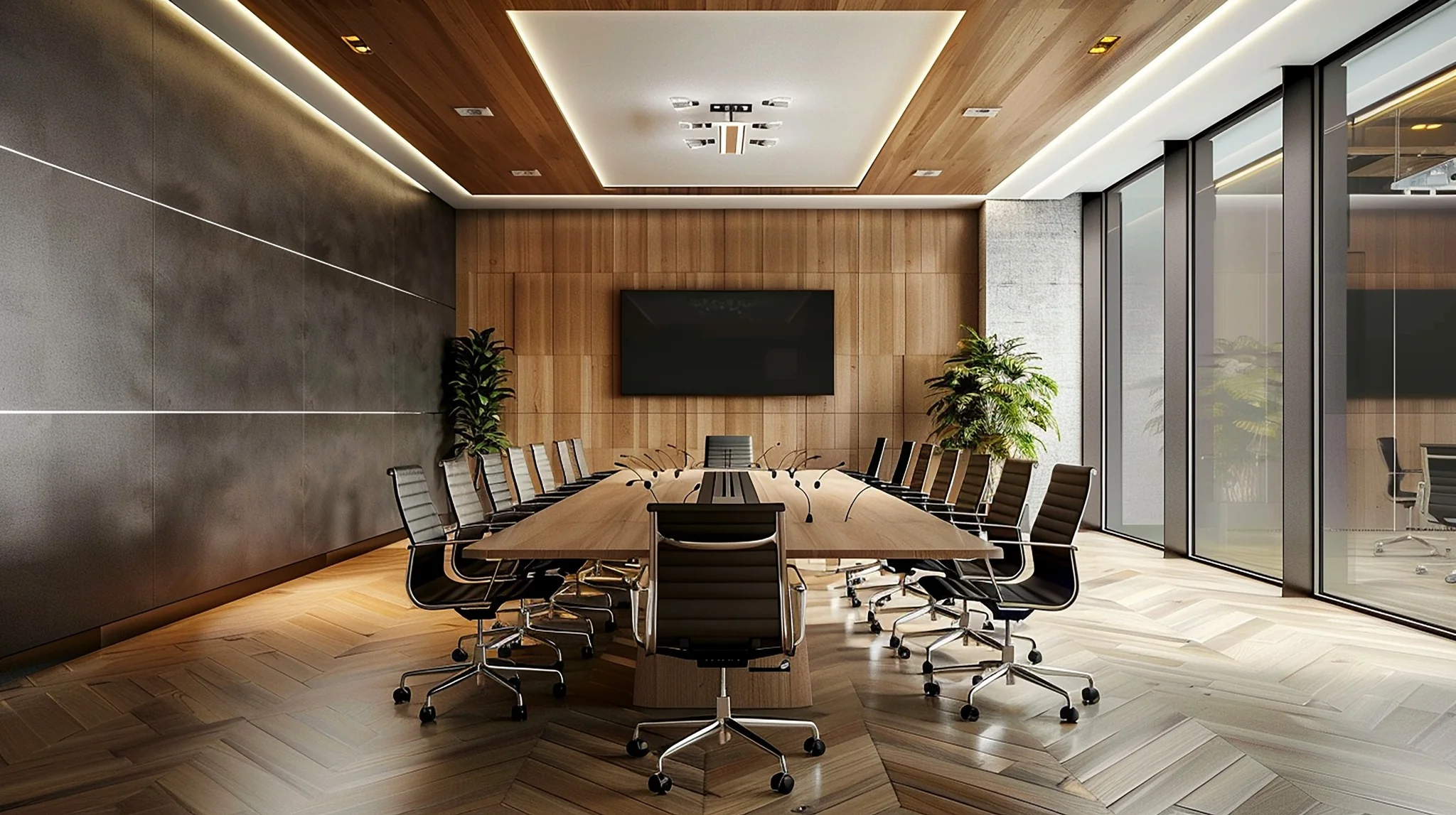 10+ people
Larger spaces benefit from integrated cameras, ceiling microphones, professional DSP audio, dual displays, room control and flexible presentation modes.
Do not select a Teams Rooms kit by room size alone. Camera angles, ceiling height, glass walls, reverberation, daylight and table layout can materially affect the final meeting experience.
Microsoft-certified devices provide the platform. Professional AV design makes the room usable, audible, visible and supportable.
Masters Voice Technology can integrate Microsoft Teams Rooms with Logitech, Crestron Flex, Q-SYS, displays, projectors, microphones, wireless sharing, lighting, blinds and room-booking panels.
Build your room around equipment selected for the Teams experience, then integrate it around the way your team meets.
Microsoft certification applies to specific products, firmware and configurations—not every product from a brand. Complete room systems and individual peripherals have separate listings.
Check Microsoft’s official Teams Rooms certified systems and peripherals list ↗
Rally Bar, Rally Bar Mini and listed Sight combinations appear in Microsoft’s certified peripheral range.
Studio E70 and Studio E60 are listed certified camera options.
Yealink meeting room installation in Sydney →
Certified examples include UVC86, SmartVision 40 and SmartVision 60.
Crestron Flex UC-C100-T is a listed Teams Rooms system for integrated room projects.
VisionSuite certification covers specified combinations of Core, cameras, processing and a certified Q-SYS audio solution.
Huddly Crew is listed as a certified multi-camera peripheral system.
Teams certification and Microsoft’s “Intelligent camera” designation are distinct. Check the exact system, software and licensing for the camera experience you need.
We assess camera sightlines, microphone coverage, acoustics, seating and presentation needs alongside your IT requirements. The specification identifies the room platform, camera and audio equipment, content-sharing connections and support responsibilities, so the complete installation has a clear scope.
For a larger boardroom or training space, we also consider multiple camera views, ceiling audio, room control and any laptop BYOD workflow before selecting equipment.
Remote participants judge the meeting by what they can hear and see. Correct room AV design avoids the common problems of echo, glare, distant voices and poorly framed video.
Select microphones around the actual seating layout, not simply the centre of the ceiling. Larger rooms may need multiple microphone zones.
Position the camera for natural eye lines, suitable participant framing and a view that does not include glare from windows or displays.
Glass, hard ceilings and open spaces can create reverberation. Acoustic treatment and DSP tuning improve speech clarity significantly.
Select screen size, height and orientation so every person can read remote participant names and shared content comfortably.
Camera-friendly lighting and suitable blind control help avoid faces becoming dark silhouettes against bright windows.
Training rooms and divisible rooms may require multiple cameras, combined-room audio and automatic room-mode control.
Planning several room types? Start with our Meeting Room AV guide to compare room formats, conferencing workflows and the complete workplace standard.

Meeting rooms are now connected workplace systems. They require device monitoring, software updates, network support and a clear response path when something needs attention.
Microsoft Teams Rooms Pro management provides room-health and device visibility for eligible systems, while Masters Voice Technology can provide practical onsite and remote AV support for the wider room environment.
For ongoing room estates, explore AV managed services and preventative maintenance or the wider TechFlow360 lifecycle support model.
Masters Voice Technology delivered a tailored workplace AV solution for British American Tobacco Australia, including Teams Rooms for meeting and collaboration spaces.
The project combined room displays, Logitech conferencing hardware, Teams Rooms, Q-SYS audio processing and control for spaces that support everyday meetings and flexible training-room operation.
The result is a practical example of why integrated AV design matters: the conferencing platform, audio, cameras, control and room modes need to work as one system.
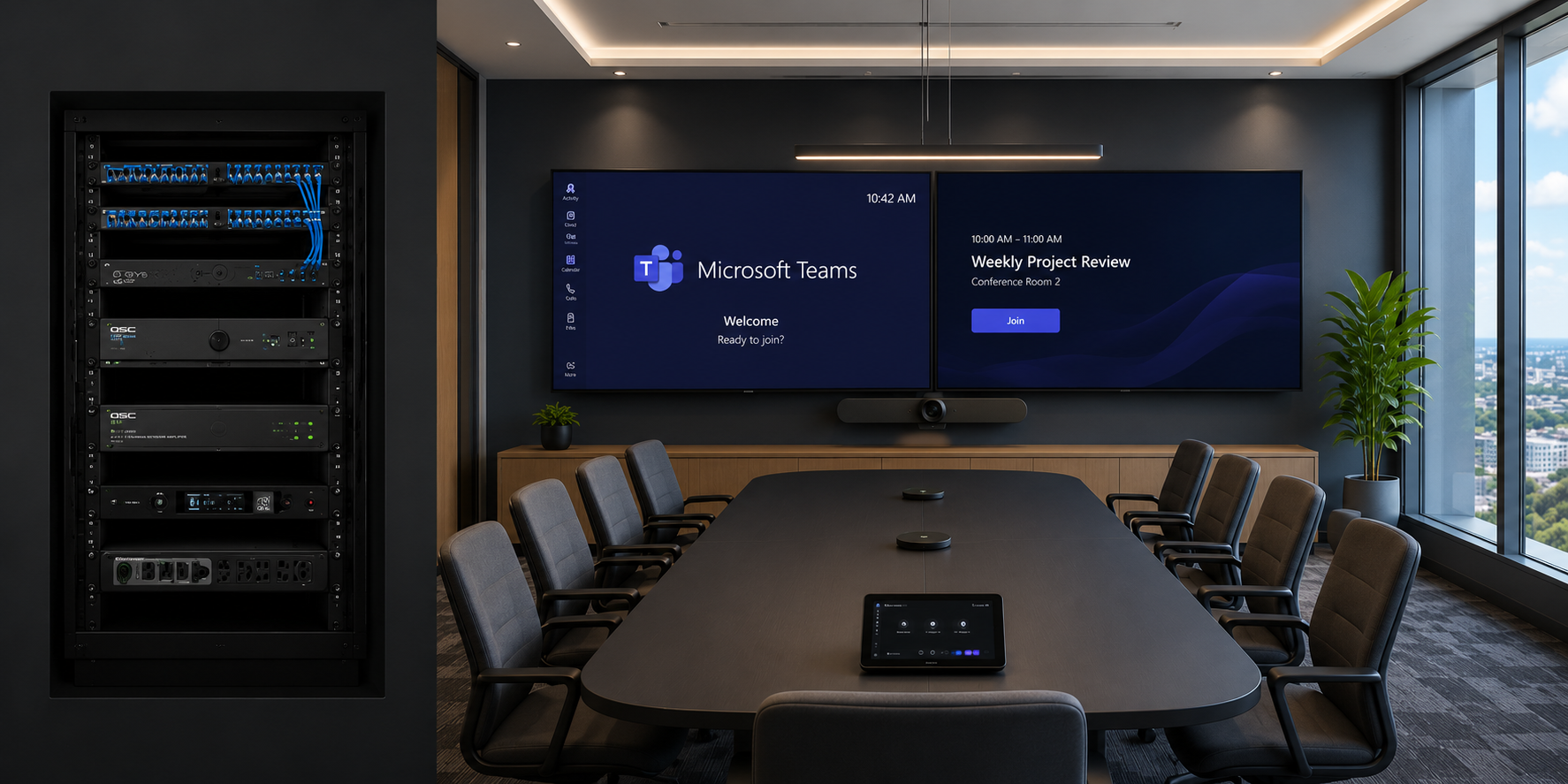
We bring together the Microsoft platform, certified hardware, AV integration, electrical, data cabling and user experience in one coordinated delivery process.
Agree responsibilities with your nominated IT contact before equipment reaches site. The proposal should identify client-supplied items and the work included in the installation.
Licensing and guest-join guidance checked 8 October 2026 against Microsoft Teams Rooms licensing and Microsoft third-party meeting guidance.
Run a scheduled meeting with a remote participant. Check speech from every intended seat, camera views, display readability, local and remote content sharing, and the agreed guest-meeting routes. Where BYOD is included, test representative laptops and the return to native Teams operation.
Compare Logitech room solutions or plan an integrated boardroom AV installation.
Review the room, users, Microsoft environment, network, acoustics, furniture, lighting and existing equipment.
Select room hardware, camera coverage, microphones, displays, sharing, control, data and power infrastructure.
Complete the AV, electrical and communications works, then configure Teams Rooms, audio, cameras and room controls.
Test live meetings, train users, provide documentation and establish the support plan for the completed room.
A Teams Room normally includes certified Teams hardware, a dedicated room account, touchscreen controller, camera, audio system and one or more displays. The final scope may also include BYOD connectivity, room booking, control, lighting integration and managed support.
Supported Zoom or Webex meetings can be joined through a configured guest-meeting route. Features depend on the device, software, meeting service and tenant settings. Direct Guest Join does not send room HDMI content; agree and test an appropriate sharing method.
Yes. The room resource account needs Teams Rooms Basic or Pro, selected for the required features and management. A standard employee Microsoft 365 licence is not a substitute for a Teams Rooms licence.
Often, yes. Existing displays may be retained if they have suitable size, resolution, condition, mounting position and connectivity. An onsite assessment confirms whether reuse is practical.
Yes, where the selected hardware supports a laptop workflow. HDMI carries presentation content; access to room cameras, microphones and speakers needs a compatible USB or supported conferencing connection. Test the agreed laptops, peripherals and return to native Teams mode.
Cost depends on room size, display requirements, camera and microphone coverage, acoustic treatment, control, cabling, installation complexity and ongoing support. A small room can use an all-in-one video bar, while large boardrooms require integrated AV.
Yes. Masters Voice Technology can assess existing displays, cameras, audio, furniture, cabling and control systems, then recommend what should be retained, upgraded or replaced.
Yes. Masters Voice Technology provides Teams Rooms installation, AV troubleshooting, maintenance, user training and managed support for Sydney workplaces and regional NSW clients.
Talk to Masters Voice Technology about Microsoft Teams Rooms installation in Sydney — from a single huddle room to a complete workplace standardisation program.