SUPPORT SERVICE 01
Help desk & user assistance
A clear first step when a room stops working.
Capture the affected room, symptoms and business impact. Help users check the basics, log the incident and route it to the right technical resource.

Keep your rooms ready, your users supported and your next meeting moving. Commercial AV support, preventative maintenance and managed service arrangements across Sydney and NSW.
The meeting is starting. The camera will not connect. The presentation has no sound. Your team needs a clear next step—and someone who understands the whole AV system.
Masters Voice Technology provides commercial AV support, preventative maintenance and managed service arrangements for workplaces, education, government and venues. We help you restore service, understand recurring faults and plan the care your equipment needs.
Build a support scope around your rooms, equipment and operating hours. Services below can be discussed individually or combined in an ongoing agreement.
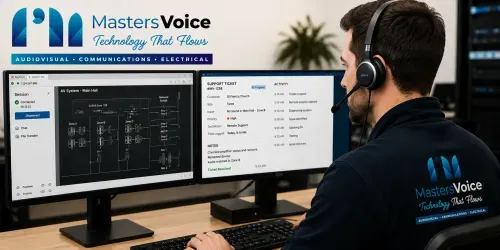
A clear first step when a room stops working.
Capture the affected room, symptoms and business impact. Help users check the basics, log the incident and route it to the right technical resource.
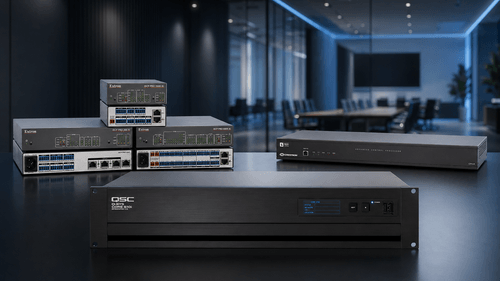
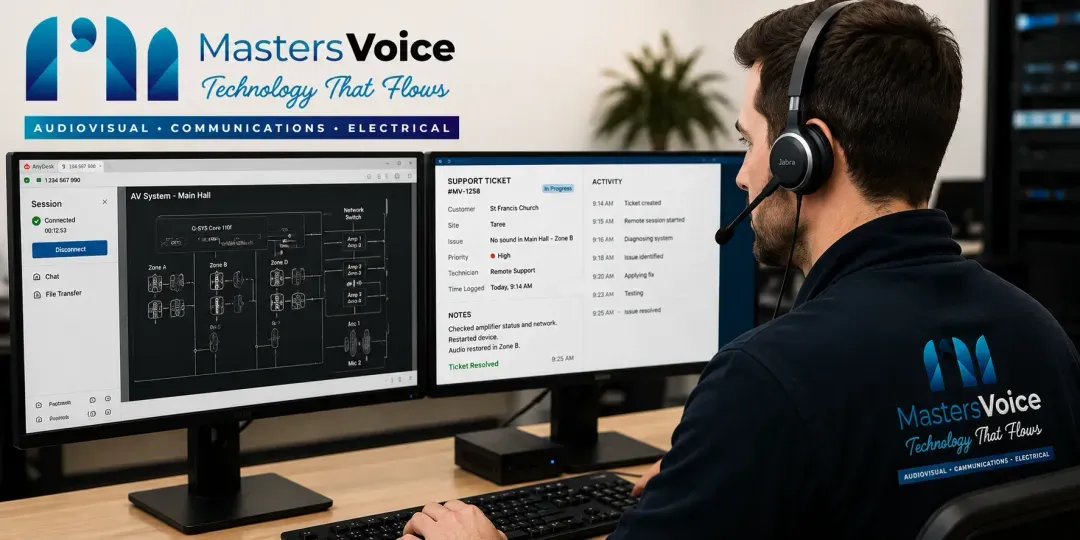
See the issue. Shorten the investigation.
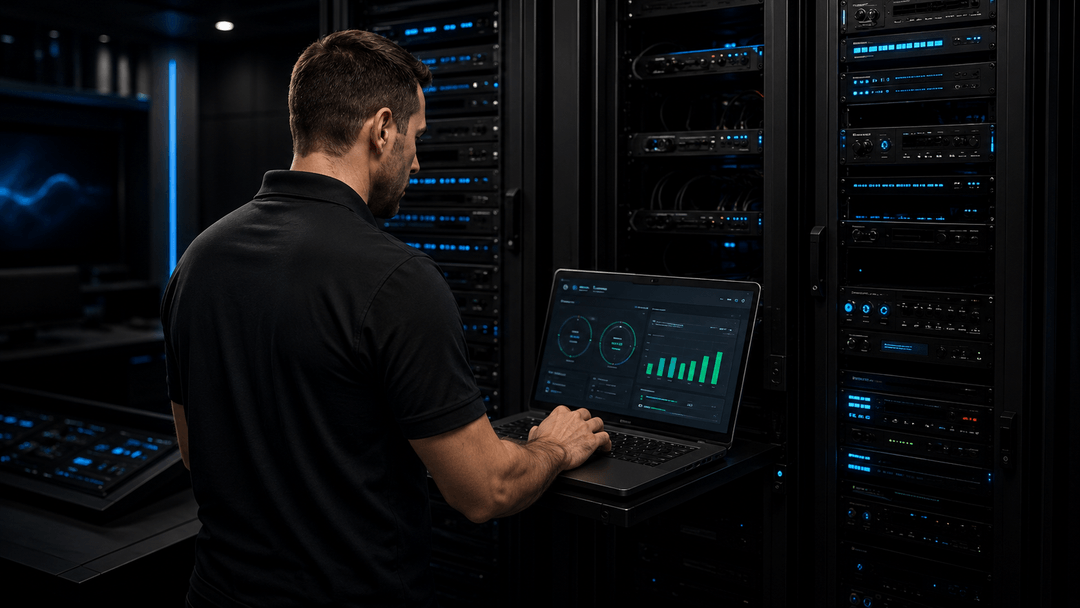
Review device health, alerts and configuration on compatible, authorised systems. Investigate remotely and coordinate with your IT team when network or account access is involved.
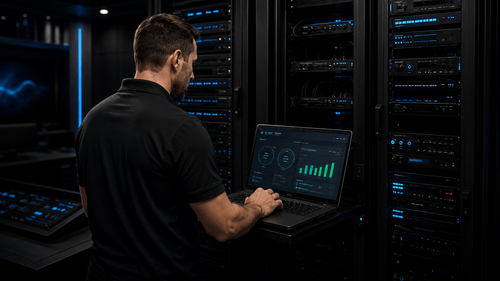
Find the small issues before the next big meeting.
Scheduled functional checks of audio, video, control and presentation paths. Record defects, test user workflows and recommend corrective work before recurring faults become routine.
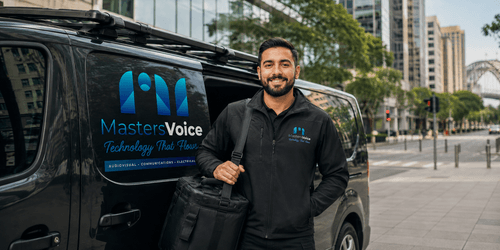
Hands-on help when remote access is not enough.
Trace signal paths, inspect connections and isolate faulty equipment. Agree the repair, replacement or temporary workaround, then verify the room in use.
Keep changes controlled and documented.
Review relevant updates, compatibility and configuration backups. Plan approved changes in a suitable maintenance window and test the system afterwards.
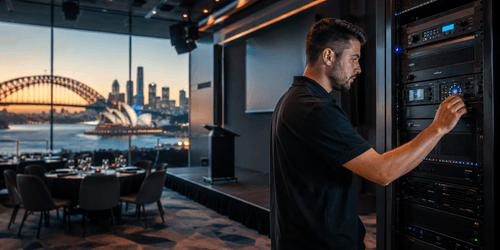
Keep the repair process moving.
Help diagnose equipment faults, gather supporting information and coordinate manufacturer or supplier escalation. Warranty eligibility, freight and replacement equipment depend on the applicable terms.
Make the technology easier to use.
Practical refresher sessions, room instructions and handover documents help people start meetings, share content and recognise when to request support.
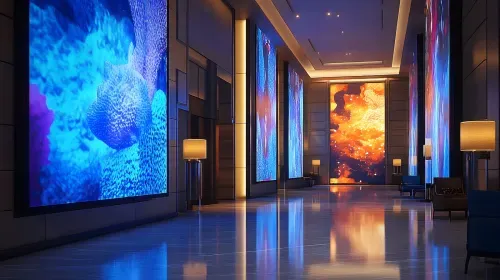
Turn recurring issues into an improvement plan.
Review service history, ageing equipment and common room problems. Prioritise improvements across one room or multiple sites and connect refresh planning with TechFlow360 where appropriate.
Remote access, platform subscriptions, onsite coverage and service targets depend on the agreed scope. Images illustrate service contexts.
Choose a starting point below. We will help define the details after reviewing your systems and priorities.
A practical starting point for a specific fault or an existing system that needs technical attention.
For rooms and venues that need scheduled checks, clearer records and fewer avoidable interruptions.
For organisations that want a defined support process across critical rooms or multiple locations.
These are starting approaches, not fixed-price packages. Labour, travel, parts, licences and coverage are clarified in your proposal.
A device can appear online while the room still fails in use. Planned maintenance should check the complete experience, from starting the system to hearing the remote participant.
Read our AV maintenance checklistRecord the symptoms, affected equipment and operational impact.
Use approved access and available diagnostics to isolate the issue.
Arrange onsite investigation or a workaround within the agreed scope.
Test the affected workflow and confirm the next action with your contact.
Capture findings and use recurring issues to inform maintenance or upgrades.
The sequence can change for urgent incidents, access restrictions or vendor escalation. Critical rooms should have an agreed escalation and contingency plan.
A response acknowledges and starts handling the incident. Attendance is the arrival of an onsite technician. Resolution depends on the cause, access and any replacement parts or vendor action. We define these separately so expectations are clear.
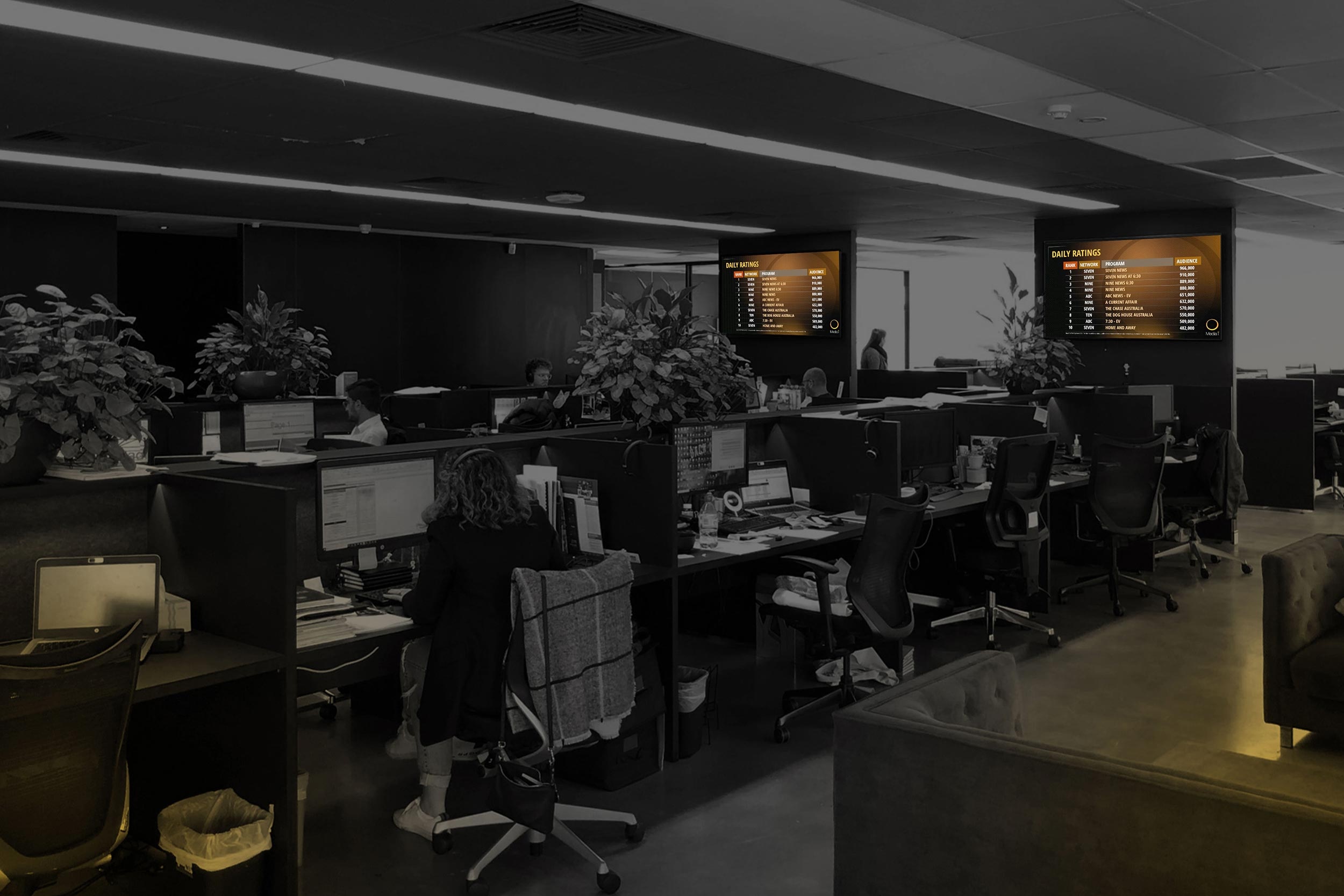
Our MediaI project documents a national digital signage network with more than 250 screens across over 70 sites. The case study covers the delivery and ongoing management of a distributed display environment.
Project figures describe this deployment. Support coverage for your sites is assessed and agreed separately.
Customer voices · Google reviews
Feedback from Media i on the team supporting its national digital signage network since 2022.
“What has impressed us most is their reliability, communication and technical expertise.”
Excerpts from Google reviews. Original wording retained. Read the complete reviews and current ratings on Google.
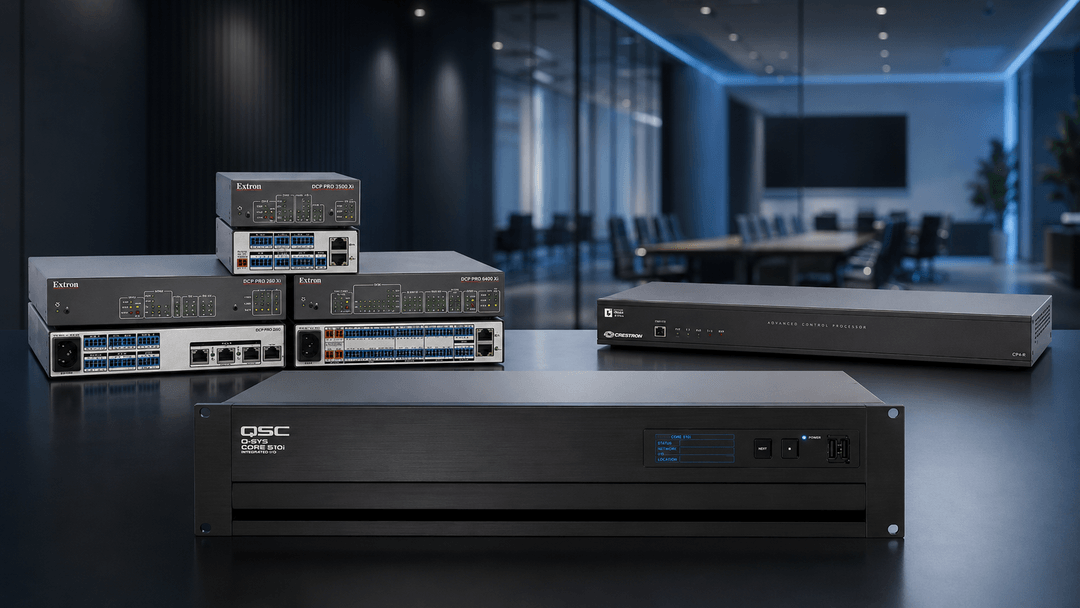
Q-SYS Reflect, Logitech Sync, Crestron XiO Cloud and Microsoft Teams Rooms Pro can support device management and diagnostics in suitable deployments. Features differ by product, licence and configuration; we assess the tools your systems can use.
Support cameras, audio, displays and the room workflow. Coordinate platform and network issues with your IT team.
Check playback, display operation and system health. Plan escalation across the AV, content and network responsibilities.
Schedule checks around teaching and events. Verify everyday system operation and agree support for critical activities.
Q-SYS Reflect · Logitech Sync · Crestron XiO Cloud · Microsoft Teams Rooms Pro Management
You do not need to start with a complete redesign. We begin with an assessment of the installed equipment, available documentation and operational problems.
We identify access or configuration gaps, agree what can be supported and recommend a practical path for faults, maintenance and future improvements.
Need new AV design or installation?Discuss your location, travel requirements and onsite coverage with our team. Remote support can assist suitable systems beyond a single office, while physical attendance is planned around your service scope.
Explore support in context: corporate workplaces, government facilities, schools and campuses, and houses of worship.
Why workplaces are planning ongoing AV supportSelect a question to see the answer.
Yes, subject to an initial review. We check the equipment, configuration, documentation and access available, then identify what can be supported and any gaps that need addressing. Locked programming, missing source files or obsolete hardware may affect the scope.
Maintenance focuses on scheduled inspections and functional testing. Managed AV services bring agreed maintenance, incident handling, remote support, monitoring where suitable, and reporting into an ongoing support arrangement. The inclusions are defined for your systems.
No. Remote monitoring depends on device compatibility, licences, network connectivity and authorised access. Platforms such as Q-SYS Reflect, Logitech Sync, Crestron XiO Cloud and Microsoft Teams Rooms Pro offer different capabilities. We assess which tools suit your installed systems.
Support hours, escalation contacts and response targets are agreed in the service scope. Response time, onsite attendance and resolution are different measures. After-hours coverage, critical-event support and spare equipment should be discussed and included explicitly where required.
We test the agreed room workflows, inspect accessible equipment and connections, check audio and video performance, review control operation and record findings. Firmware changes, repairs and replacement parts are agreed separately unless included in the maintenance scope.
These inclusions vary by agreement. We clarify labour, travel, scheduled visits, monitoring licences, consumables, replacement parts and warranty coordination before the service begins. Manufacturer warranties and third-party subscriptions retain their own conditions.
Yes. We agree responsibilities for networks, accounts, device access and change approvals. This helps separate AV faults from network or platform issues and creates a clear escalation path.
We support commercial clients across Sydney and NSW, with Sydney, Campbelltown and Mid North Coast service areas. Remote support and onsite attendance are scoped to the system and location. Multi-site requirements are assessed individually.
This page covers keeping existing AV systems working through support and maintenance. TechFlow360 brings together technology delivery, finance and lifecycle planning under an agreed model. We can discuss both when you need a refresh as well as ongoing support.
Tell us what is installed, what is going wrong and how your organisation works. We will help scope the right support, maintenance and escalation arrangements.
Prefer to call? 1300 804 320