
Courtroom & tribunal AV · Sydney & NSW
Courtroom & tribunal AV systems Sydney.
Every voice heard.
Every view considered.
Courtroom and tribunal AV systems that bring speech, remote participation and evidence presentation into a clear, coordinated workflow.
Masters Voice Technology integrates the technology around the hearing: who speaks, who sees, who listens and who controls each step.
01 / The hearing comes first
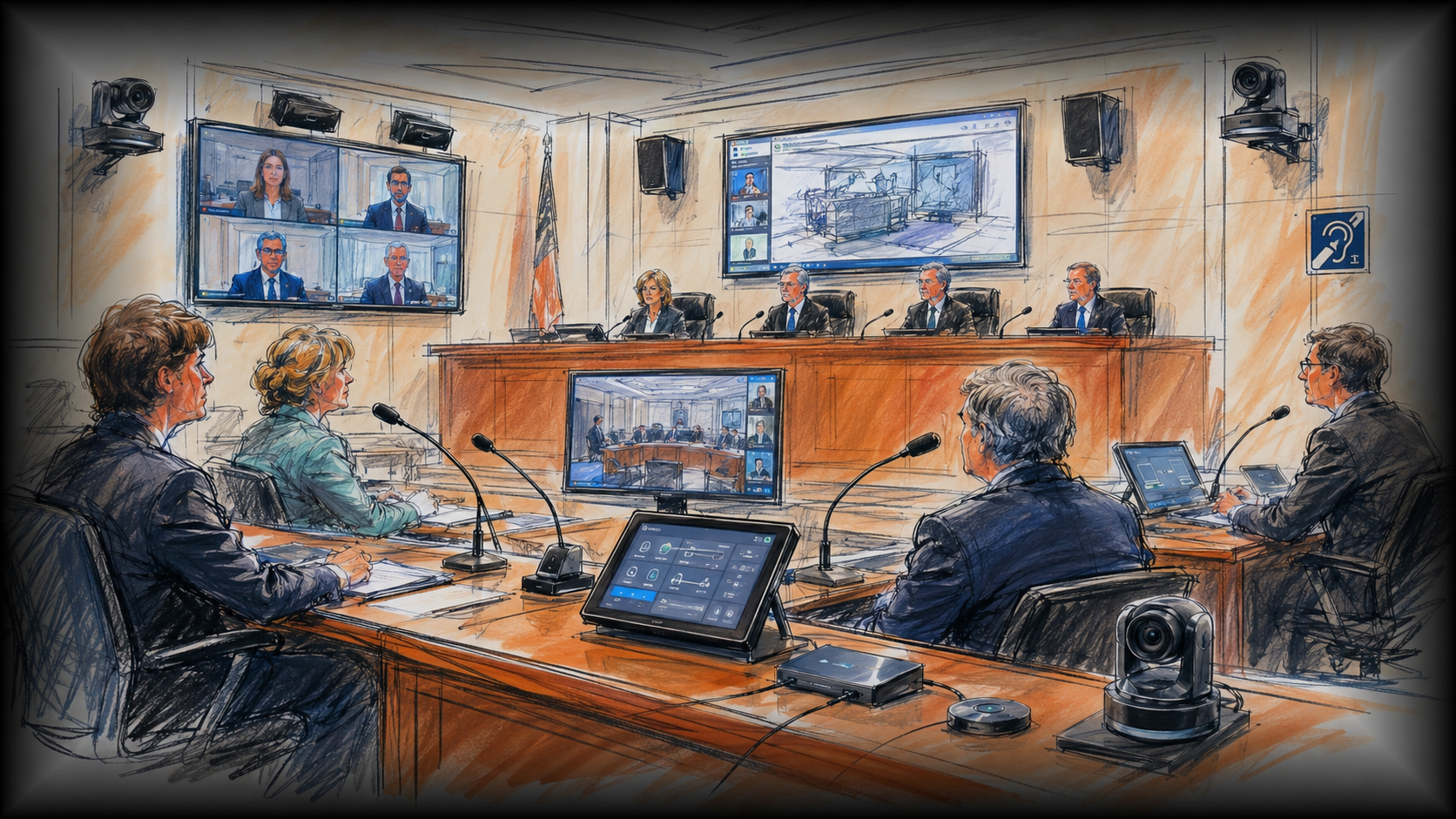
Courtroom audio, remote participation and evidence presentation.
A hearing room has distinct participant roles, presentation requirements and operating procedures. Start with those requirements, then select the microphones, cameras, displays and controls that support them.
Make every contribution intelligible.
Plan microphone coverage for the presiding position, parties and witnesses. Coordinate room reinforcement, echo cancellation and remote audio so people can follow the discussion.
Bring remote attendees into the room.
Integrate cameras and the organisation’s approved conferencing platform. Agree camera views, incoming audio and the controls available to authorised operators.
Explore broader video conferencing solutions ↗Show the material that matters.
Route laptops, documents and physical material to nominated screens and remote destinations. Plan readability, source selection and preview before content is shared.
Offer an additional listening pathway.
Assess hearing assistance alongside room acoustics and speech reinforcement. Select a system around user needs, coverage, receiver management and the project’s accessibility requirements.
Explore hearing augmentation installation ↗Define what reaches the record.
Where authorised, provide the agreed audio and video feeds to the nominated recording system. Confirm ownership, access and retention requirements with the client before configuration.
Make the sequence predictable.
Use clear source names, camera presets and visible system states. Separate routine room operation from administration and service functions.
Explore integrated control systems ↗02 / One coordinated signal path
Connect the room.
Keep the destinations deliberate.
What people hear locally, what a remote participant receives and what enters a recording feed can be different. Define the routing before choosing equipment.
- Capture speech and video from agreed positions.
- Select presentation sources and camera views.
- Route content to approved room, remote and recording destinations.
- Verify mute, privacy and end-of-session behaviour.
Q-SYS is one option for integrating audio processing, video and control. Platform selection should follow the client’s standards and the required workflow. Explore our Q-SYS integration and programming services.
03 / Compare the approaches
Compare courtroom and tribunal AV system options.
There is no single courtroom AV package that suits every hearing. These are design options to assess, rather than a prescribed equipment list.
| Requirement | Options to consider | What decides the fit? |
|---|---|---|
| Speech capture | Dedicated gooseneck microphones, discussion units or appropriately designed ceiling capture. | Seating positions, room acoustics, microphone discipline, furniture and maintenance access. |
| Remote participation | A dedicated conferencing codec or an approved computer-based platform integrated with room AV. | Agency standards, interoperability, administration, network requirements and operator workflow. |
| Evidence presentation | Wired presentation points, a document camera and switching to individual or shared displays. | Required sources, document detail, sightlines, preview and permissions to share. |
| Hearing assistance | Infrared, induction-loop or other project-approved listening technologies. | User compatibility, coverage, signal containment, receiver provision and accessibility review. |
| Room standardisation | A targeted upgrade, a complete room system or a repeatable design across several rooms. | Existing asset condition, serviceability, consistency, budget and available installation windows. |
04 / Practical use cases
Different spaces.
The same need for clarity.
Tribunal hearing rooms
Support in-room participants, approved remote attendance and shared documents. Standard controls can reduce the adjustment staff need when moving between rooms.
Courtrooms with remote testimony
Plan witness and presiding-position camera views, audio destinations and presentation control around the approved proceeding. Test with the actual remote platform before handover.
Interview & consultation rooms
Define microphone coverage, camera framing and privacy states around the room’s purpose. Recording behaviour should be explicit, with no assumption that every conversation is recorded.
Multi-room justice facilities
Use repeatable interfaces, labelled infrastructure and documented configurations. Agree how support staff identify faults and restore service across the room fleet.
Planning council chambers or other agency facilities? Explore our broader government AV capability ↗
05 / Delivered project
NCAT Civic Tower.
Four rooms. One consistent approach.
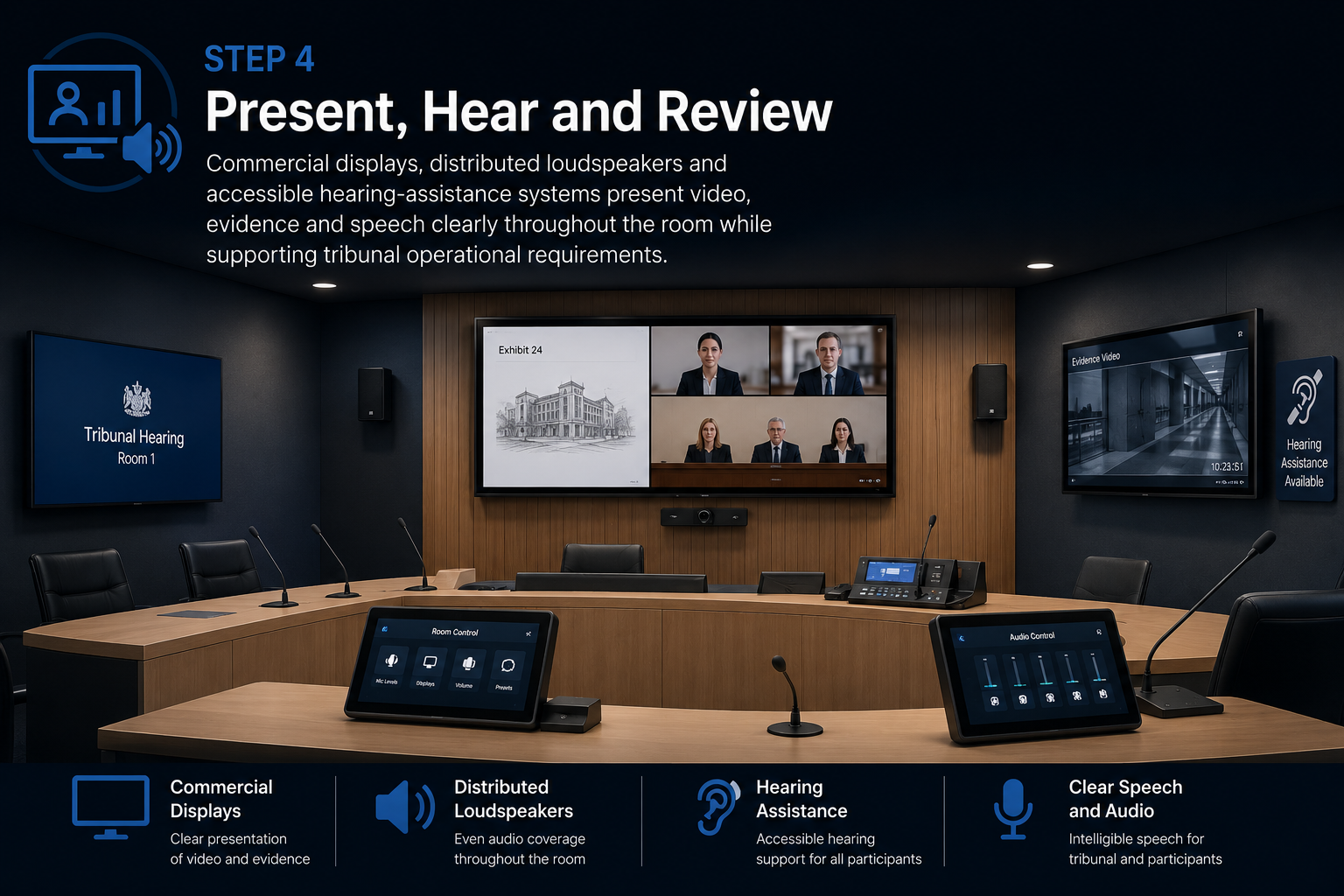
Masters Voice Technology delivered four purpose-built hearing-room AV systems at Civic Tower, Sydney.
The project combined Q-SYS processing, Cisco conferencing, cameras, evidence presentation, recording pathways and infrared hearing assistance. Testing and documentation supported the handover.
See the full NCAT case study ↗For a multi-site delivery example, read our NSW correctional-centre AVL upgrade case study. The project provides a separate example of audiovisual delivery across operational justice facilities.
06 / Plan, integrate, verify
Hearing-room AV design, installation and commissioning.
Map the workflow
Confirm room roles, sources, destinations, accessibility needs and authorised functions with the project stakeholders.
Coordinate the design
Agree equipment, network boundaries, cabling, power, furniture integration and camera sightlines with the relevant teams.
Test real scenarios
Check local and remote speech, presentation readability, camera presets, mute behaviour and agreed recording feeds.
Prepare the handover
Provide agreed training, source and destination schedules, asset information, configuration records and support arrangements.
07 / Questions before procurement
Courtroom and Tribunal AV Installation FAQs
Can an existing hearing room be upgraded?
Yes, subject to assessment. Review the condition and compatibility of microphones, displays, cabling, conferencing and controls. The proposal should identify what can be retained, what needs replacement and any limitations of a staged upgrade.
Do all rooms need the same conferencing platform?
Follow the organisation’s approved platform and interoperability requirements. A dedicated codec and a computer-based system have different management and workflow implications. Test the selected arrangement with the intended remote participants and services.
How do you approach recording and confidential sessions?
Agree which functions are authorised for each room and session type. Define the feeds, controls, storage ownership and access permissions before implementation. Recording should follow the relevant court or tribunal’s procedures; a room’s technical capability is not permission to record.
Why consider infrared hearing assistance?
Infrared provides a dedicated listening path within its coverage area and is an option for rooms where signal containment matters. It requires appropriate emitter placement and compatible receivers. Assess it alongside other technologies and the project’s accessibility requirements.
What affects the budget?
Room count and size, existing infrastructure, microphone positions, displays, cameras, conferencing, recording scope and accessibility needs all affect cost. An agreed workflow and site assessment provide the basis for a meaningful itemised proposal.
Can you provide ongoing hearing-room AV support?
We can scope planned functional checks, fault investigation, configuration backups and staff assistance around the room systems and operating requirements. Remote access, support hours, onsite attendance and response arrangements must be agreed with the agency. The service scope should identify responsibilities shared with IT and equipment vendors.
What should we provide for an initial review?
Share floor plans, existing equipment details, agency AV and IT standards, required room functions, accessibility requirements and proposed delivery dates. Identify the operational, facilities and IT contacts who will review the design.
Plan your hearing-room project
Technology that supports the proceeding.
Tell us about the rooms, the participants and the systems you need to connect. We’ll help define an integration approach for your Sydney or NSW project.
Q-SYS judicial solutionsShure government audioAssistive listening optionsNCAT video hearingsNCAT recording information