Creative Activation · North Sydney NSW

Yealink video conferencing in North Sydney

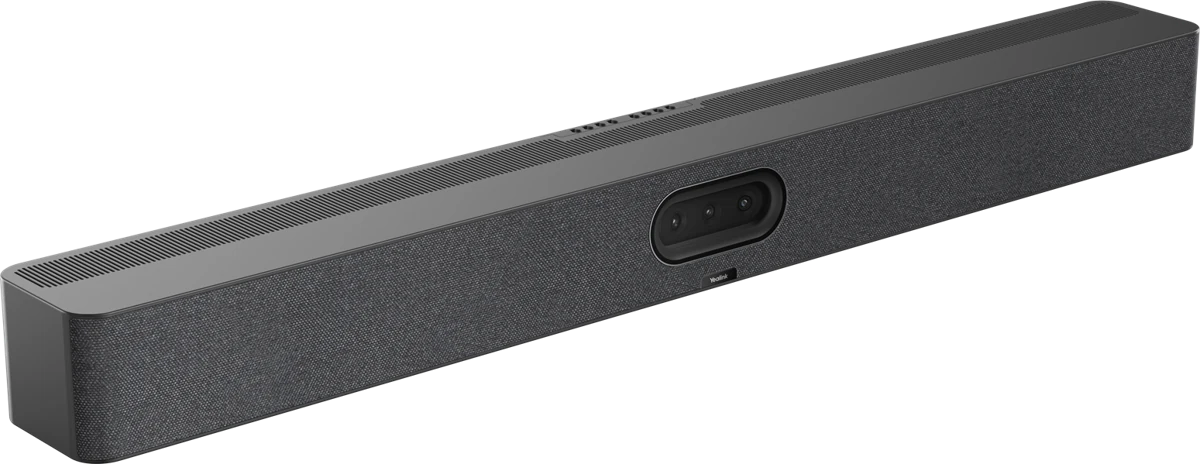
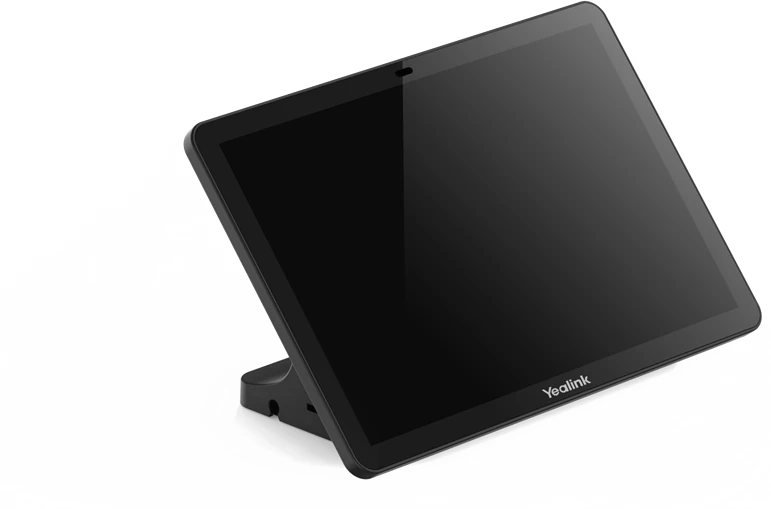
Masters Voice Technology equipped five Creative Activation meeting rooms with Yealink video bars, Microsoft Teams Rooms controls and wireless sharing. We reused the existing displays and had all hardware ready within five days of the client’s go-ahead.

Illustrated exterior of 5 Blue Street, North Sydney, with the Harbour Bridge in the distance

Project overview

Five meeting rooms on a tight installation schedule

Rooms fitted
5 meeting rooms
Hardware ready
Within 5 days of go-ahead
Room platform
Microsoft Teams Rooms

Creative Activation needed a fast retrofit at its Blue Street office in North Sydney. The brief grew from four rooms to five, covering three smaller meeting rooms and two larger collaboration spaces. Masters Voice sized the video bar to each room, retained the existing displays and included wireless presentation in every room.

About the client

How Creative Activation brings retail campaigns to life

Creative Activation is an Australian retail activation partner that helps brands reach shoppers through a national network of field teams. Its work includes in-store merchandising, field sales, brand ambassador programs, pop-up retail and customer experience programs.

Explore Creative Activation’s retail services

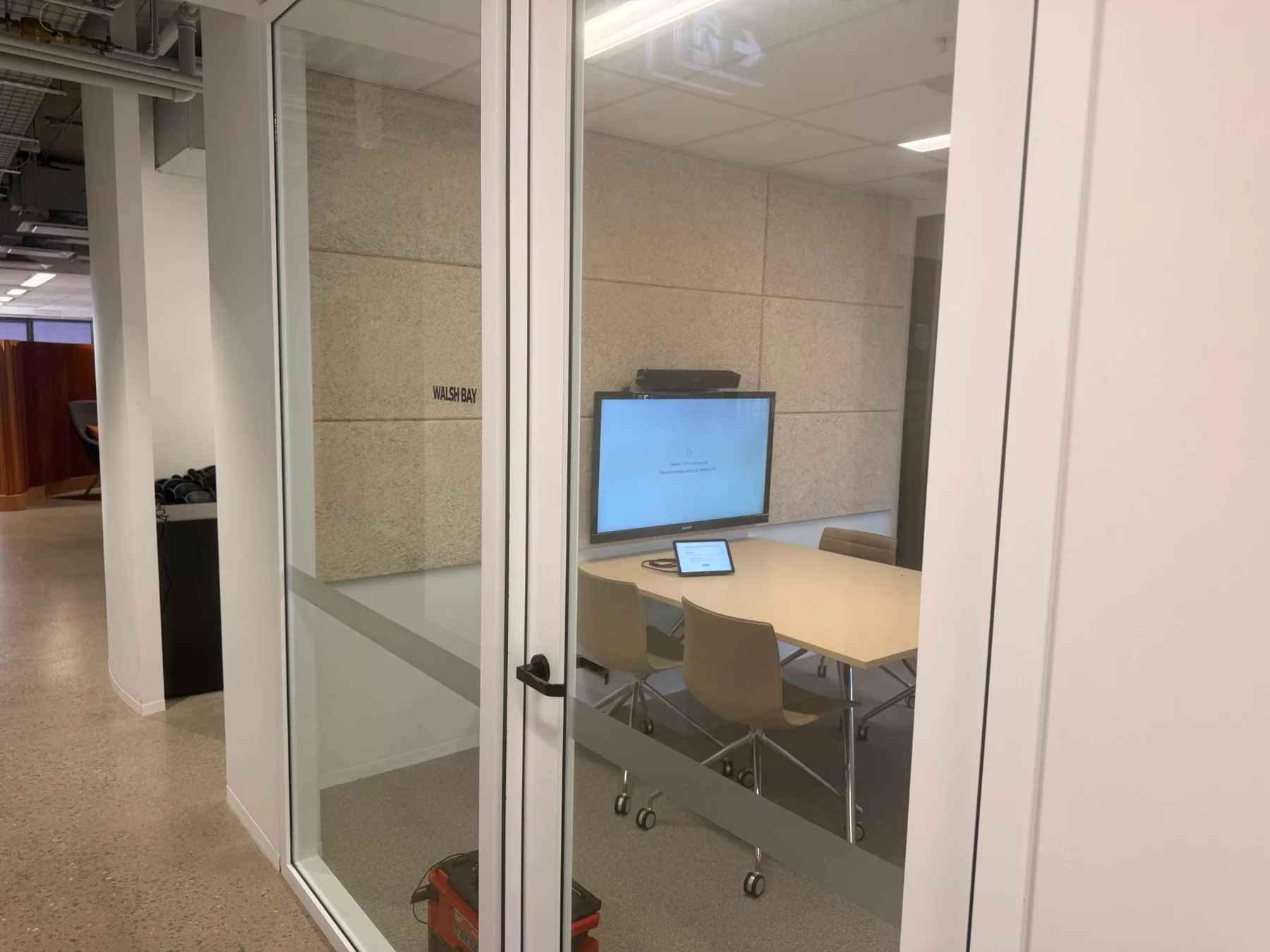
Creative Activation’s Walsh Bay meeting room with the Yealink system and tabletop touch console
Walsh Bay meeting room · North Sydney

How the rooms support their work

Brief field teams before a rollout

North Sydney staff can use the Teams Rooms to walk regional teams through launch dates, display layouts and store requirements. The room camera and microphones let remote colleagues ask questions while everyone looks at the same brief.
Review creative and store feedback with clients

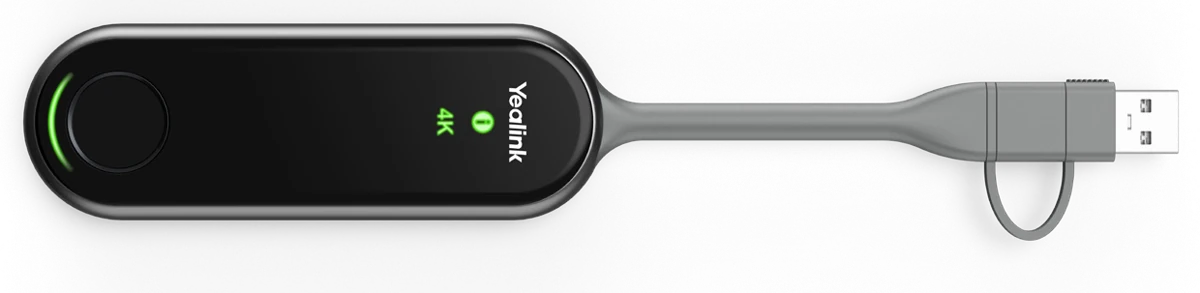
Teams can share campaign decks and store photos from a compatible laptop using the WPP30. In the dual-display Harbour room, one screen can show the material under review while the other keeps remote participants visible.

Project turnaround

Hardware ready in less than a week

5 calendar days from the client’s go-ahead to hardware ready for installation.

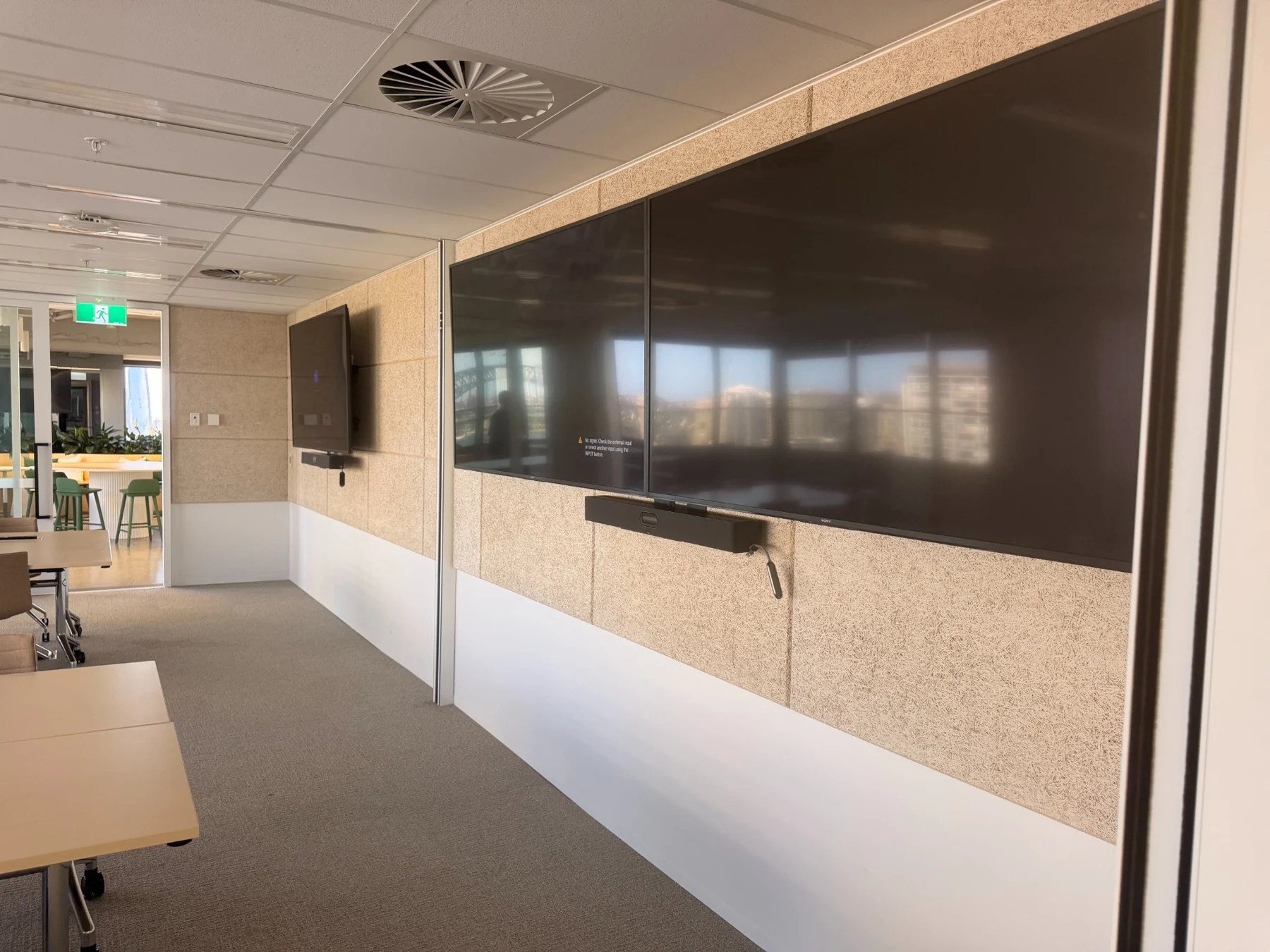
Yealink video bar fitted beneath the dual displays in the Harbour meeting room
Harbour meeting room after installation
  1. Client go-ahead

    Creative Activation confirmed by email that it wanted to proceed.

  2. Yealink hardware ready

    All hardware had arrived and was ready for installation, five calendar days after the go-ahead.

  3. Onsite installation

    Masters Voice installed the equipment onsite.

Masters Voice coordinated supply, mounting, display and network connections, and device pairing. The final Microsoft Teams Rooms setup required the client’s IT team to complete the room account and licensing update before account sign-in and end-to-end meeting checks.

What the upgrade gives Creative Activation

The same controls in every room

Staff can use the same tabletop console layout across the five rooms, even though the camera and audio hardware differs by room size.

Planning a similar retrofit? Read our Sydney meeting room AV upgrade guide to see what equipment and cabling may be worth keeping.

Better coverage for hybrid meetings

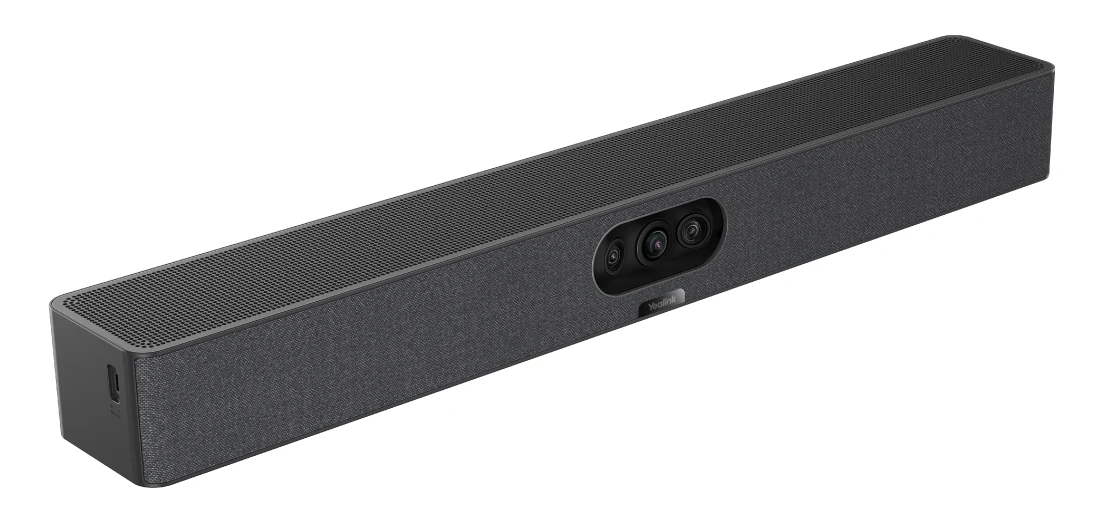
Wide framing helps show people seated close to the display, while the A50 provides more reach for larger tables. Room microphones and speakers give remote participants a shared audio feed.

Wireless sharing from the table

Staff can bring up a deck or creative review from a compatible laptop without reaching for a long HDMI lead.

More use from existing displays

Keeping compatible screens and mounts focused the upgrade on conferencing, room control and presentation. Harbour retained its dual-display setup.

Frequently asked questions

Which Yealink products were used?

Three MeetingBar A25 systems and two MeetingBar A50 systems, with a CTP25 touch console and WPP30 wireless presentation pod for each of the five rooms.

Can an existing meeting room display be reused?

Yes, where the display and mounting arrangement are suitable. Masters Voice retained Creative Activation’s existing displays, including the two screens in Harbour.

How quickly was the North Sydney installation delivered?

All hardware was ready five days after the emailed go-ahead. Onsite installation took place on 19 November, one week after that go-ahead and on the date TechFlow recorded formal acceptance. Final Teams Rooms setup depended on the client’s room licensing update.

What does IT need to prepare for a Teams Rooms upgrade?

Prepare a licensed Microsoft Teams Rooms resource account for each room and confirm network access and device sign-in requirements. Masters Voice can coordinate these dependencies with the client’s IT team before installation.

North Sydney meeting room AV

Upgrading one room or several?

Send Masters Voice your room photos, current displays, meeting platform and target installation date. We can scope the equipment, installation and IT requirements for each room.

Request a project consultation   1300 804 320

Planning a similar project?

Bring the next project to one accountable team.

Masters Voice Technology designs, installs and supports commercial AV, electrical and communications systems across Sydney and NSW.