01
Remote student participation
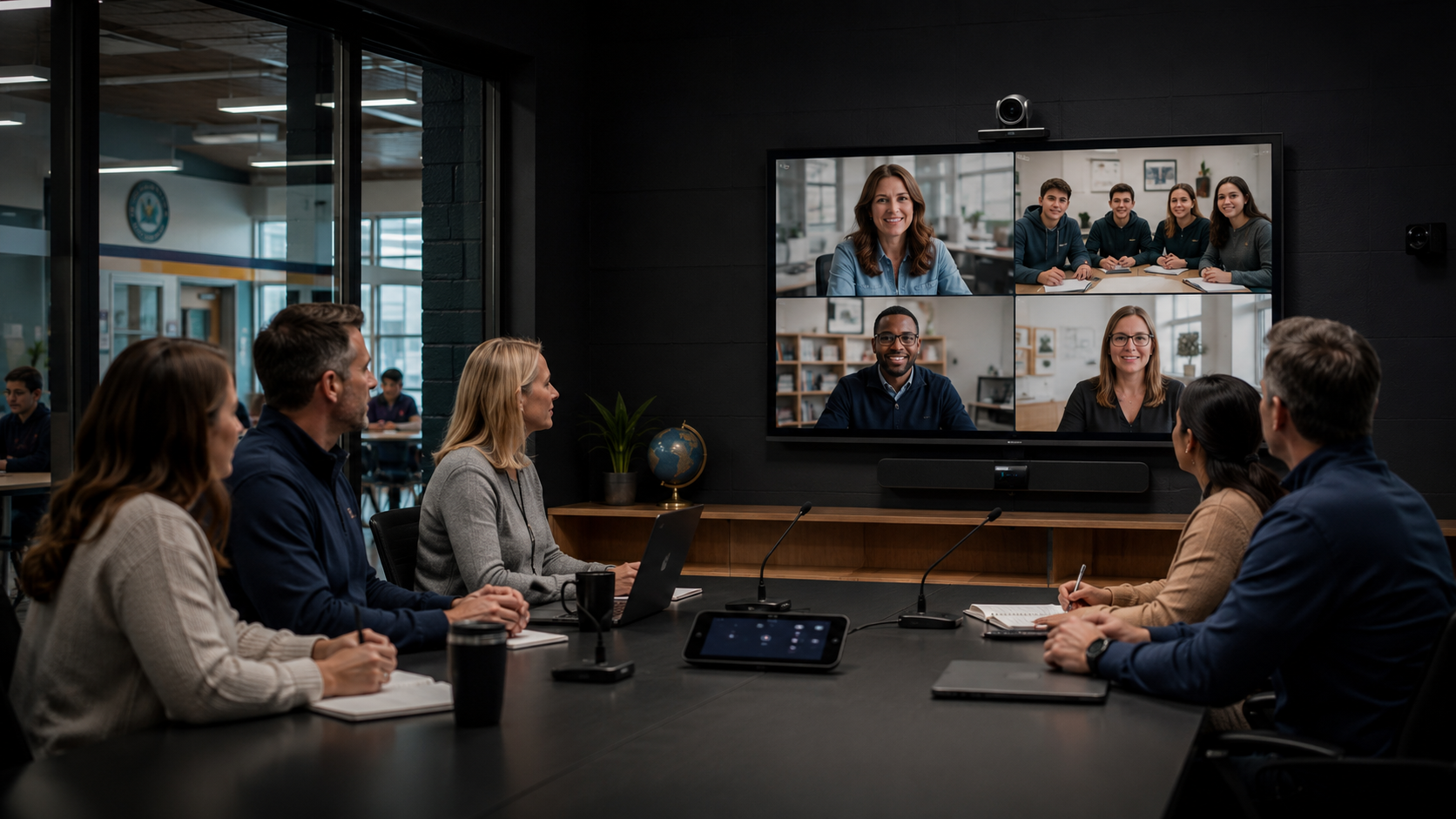
A student who cannot attend onsite can see the lesson, hear classroom discussion and communicate with the teacher and classmates.



Hybrid Learning AV for NSW Schools
Hybrid learning works when remote students can hear the lesson, understand the teacher, see the learning material and participate without adding an unmanageable technical burden to classroom staff.
More Than Learning from Home
Hybrid learning combines face-to-face teaching with remote or digitally connected participation. In practice, this can involve one student joining from home, a specialist teacher delivering lessons to several campuses or an entire class connecting with an external presenter.
It can also support distance education, staff professional development, parent meetings, virtual excursions, cross-campus collaboration and specialist learning programs.
The technology must therefore support more than a simple video call. It needs to capture the teacher, students and lesson content clearly while allowing remote participants to contribute naturally.
Masters Voice Technology designs education AV systems for NSW schools covering classrooms, hybrid learning rooms, school halls, staff training spaces and specialist education environments.
A student who cannot attend onsite can see the lesson, hear classroom discussion and communicate with the teacher and classmates.
Schools can connect students with specialist teachers, subject experts, allied-health professionals or presenters in another location.
Classes, staff and learning programs can be shared between campuses without requiring every participant to travel.
Museums, universities, cultural organisations and industry presenters can engage directly with students through live video.
Teachers and school leaders can use the same spaces for professional learning, planning meetings and cross-school collaboration.
Schools can include parents, carers, counsellors and external support professionals who are unable to attend onsite.
Make It Practical for Teachers
The best hybrid learning system is the one staff can start quickly and use consistently. A lesson should not depend on locating several remotes, changing television inputs or reconnecting cables left by the previous user.
Schools with several classrooms should establish repeatable room standards. The interface, connection points and basic operating process should remain familiar even when the room size or equipment level changes.
Standardisation also makes staff training, replacement equipment, documentation and ongoing support easier to manage.
Prove the teaching workflow
Use a teacher, an in-room colleague and a remote reviewer to test the room with representative lesson material. Begin with a staff-only rehearsal using the school’s approved platform and settings.
Record each result as passed, failed or not tested, with an owner for unresolved issues. Capture the teacher’s feedback on the number of steps and interruptions, alongside the remote reviewer’s observations. Retest the affected workflow after a change.
Agree any recording, captioning and participant-access settings through the school’s existing approval process before a live lesson. The pilot checks usability; it does not replace those approvals.
Use the HyFlex classroom AV solution page to discuss the room scope and the AV maintenance checklist to plan ongoing checks after handover.
Technology That Supports Teaching
The right system combines clear classroom audio, useful camera views, readable content, simple teacher controls, reliable networking and a support model that keeps the room available for teaching.
Masters Voice Technology designs, installs and supports classroom AV, interactive displays, hybrid learning rooms, school hall systems, video conferencing and whole-campus communication systems across Sydney and regional New South Wales.
Our team can assess an existing classroom, identify technology that can be retained and develop a practical scope covering AV, electrical, communications cabling, commissioning, staff training and ongoing support.